




M12 Doorbell Wireless Doorbell Camera
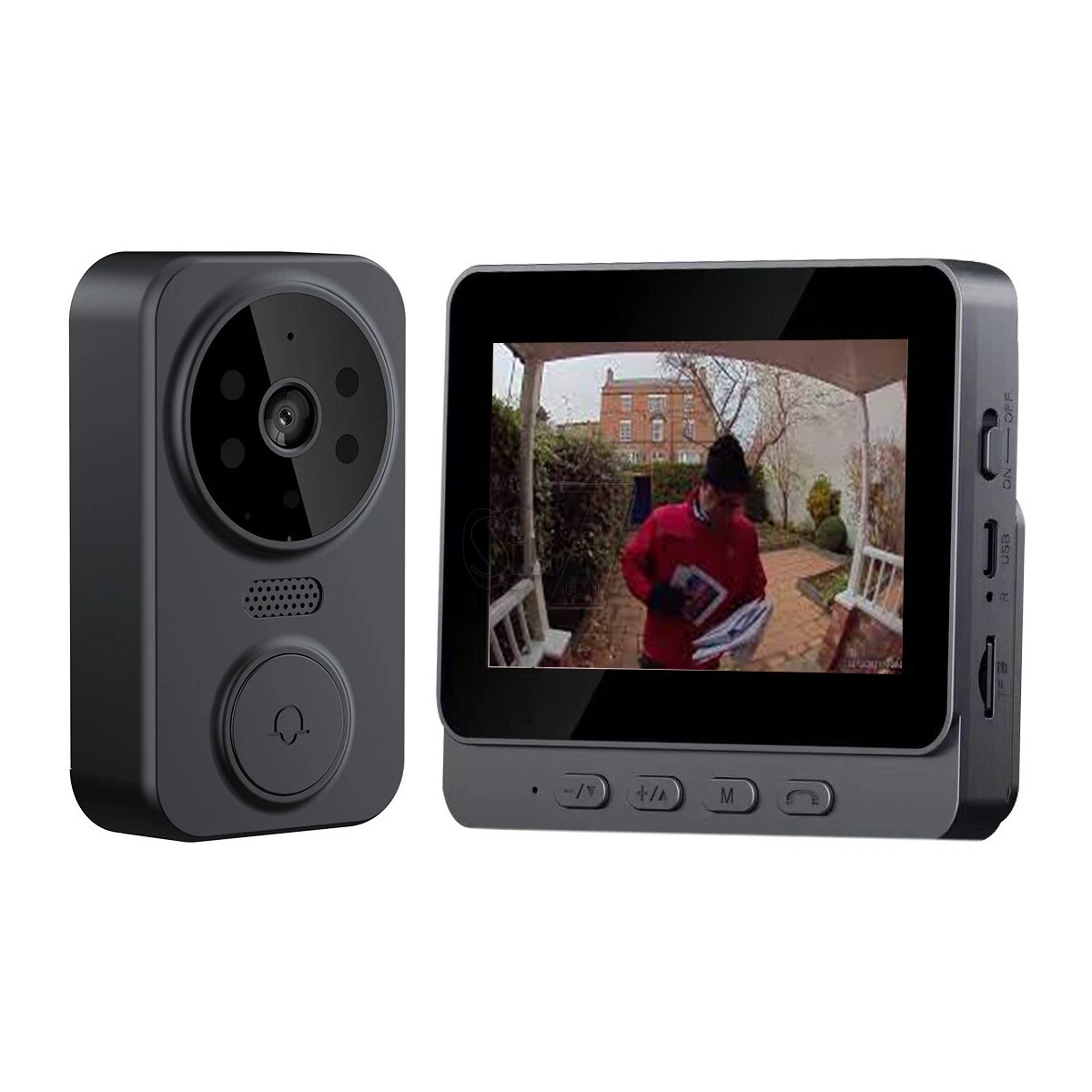
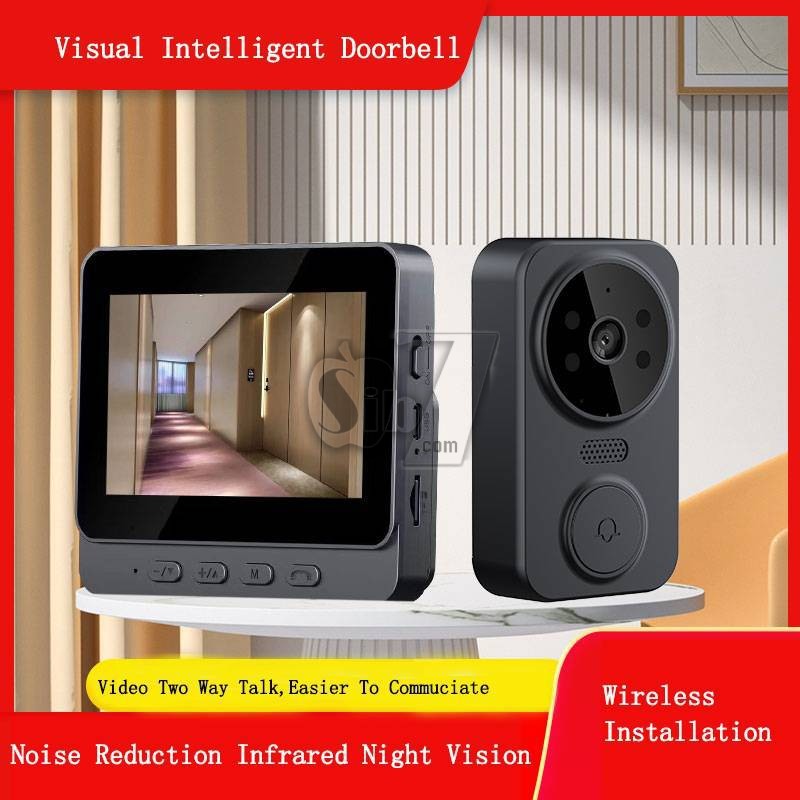
4.3-inch IPS screen and 2.4-inch wireless visual intercom doorbell
Video Doorbell Video Intercom Wireless Door Bell 1080P IR Night Vision Eye Peephole Camera 2.4G 4.3inch IPS Screen for Villa Home Office Apartment
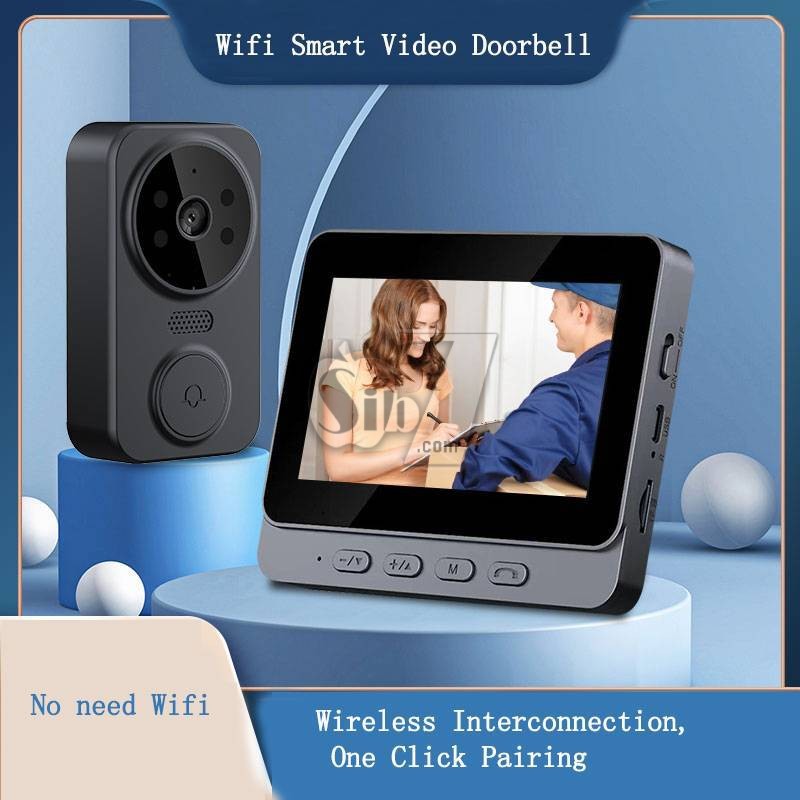
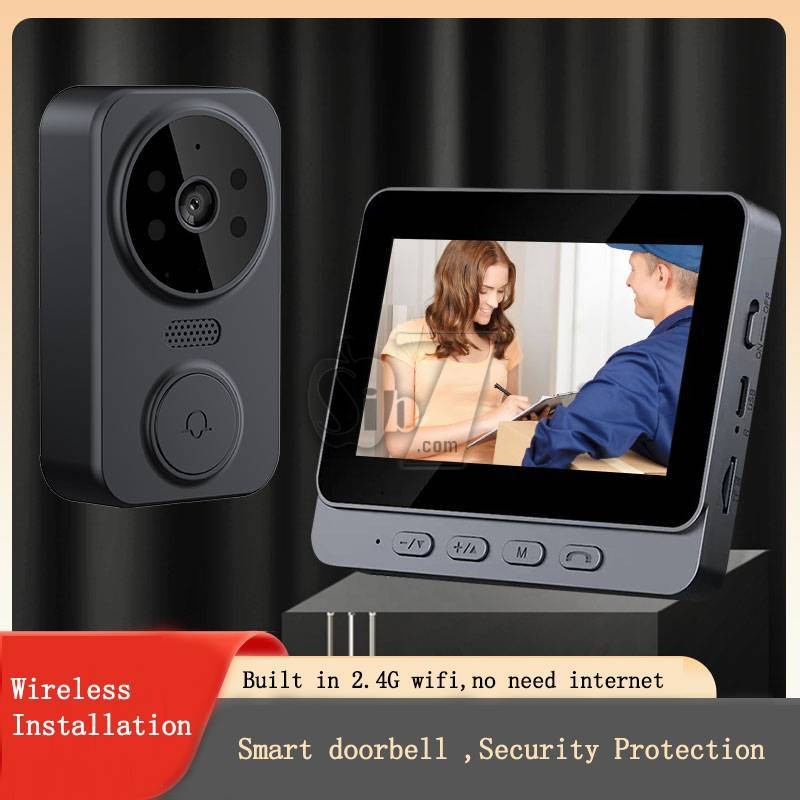
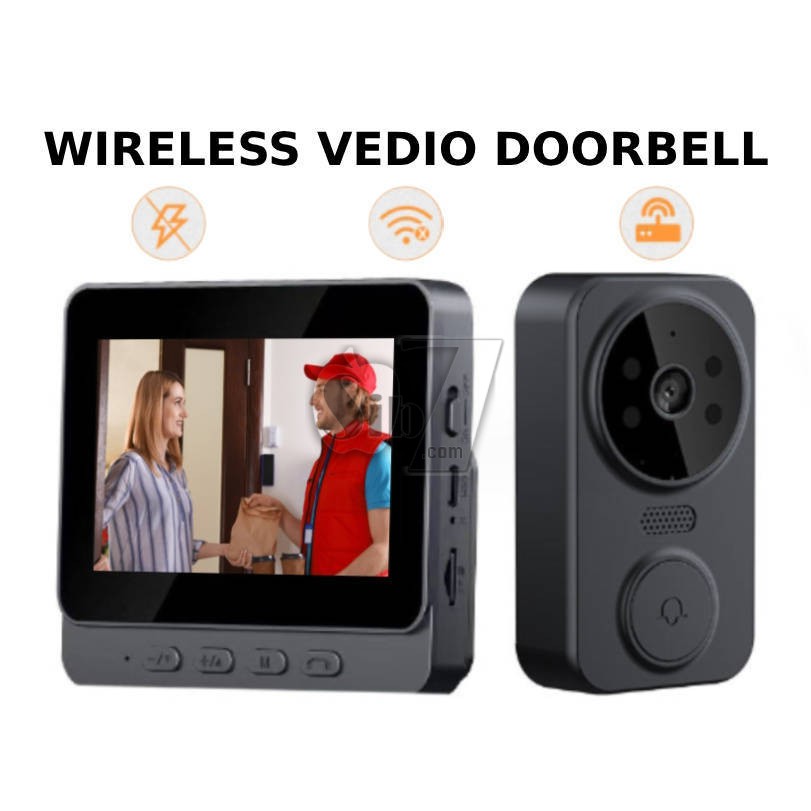
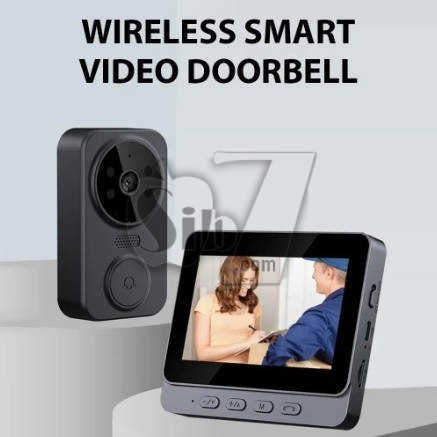
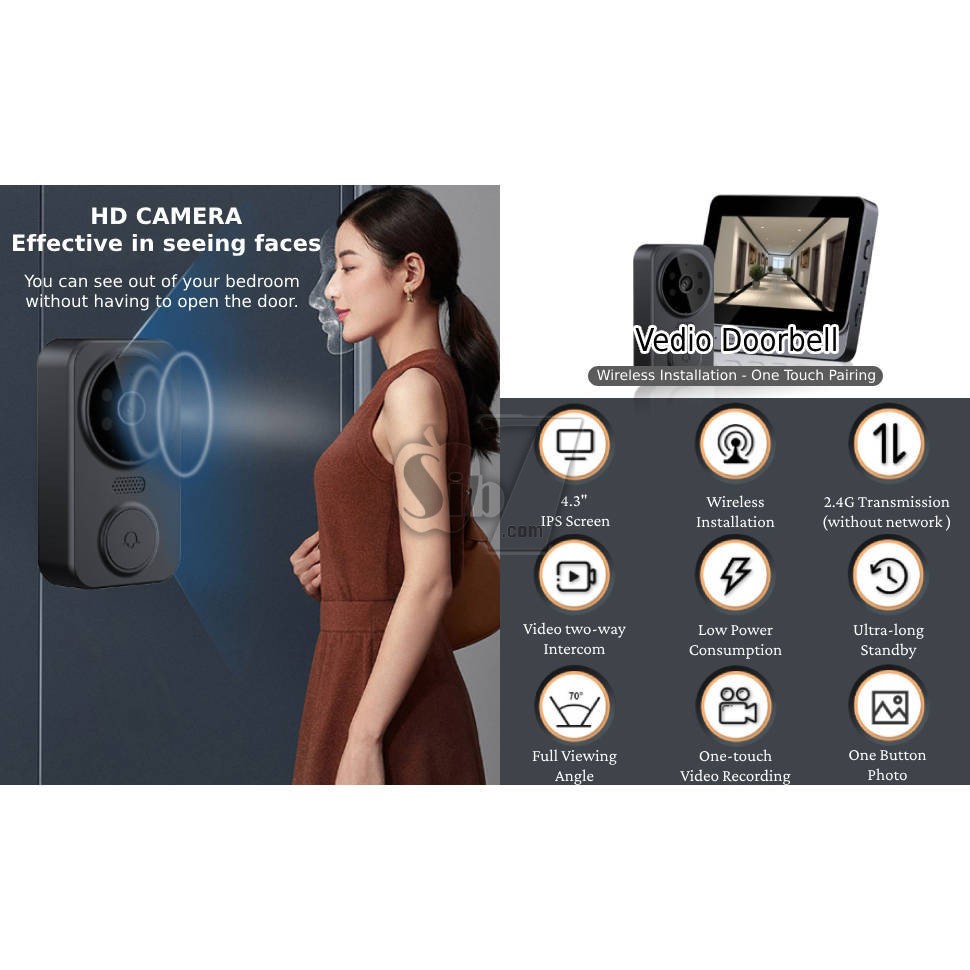
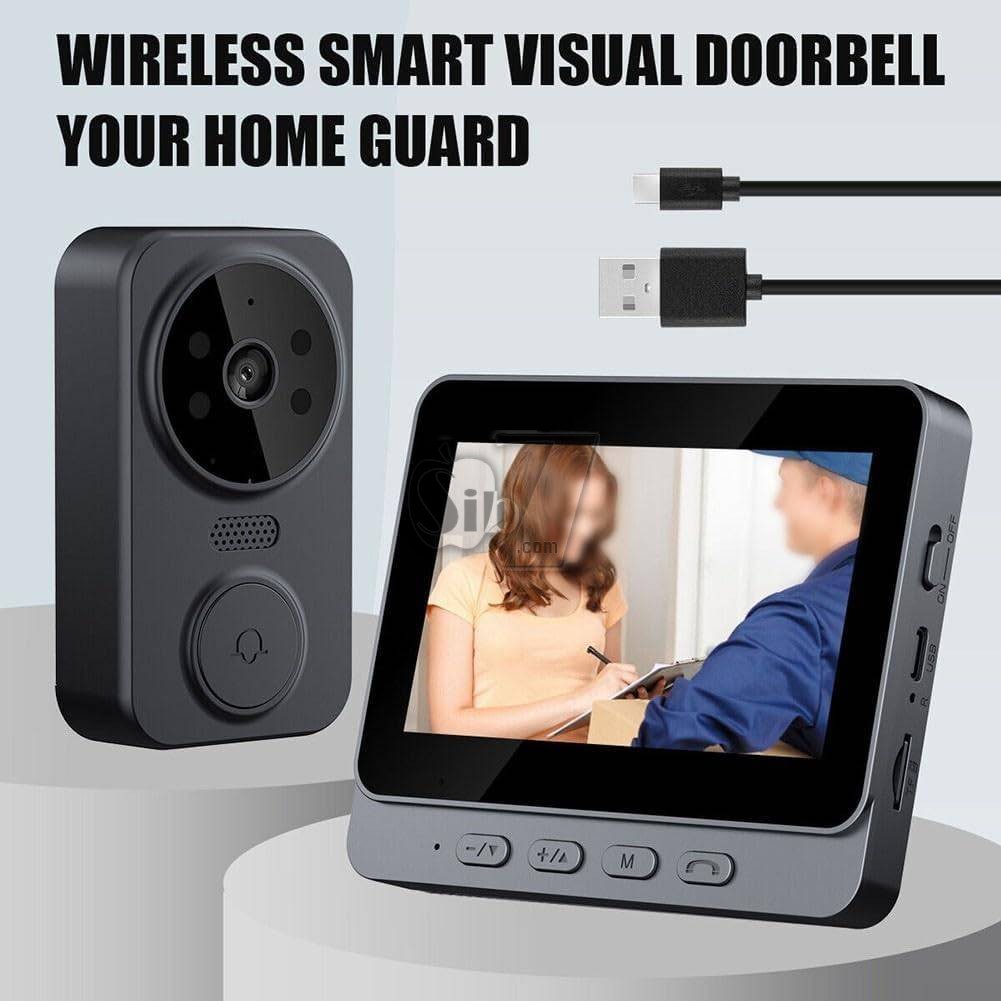
The M12 Video Doorbell is a wireless 2.4G video intercom system designed to enhance home security.
It features a 4.3-inch IPS display for clear real-time viewing, infrared night vision, and automatic video recording or capture upon doorbell press.
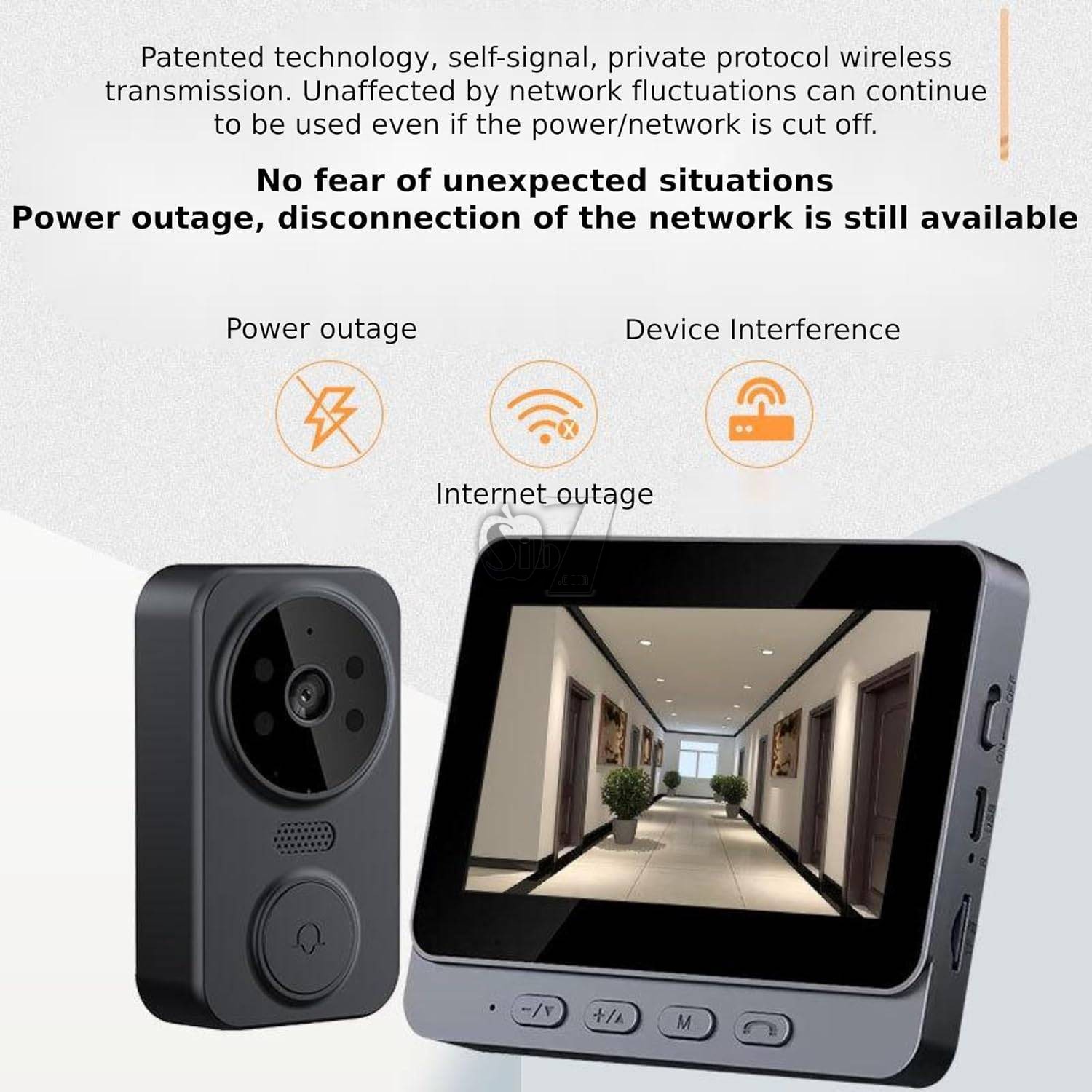
Its wireless design ensures easy installation and a secure private protocol for communication
Feature:
Enhanced Security: With our WiFi-free visual doorbell, you can rest assured that your information is secure.
By eliminating the need for WiFi connectivity, this doorbell offers enhanced privacy, protecting you from potential hacking or unauthorized access to your network.
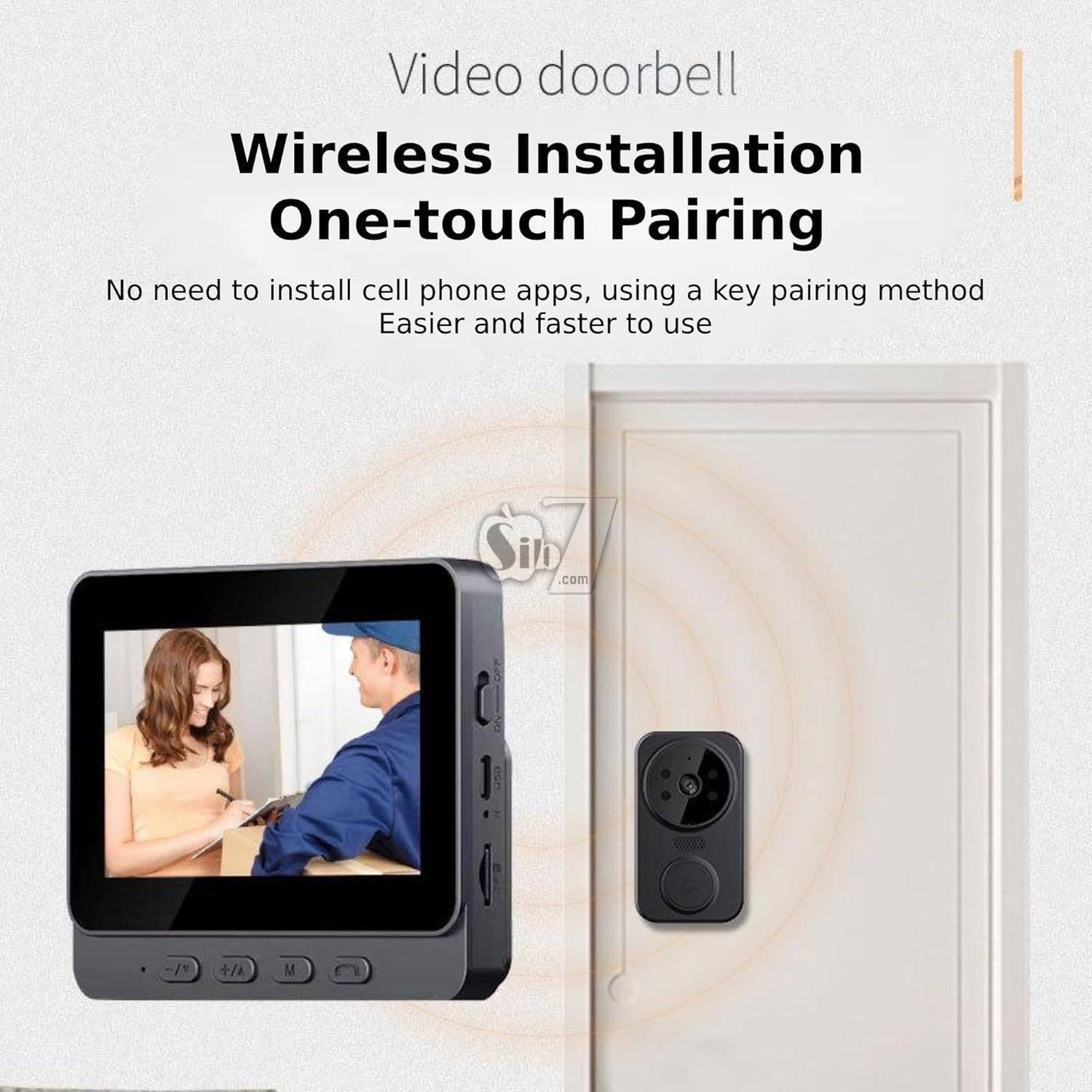
Hassle-Free Wireless Installation: Say goodbye to complicated installation processes. Our video doorbell features wireless installation that is quick and easy. With just one click, you can pair the doorbell with the indoor unit, saving you time and effort during setup.
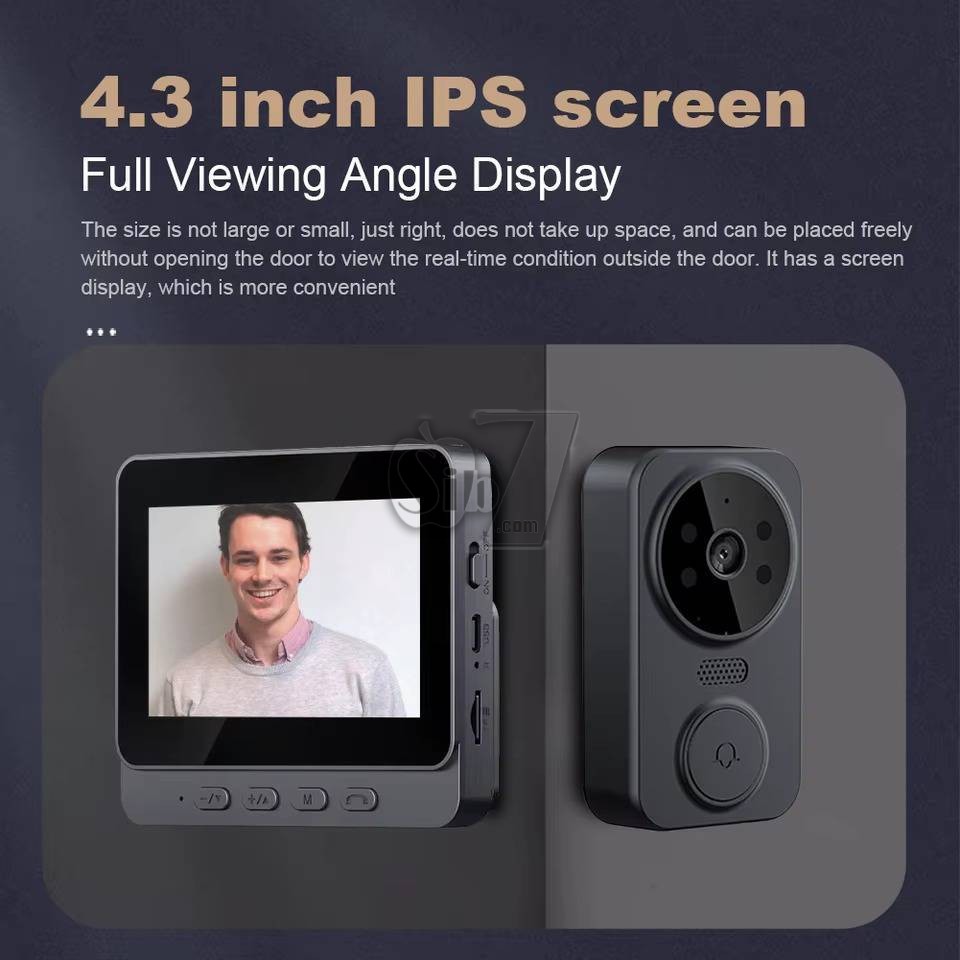
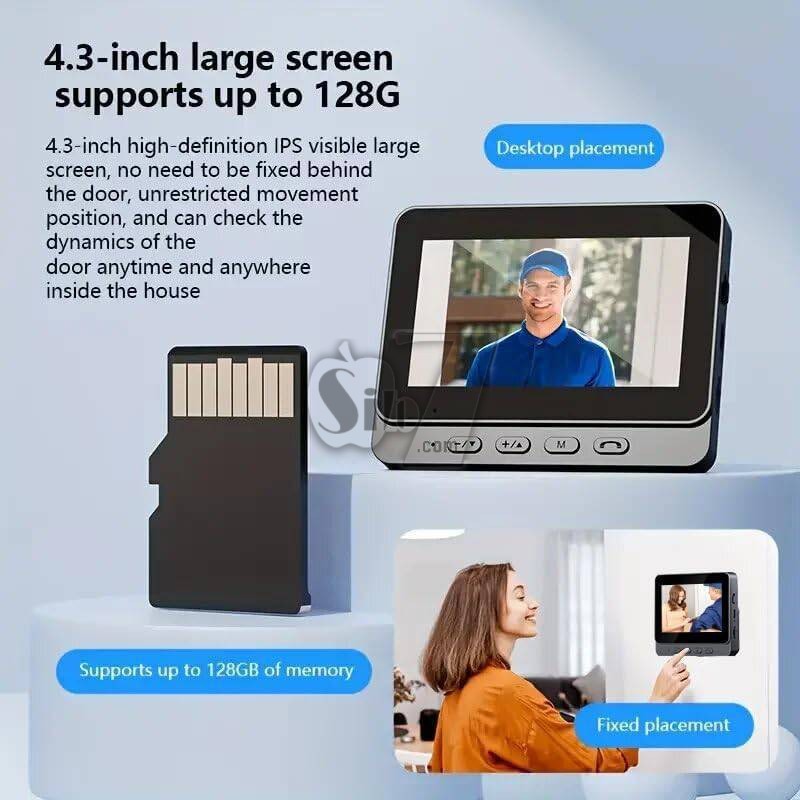
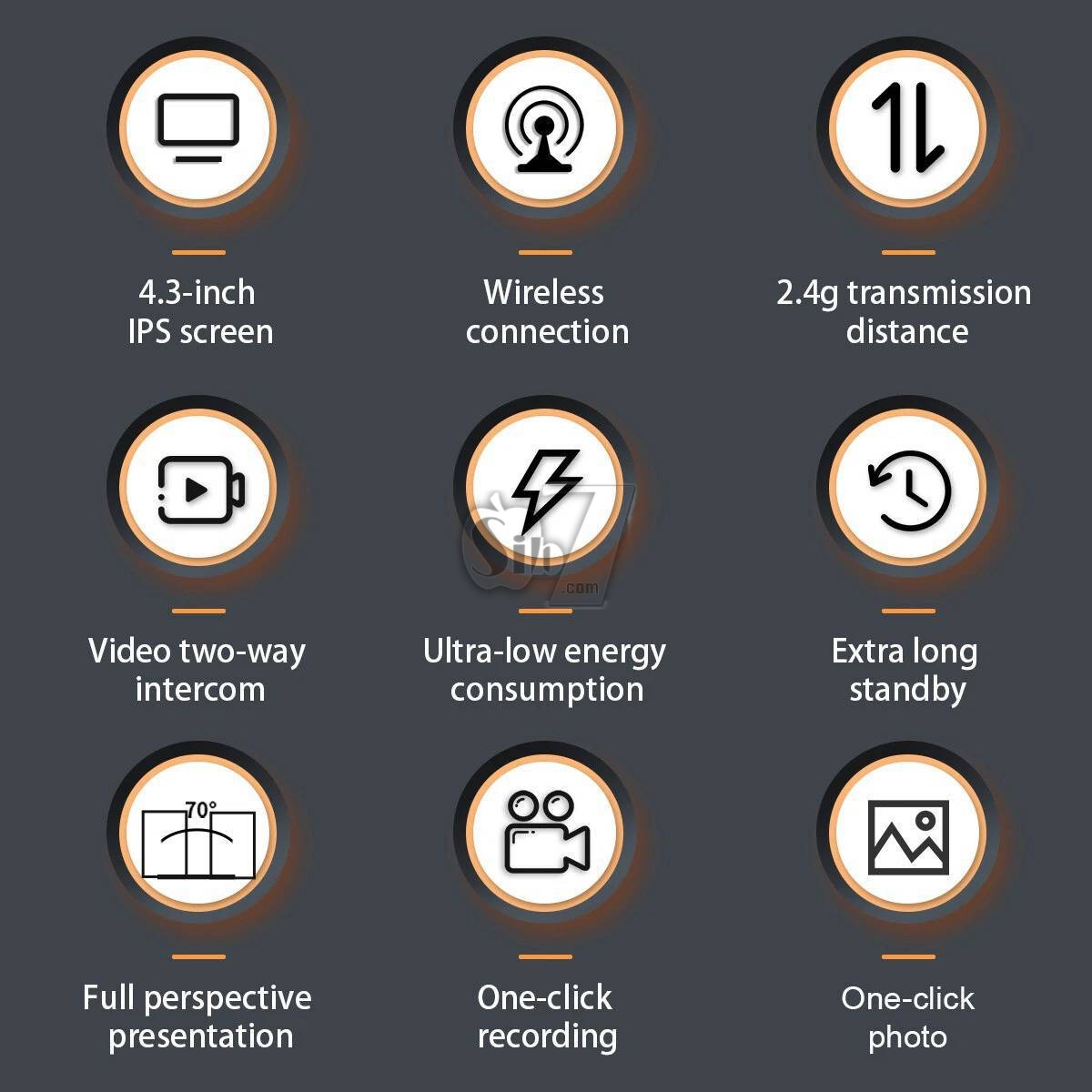
4.3-inch IPS Display: Enjoy a vivid and detailed view of your doorstep with the 4.3-inch IPS display.
This high-quality screen provides a full viewing angle, ensuring that you can see every detail clearly, even from the sides.
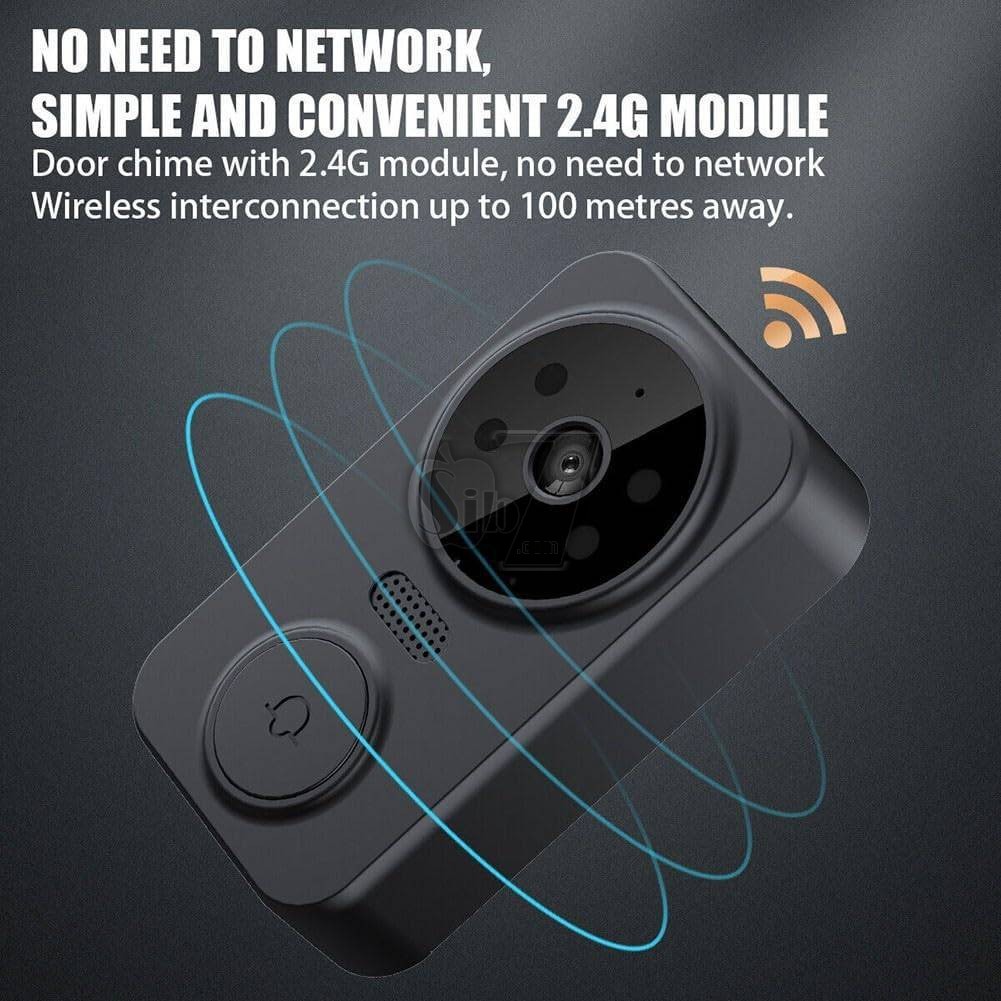
Powerful 2.4GHz Private Protocol: Our wireless door bell utilizes a robust 2.4GHz private protocol, offering an extended transmission range. This ensures that you receive a strong and stable signal, allowing you to monitor your front door from a greater distance without worrying about signal loss.
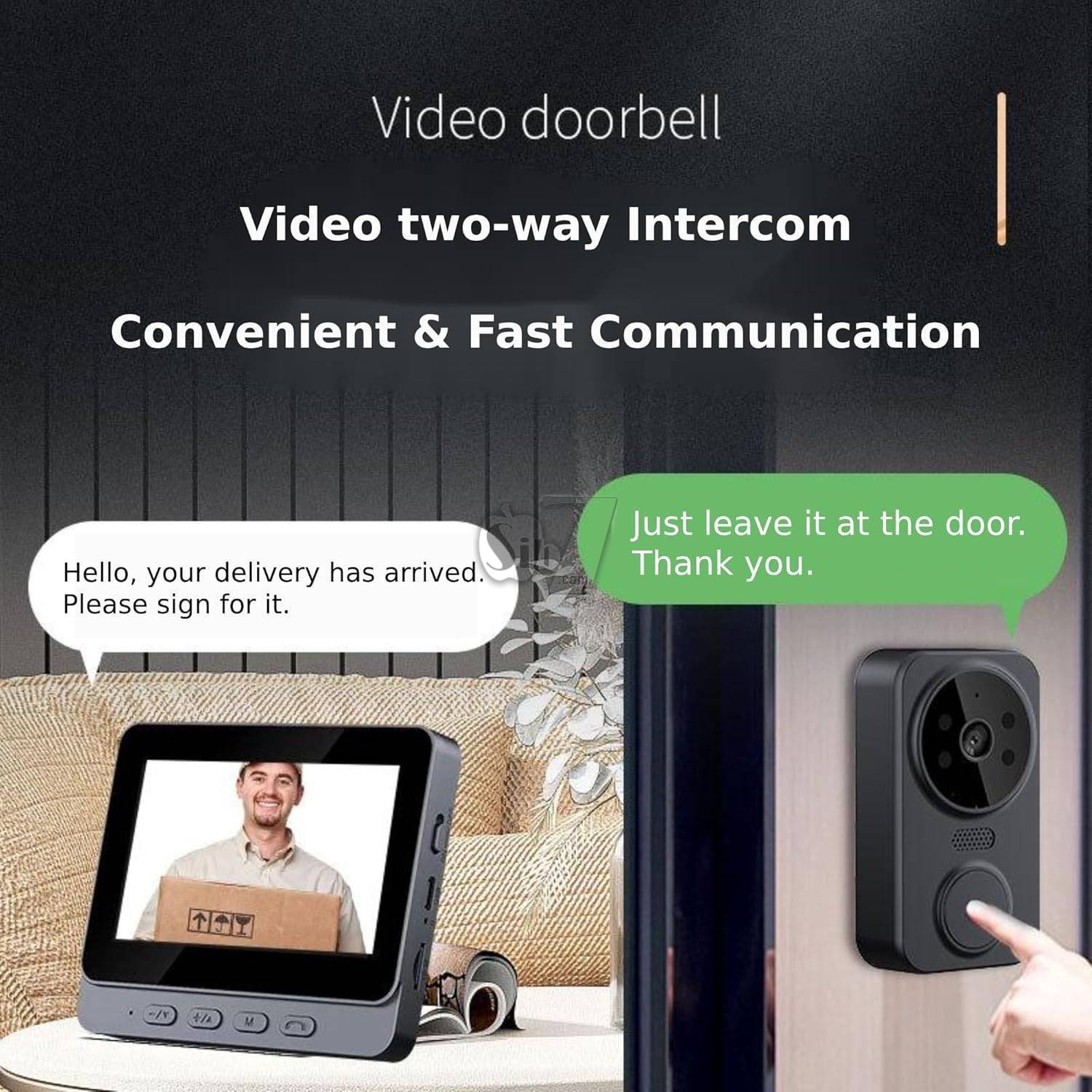
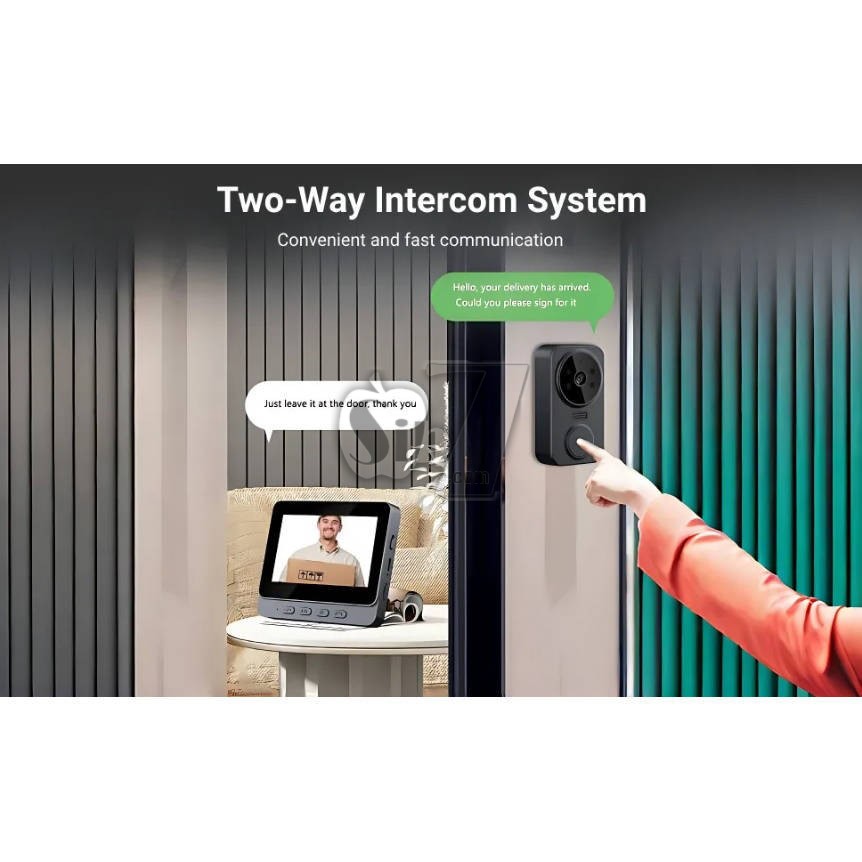
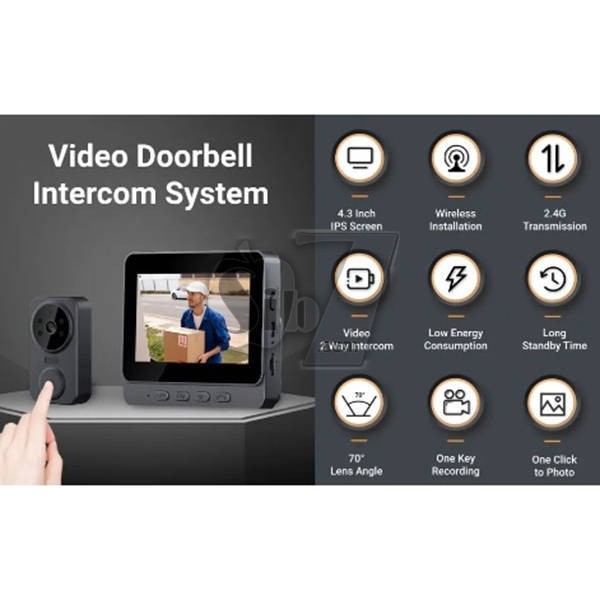
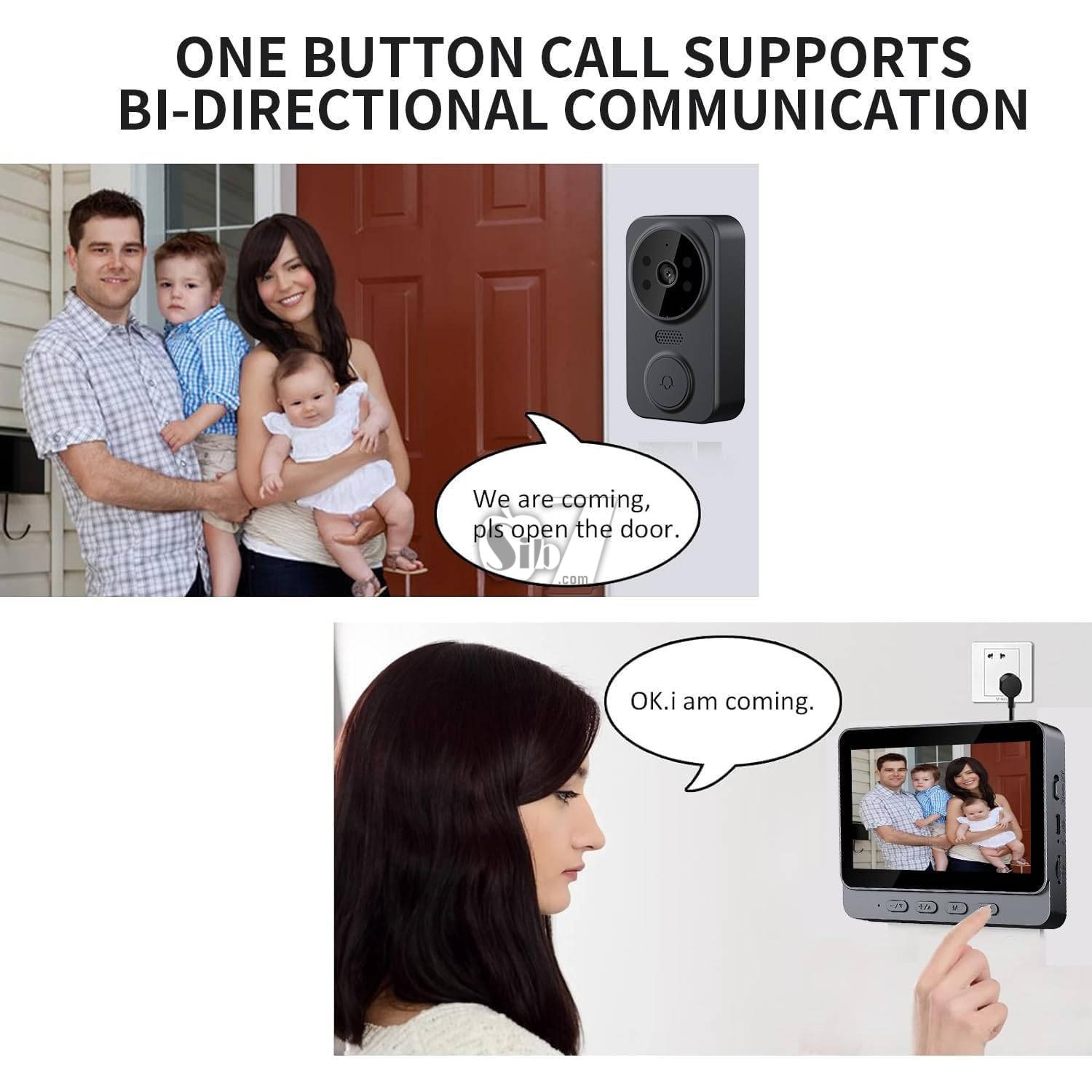
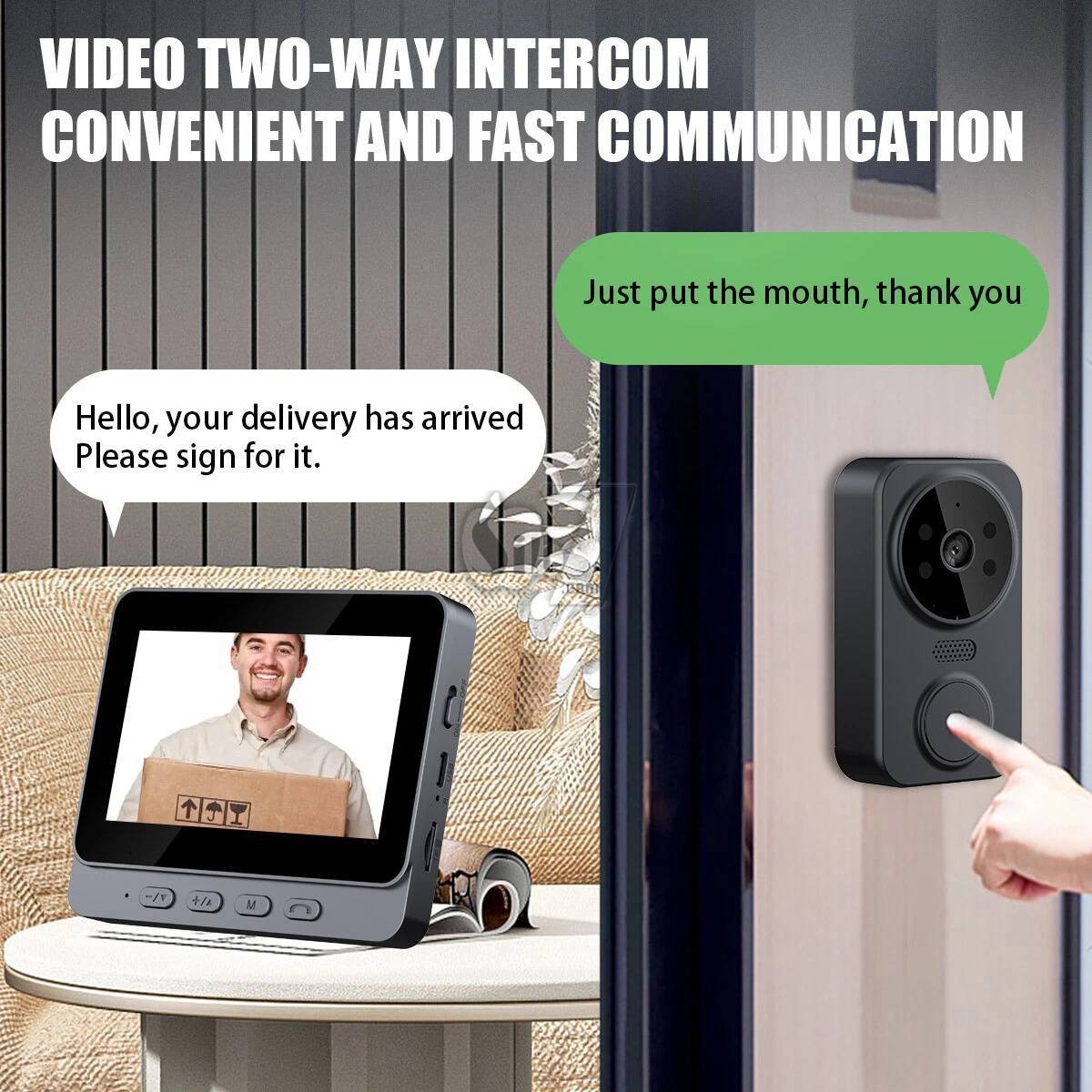
Advanced Features: Our doorbell camera can engage in seamless two-way video intercom, take advantage of low power consumption for extended standby, and experience quick response times with the plug-in indoor unit.
The system automatically stores photos, supports automatic recording on an inserted card, features infrared night vision, and offers a selection of six delightful melodies to choose from.
1) Wireless Battery Powered Smart Doorbell Camera
2) Low power consumption, IR 5M
3)Wake-up method: Push doorbell button to wake up
4)support Micro SD card recording,2-way audio communication
5)Power: built in battery
Remote Video Call: Stay connected to your doorstep with the convenience of remotely viewing live outdoor camera footage directly from your indoor monitor.
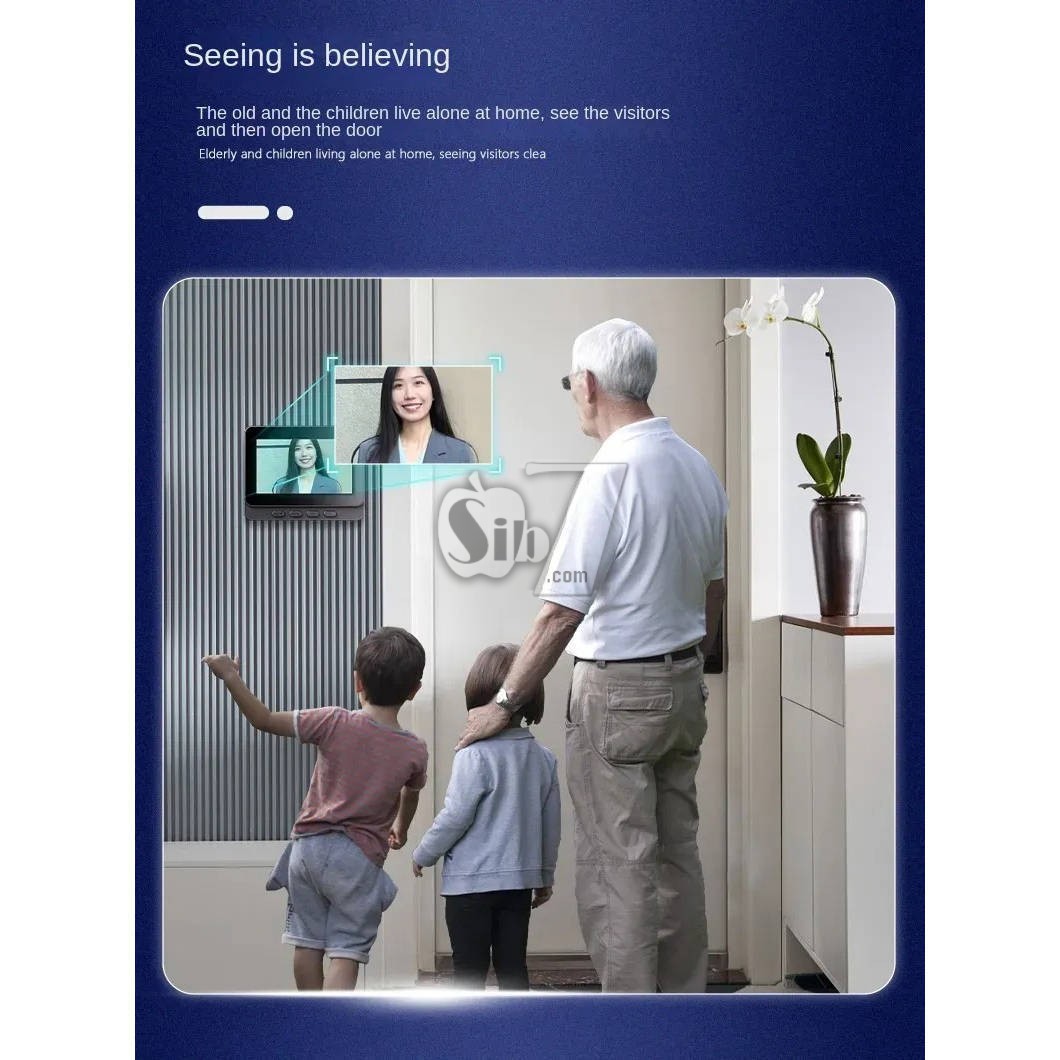
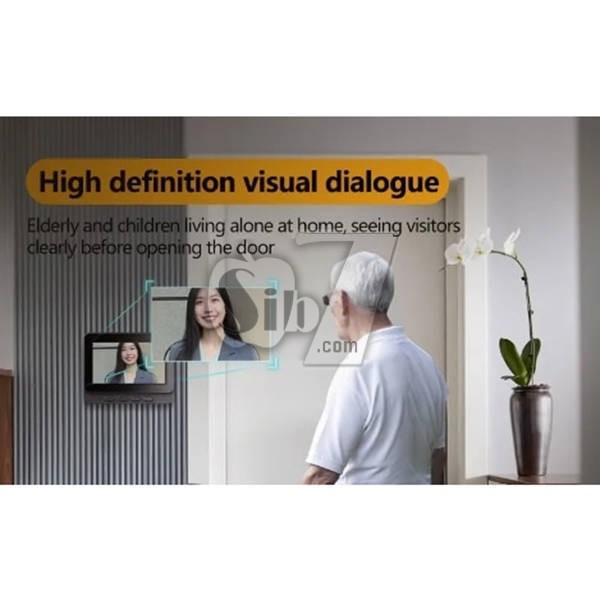
This feature proves especially useful for older adults or children who may not have smartphones, as they can effortlessly check the monitor to identify visitors at the door and maintain a secure environment.
High Fidelity Microphone: Immerse yourself in crystal-clear, two-way audio conversations with the visual intercom's superior high-fidelity microphone. With a powerful speaker and highly sensitive microphone, you can communicate effortlessly with visitors at the door, adjusting the volume as needed to avoid disturbing other family members.
Wide Angle Lens: Adjustable 70° lens angle, Enjoy a panoramic view of your surroundings thanks to the wide-angle lens, which ensures no blind spots or compromised security. Even amidst a crowd of visitors, you can clearly distinguish and monitor each individual, ensuring enhanced security and peace of mind.
HD Camera: Capture every detail with stunning clarity, thanks to the high-definition camera that records footage in crisp 1080p resolution.
With the ability to accurately observe and inspect visitors' features, you can easily identify and interact with them, providing an additional layer of security.
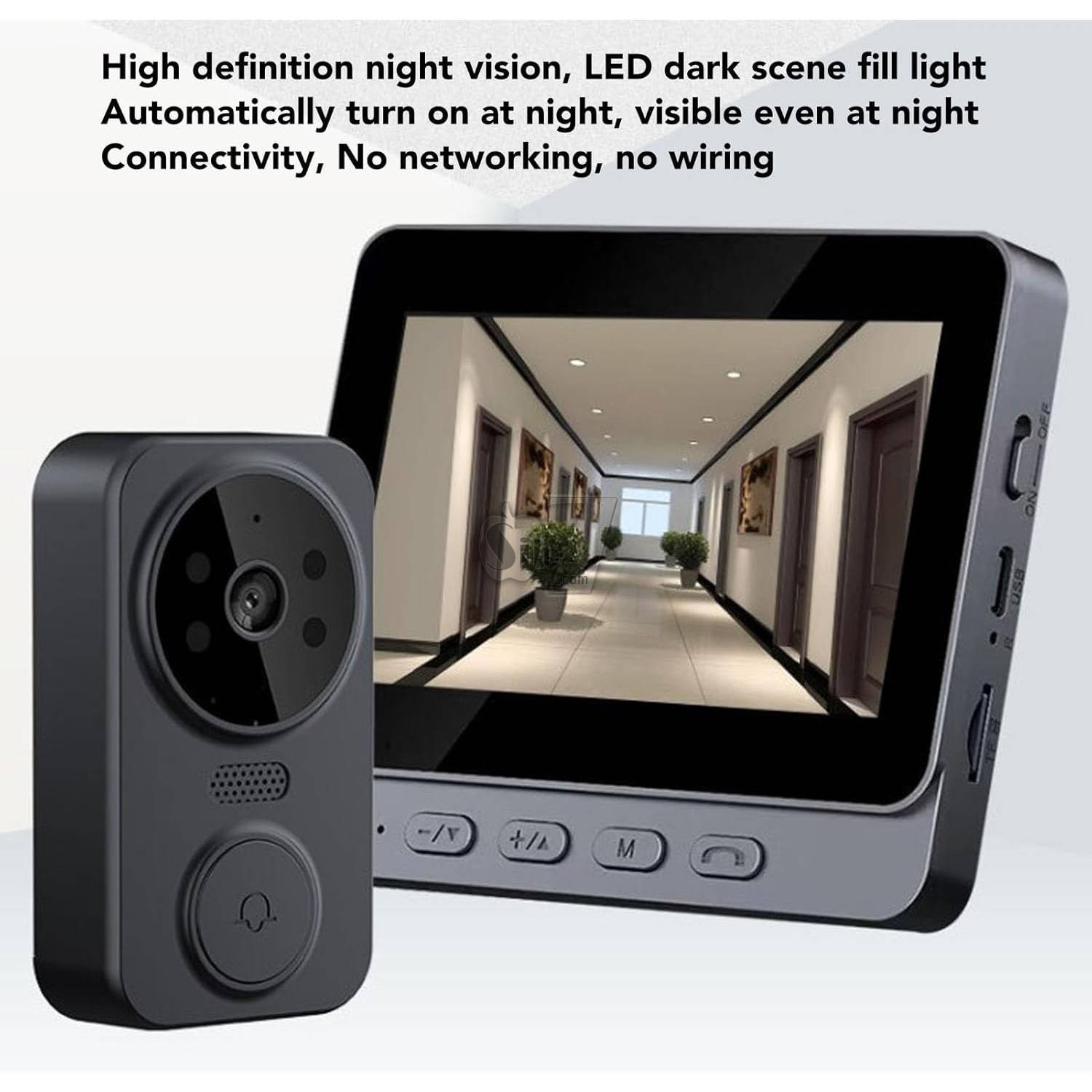
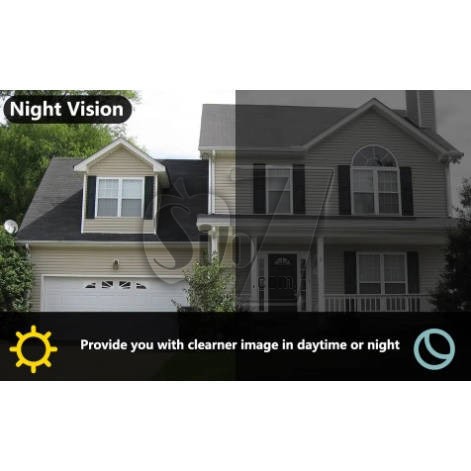
Day and Night Camera: Experience continuous surveillance, day or night, with the day/night camera functionality. Equipped with high-power infrared night vision lights and ICR infrared filters, the camera seamlessly switches between day and night modes, providing clear visuals even in the darkest of environments. Rest easy knowing that your security .
How to Use
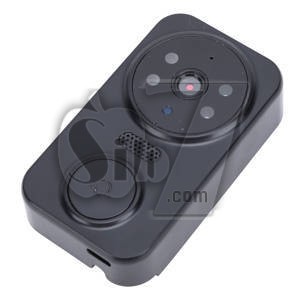
1. Press and hold for Ding Dong button on the doorbell. Wait for the indicator light to flash.
2. Turn on the display and wait for a while. The doorbell and the display will automatically connect.
3. Once the connection is complete, the screen will display the live video feed.
4. Insert a storage card to save the recorded videos for future playback.
Maintenance:
Cleaning
Wipe the doorbell and display units with a soft, dry cloth. Avoid using abrasive cleaners or solvents that could damage the surfaces.
Battery Replacement
Replace the dry batteries in the doorbell unit when the low battery indicator appears on the display unit or when performance degrades. Ensure correct polarity when inserting new batteries.
Micro SD Card Management
Periodically review and back up important recordings from the SD card. Format the SD card regularly to maintain optimal recording performance. The system supports up to 128GB cards.
Troubleshooting
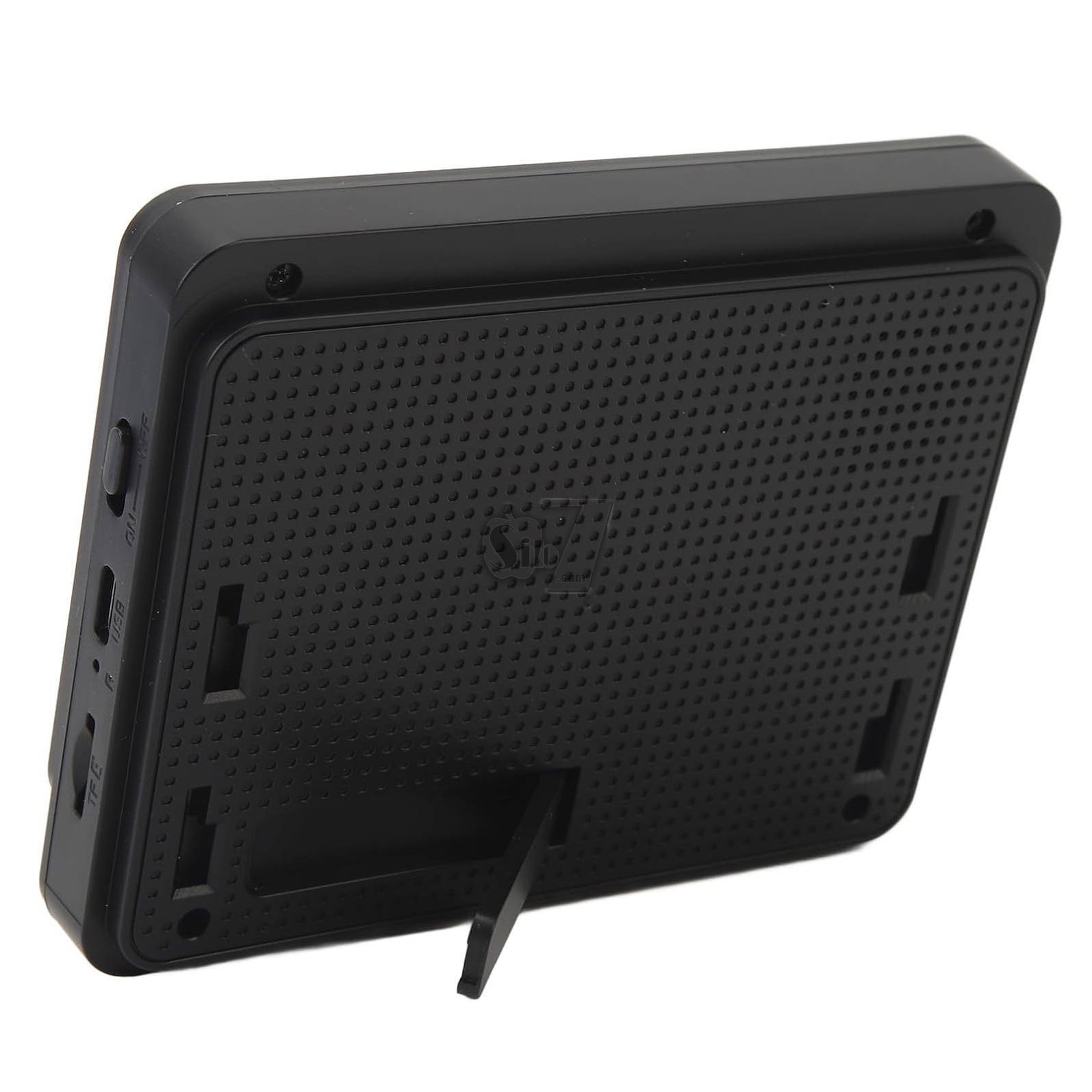
No Display/Power: Ensure the indoor display unit is properly connected to a DC5V/2A power source. Check the batteries in the doorbell unit and replace if necessary. Verify the ON/OFF switch on the indoor unit is in the 'ON' position.
No Video Feed/Poor Signal: Ensure the doorbell unit is within the 1-150 meter transmission range of the indoor display unit. Obstructions like thick walls can reduce signal strength. Try repositioning the units.
No Sound/Intercom Issues: Check the volume settings on the indoor display unit. Ensure the microphone and speakers are not obstructed.
Recording Not Working: Verify that an SD card is properly inserted and has sufficient free space.
Ensure the SD card is formatted to MJEPG format.
Doorbell Not Ringing: Check if the doorbell unit's batteries are charged. Re-pair the doorbell unit with the indoor display unit if necessary.
Setup Guide
Unboxing and Initial Inspection
Carefully remove all components from the packaging. Inspect for any signs of damage. Ensure all listed package contents are present.
Powering the Units
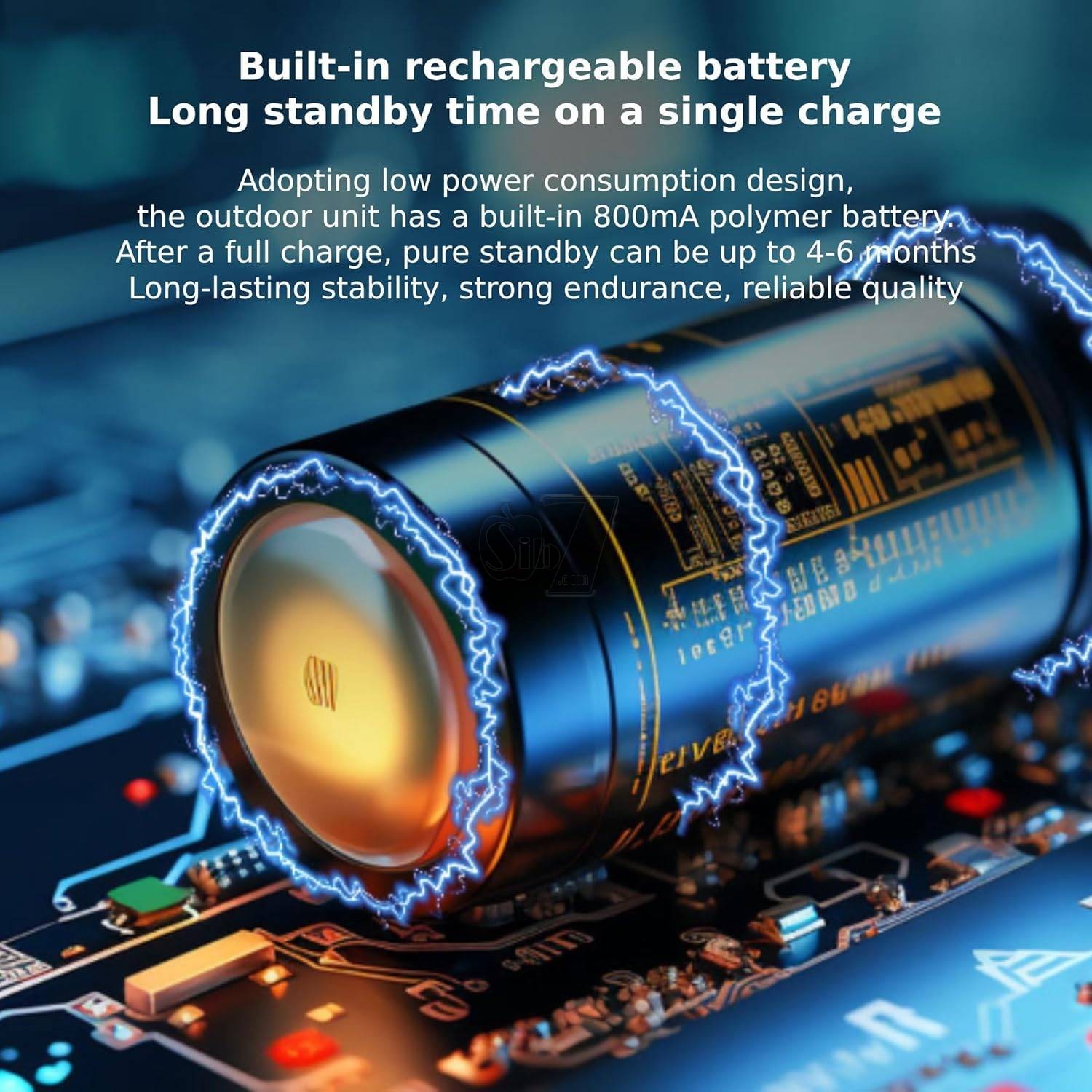
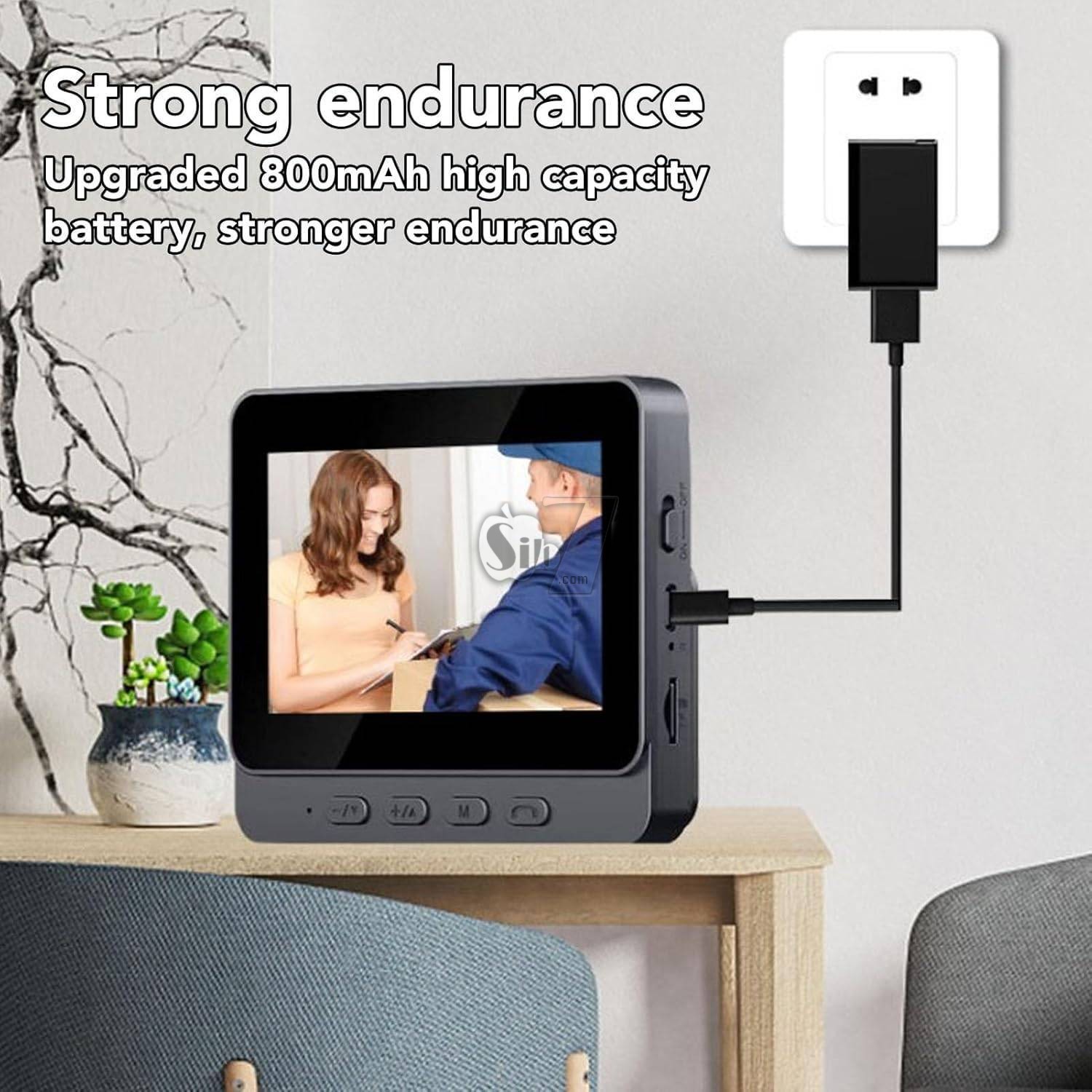
The doorbell unit operates on dry batteries (800mA, providing 1-3 months of standby performance). Insert the batteries into the designated compartment.
The indoor display unit is powered via DC5V/2A.
Connect it to a power source using the provided cable.
Micro SD Card Installation (Optional)
For automatic video recording, insert a compatible SD card (up to 128GB, MJEPG format) into the slot on the indoor display unit.
This allows the system to store photos and recordings.
Wireless Pairing
The M12 Video Doorbell features hassle-free wireless installation.
With just one click, you can pair the doorbell unit with the indoor display unit.
Refer to the quick start guide included in the package for specific pairing instructions if automatic pairing does not occur.
Mounting the Doorbell Unit
Choose a suitable location near your door, ensuring a clear view of the entrance.
Mount the doorbell unit securely using the provided hardware.
Ensure it is within the effective transmission range of the indoor display unit (1-150 meters).
Operating Instructions:
Real-time Monitoring
When someone presses the doorbell, the indoor display unit will ring and automatically show a real-time video feed of the visitor. The 4.3-inch IPS screen provides a clear, wide-angle view.
Two-Way Intercom
Engage in seamless two-way video intercom with visitors directly from the indoor display unit. This allows for clear communication without needing to open the door.
Automatic Recording and Photo Capture
The system automatically stores photos and supports automatic video recording on an inserted SD card when the doorbell is pressed. This ensures you have a record of visitors.
Infrared Night Vision
The doorbell unit is equipped with infrared night vision, providing clear visibility of your doorstep even in low-light conditions or complete darkness.
Melody Selection
Choose from a selection of six delightful melodies for your doorbell chime.
User Tips
Optimal Placement: For the best viewing angle and signal strength, ensure the doorbell unit is mounted at an appropriate height and free from major obstructions.
Battery Monitoring: Keep an eye on the battery indicator on the indoor display unit to ensure continuous operation of the doorbell.
SD Card Maintenance: Regularly check the SD card for storage capacity and format it periodically to prevent recording issues.
Privacy: The WiFi-free design enhances privacy by preventing unauthorized network access.
Notes:
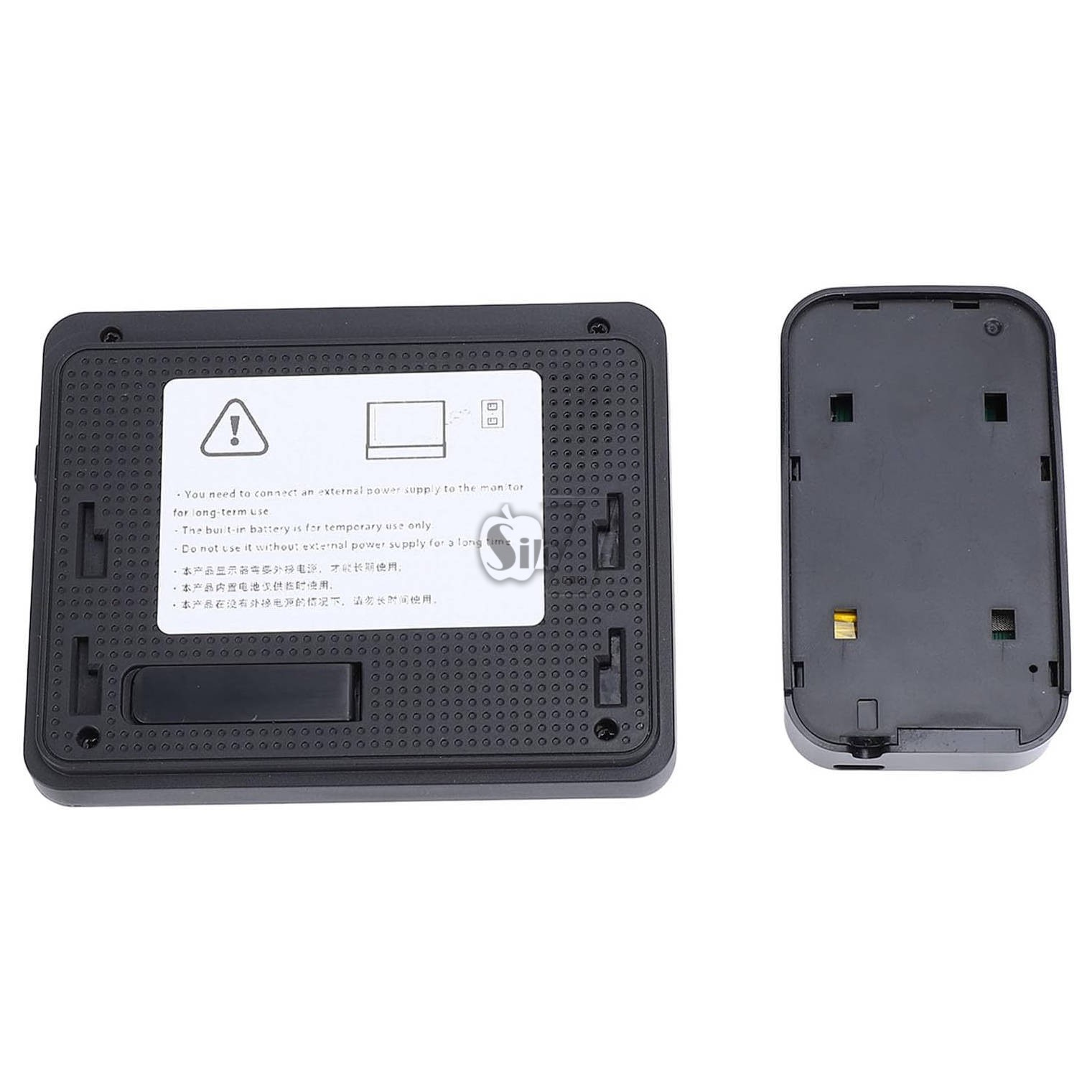
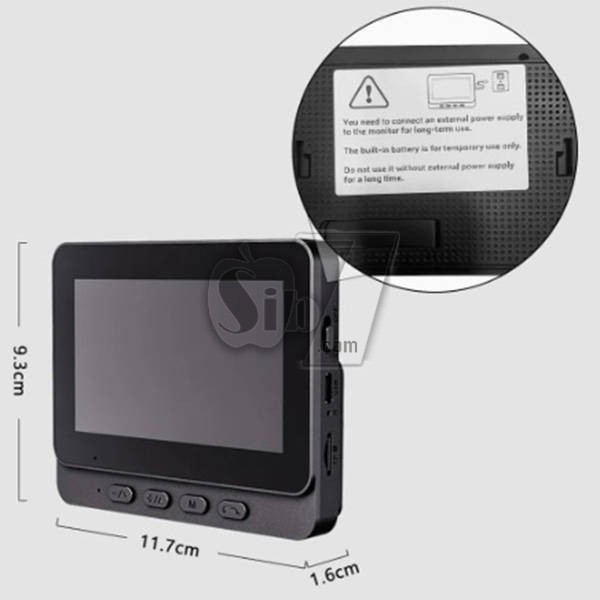
1. The monitor needs to be connected to an external power source for long-term use.
2. The built-in battery is only for temporary use.
3. Do not use without an external power source for a long time.
Specifications:
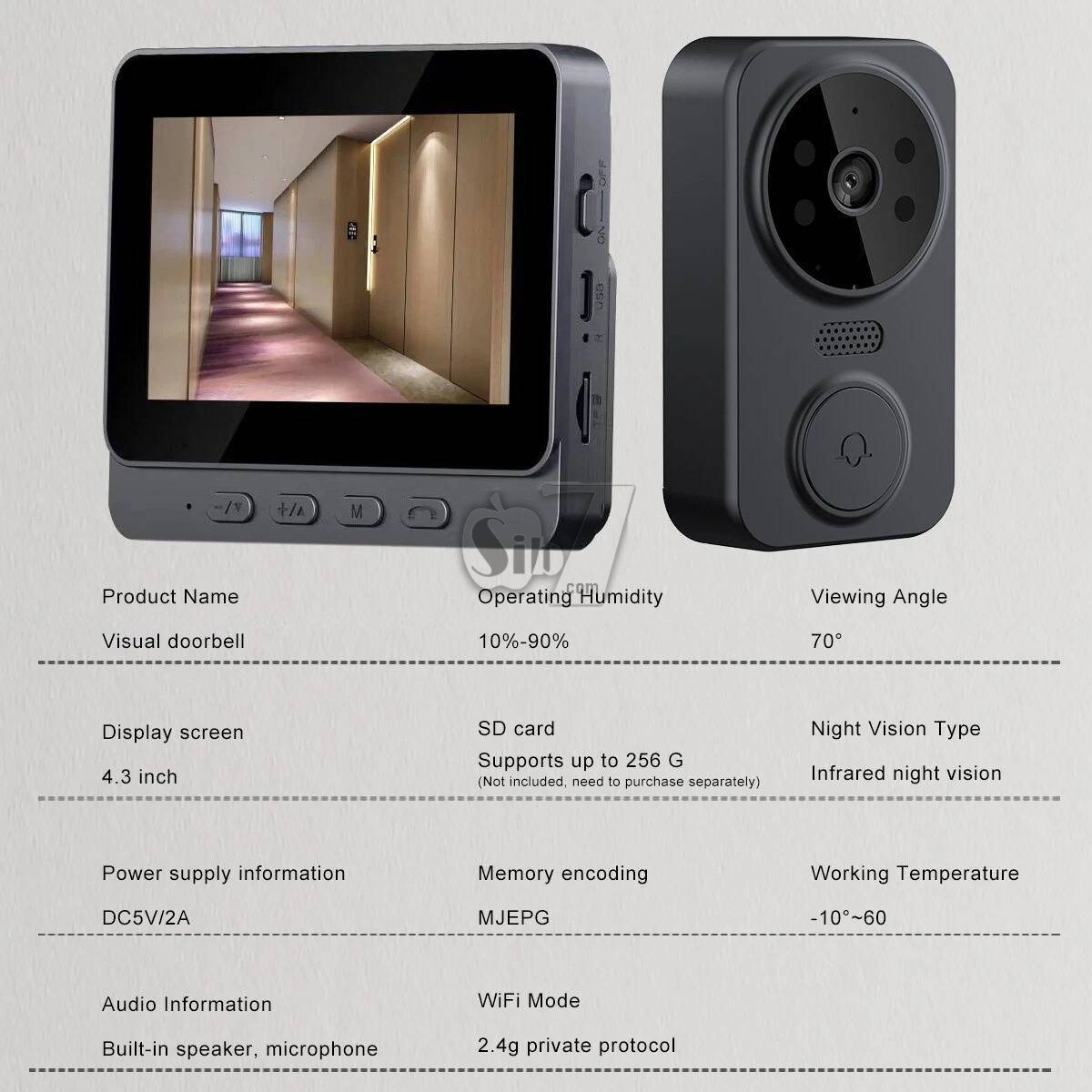
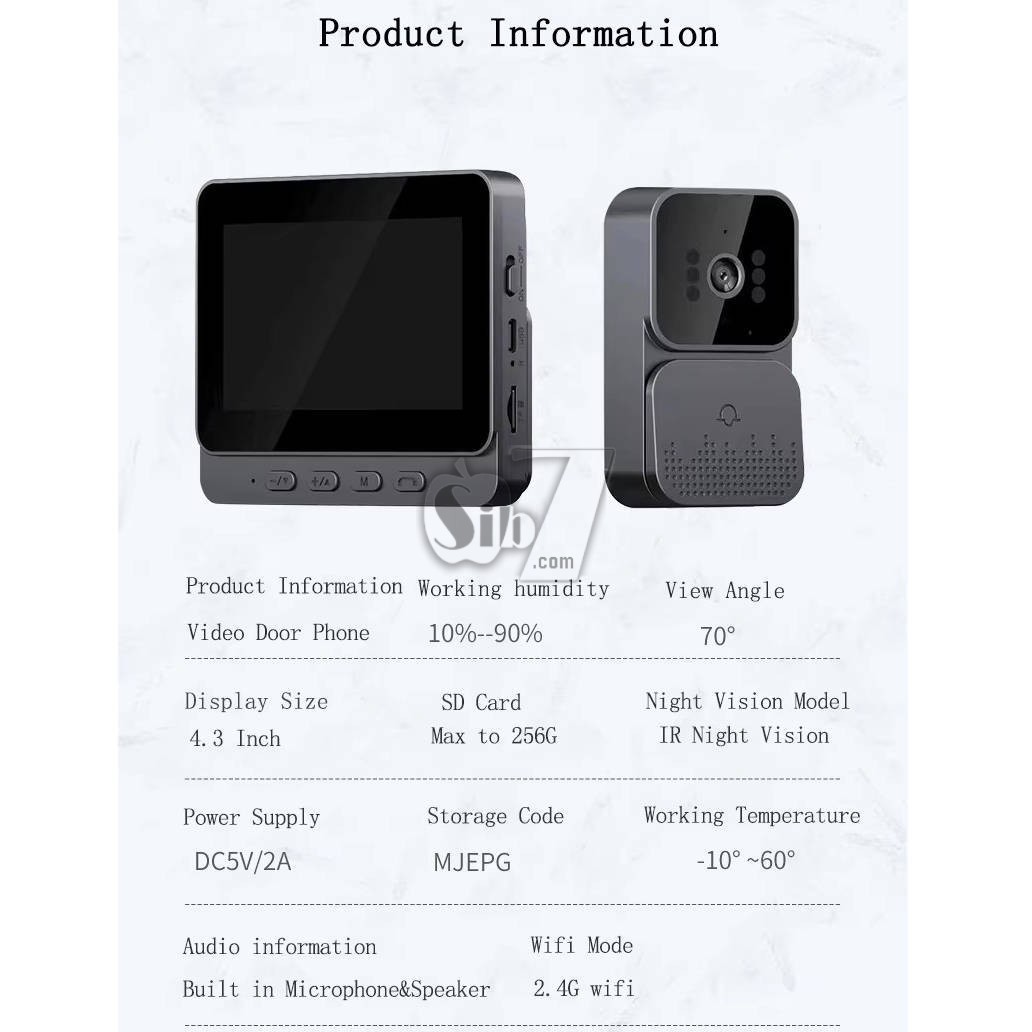
Product Name:4.3" Screen Wireless Video Doorbell Phone Security Camera Door Bell Intercom
Display: 4.3-inch IPS screen
Video resolution: 640*480
Material: ABS plastic
Color: black
Wireless Distance: Open 100m/328ft, other 20m/65.6ft
Main control: Jianrong+2,4G module
Image sensor: GC0328/85 degree
Night Vision Type: infrared night vision
Number of Infrared Lights: 4
Night Vision Distance: 5-10 meters
Viewing angle: 70°
Doorbell Camera Battery Type: Lithium ion battery
Doorbell Camera Battery Capacity: 800mAh (shipped with built in battery) life 1-3 months [depending on different usage conditions]
After being fully charged, press 10 times a day for up to 2 months (the farther the distance, the more severe the power consumption)
Display Battery Type: Lithium ion battery
Display Battery Capacity: 400mAh (shipped with built in battery)
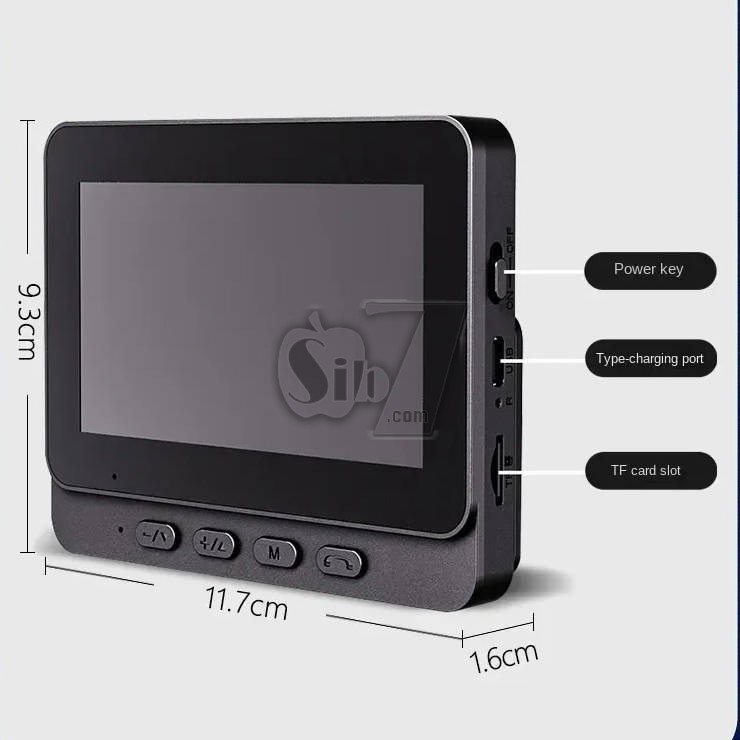
Storage Mode: Micro SD card, supports up to 256G [not included]
Storage coding: MJEPG
Video Capture Resolution: 1080p
Audio information: built-in speaker, microphone
WIFI mode: 2.4G private protocol, transmission distance 1-150 meters
Power supply information: DC5V/2A
Operating temperature: -10℃~60℃
Working humidity: 10%~90%
Charging Interface Type: Type C
WiFi Version: 2.4GHz
Language: English, Chinese, Korean, Russian, Japanese, French, Italian, German, etc.
Certifications: CE, FCC, RoHS, UL
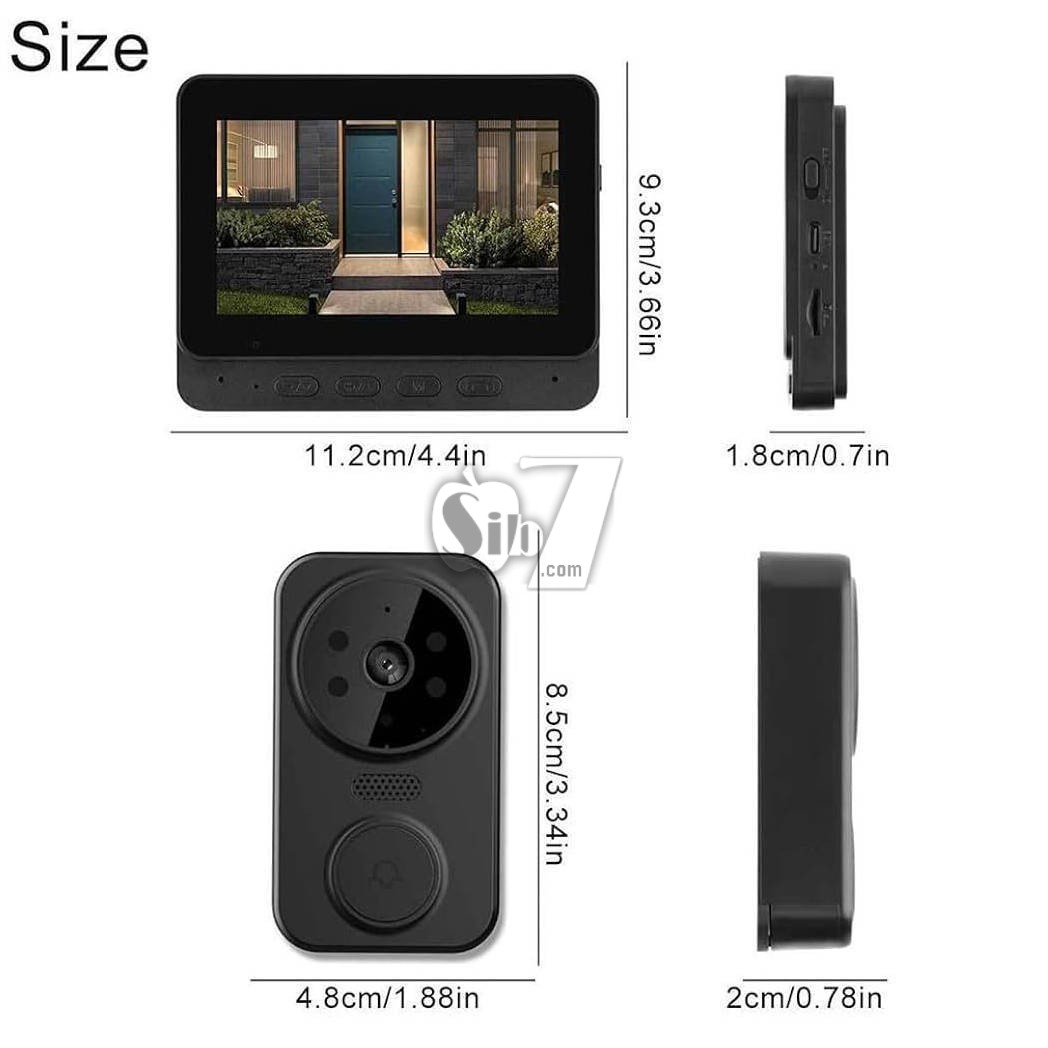
Size: Doorbell 8.5*4.8cm, display screen 9.3*11.2cm
Single Set gross weight: 0.407 kg
Packaging size: 160 * 117 * 65mm
Weight: 432g/15.2oz
Package List
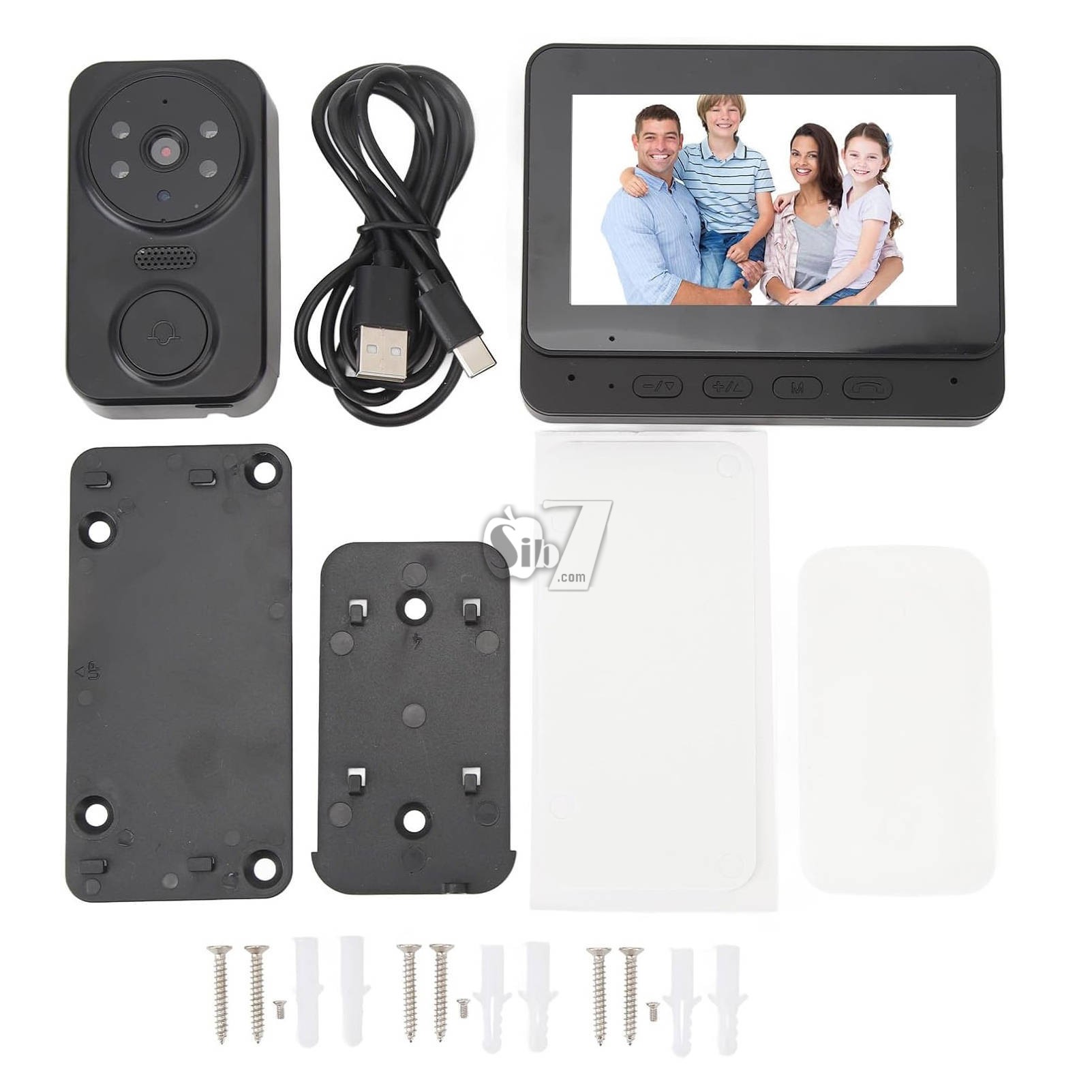
1 x Wireless Doorbell
1 x Display
1 x Charging Cable
1 x instruction User Manual
1 x Large Base Plate
1 x Small Base Plate
1 x Large Back Sticker
1 x Small Back Sticker
6 x Expansion Tube
6 x Screws
1 x Small Screws
4.3-inch IPS screen and 2.4-inch wireless visual intercom doorbell
Video Doorbell Video Intercom Wireless Door Bell 1080P IR Night Vision Eye Peephole Camera 2.4G 4.3inch IPS Screen for Villa Home Office Apartment
The M12 Video Doorbell is a wireless 2.4G video intercom system designed to enhance home security.
It features a 4.3-inch IPS display for clear real-time viewing, infrared night vision, and automatic video recording or capture upon doorbell press.
Its wireless design ensures easy installation and a secure private protocol for communication
Feature:
Enhanced Security: With our WiFi-free visual doorbell, you can rest assured that your information is secure.
By eliminating the need for WiFi connectivity, this doorbell offers enhanced privacy, protecting you from potential hacking or unauthorized access to your network.
Hassle-Free Wireless Installation: Say goodbye to complicated installation processes. Our video doorbell features wireless installation that is quick and easy. With just one click, you can pair the doorbell with the indoor unit, saving you time and effort during setup.
4.3-inch IPS Display: Enjoy a vivid and detailed view of your doorstep with the 4.3-inch IPS display.
This high-quality screen provides a full viewing angle, ensuring that you can see every detail clearly, even from the sides.
Powerful 2.4GHz Private Protocol: Our wireless door bell utilizes a robust 2.4GHz private protocol, offering an extended transmission range. This ensures that you receive a strong and stable signal, allowing you to monitor your front door from a greater distance without worrying about signal loss.
Advanced Features: Our doorbell camera can engage in seamless two-way video intercom, take advantage of low power consumption for extended standby, and experience quick response times with the plug-in indoor unit.
The system automatically stores photos, supports automatic recording on an inserted card, features infrared night vision, and offers a selection of six delightful melodies to choose from.
1) Wireless Battery Powered Smart Doorbell Camera
2) Low power consumption, IR 5M
3)Wake-up method: Push doorbell button to wake up
4)support Micro SD card recording,2-way audio communication
5)Power: built in battery
Remote Video Call: Stay connected to your doorstep with the convenience of remotely viewing live outdoor camera footage directly from your indoor monitor.
This feature proves especially useful for older adults or children who may not have smartphones, as they can effortlessly check the monitor to identify visitors at the door and maintain a secure environment.
High Fidelity Microphone: Immerse yourself in crystal-clear, two-way audio conversations with the visual intercom's superior high-fidelity microphone. With a powerful speaker and highly sensitive microphone, you can communicate effortlessly with visitors at the door, adjusting the volume as needed to avoid disturbing other family members.
Wide Angle Lens: Adjustable 70° lens angle, Enjoy a panoramic view of your surroundings thanks to the wide-angle lens, which ensures no blind spots or compromised security. Even amidst a crowd of visitors, you can clearly distinguish and monitor each individual, ensuring enhanced security and peace of mind.
HD Camera: Capture every detail with stunning clarity, thanks to the high-definition camera that records footage in crisp 1080p resolution.
With the ability to accurately observe and inspect visitors' features, you can easily identify and interact with them, providing an additional layer of security.
Day and Night Camera: Experience continuous surveillance, day or night, with the day/night camera functionality. Equipped with high-power infrared night vision lights and ICR infrared filters, the camera seamlessly switches between day and night modes, providing clear visuals even in the darkest of environments. Rest easy knowing that your security .
How to Use
1. Press and hold for Ding Dong button on the doorbell. Wait for the indicator light to flash.
2. Turn on the display and wait for a while. The doorbell and the display will automatically connect.
3. Once the connection is complete, the screen will display the live video feed.
4. Insert a storage card to save the recorded videos for future playback.
Maintenance:
Cleaning
Wipe the doorbell and display units with a soft, dry cloth. Avoid using abrasive cleaners or solvents that could damage the surfaces.
Battery Replacement
Replace the dry batteries in the doorbell unit when the low battery indicator appears on the display unit or when performance degrades. Ensure correct polarity when inserting new batteries.
Micro SD Card Management
Periodically review and back up important recordings from the SD card. Format the SD card regularly to maintain optimal recording performance. The system supports up to 128GB cards.
Troubleshooting
No Display/Power: Ensure the indoor display unit is properly connected to a DC5V/2A power source. Check the batteries in the doorbell unit and replace if necessary. Verify the ON/OFF switch on the indoor unit is in the 'ON' position.
No Video Feed/Poor Signal: Ensure the doorbell unit is within the 1-150 meter transmission range of the indoor display unit. Obstructions like thick walls can reduce signal strength. Try repositioning the units.
No Sound/Intercom Issues: Check the volume settings on the indoor display unit. Ensure the microphone and speakers are not obstructed.
Recording Not Working: Verify that an SD card is properly inserted and has sufficient free space.
Ensure the SD card is formatted to MJEPG format.
Doorbell Not Ringing: Check if the doorbell unit's batteries are charged. Re-pair the doorbell unit with the indoor display unit if necessary.
Setup Guide
Unboxing and Initial Inspection
Carefully remove all components from the packaging. Inspect for any signs of damage. Ensure all listed package contents are present.
Powering the Units
The doorbell unit operates on dry batteries (800mA, providing 1-3 months of standby performance). Insert the batteries into the designated compartment.
The indoor display unit is powered via DC5V/2A.
Connect it to a power source using the provided cable.
Micro SD Card Installation (Optional)
For automatic video recording, insert a compatible SD card (up to 128GB, MJEPG format) into the slot on the indoor display unit.
This allows the system to store photos and recordings.
Wireless Pairing
The M12 Video Doorbell features hassle-free wireless installation.
With just one click, you can pair the doorbell unit with the indoor display unit.
Refer to the quick start guide included in the package for specific pairing instructions if automatic pairing does not occur.
Mounting the Doorbell Unit
Choose a suitable location near your door, ensuring a clear view of the entrance.
Mount the doorbell unit securely using the provided hardware.
Ensure it is within the effective transmission range of the indoor display unit (1-150 meters).
Operating Instructions:
Real-time Monitoring
When someone presses the doorbell, the indoor display unit will ring and automatically show a real-time video feed of the visitor. The 4.3-inch IPS screen provides a clear, wide-angle view.
Two-Way Intercom
Engage in seamless two-way video intercom with visitors directly from the indoor display unit. This allows for clear communication without needing to open the door.
Automatic Recording and Photo Capture
The system automatically stores photos and supports automatic video recording on an inserted SD card when the doorbell is pressed. This ensures you have a record of visitors.
Infrared Night Vision
The doorbell unit is equipped with infrared night vision, providing clear visibility of your doorstep even in low-light conditions or complete darkness.
Melody Selection
Choose from a selection of six delightful melodies for your doorbell chime.
User Tips
Optimal Placement: For the best viewing angle and signal strength, ensure the doorbell unit is mounted at an appropriate height and free from major obstructions.
Battery Monitoring: Keep an eye on the battery indicator on the indoor display unit to ensure continuous operation of the doorbell.
SD Card Maintenance: Regularly check the SD card for storage capacity and format it periodically to prevent recording issues.
Privacy: The WiFi-free design enhances privacy by preventing unauthorized network access.
Notes:
1. The monitor needs to be connected to an external power source for long-term use.
2. The built-in battery is only for temporary use.
3. Do not use without an external power source for a long time.
Specifications:
Product Name:4.3" Screen Wireless Video Doorbell Phone Security Camera Door Bell Intercom
Display: 4.3-inch IPS screen
Video resolution: 640*480
Material: ABS plastic
Color: black
Wireless Distance: Open 100m/328ft, other 20m/65.6ft
Main control: Jianrong+2,4G module
Image sensor: GC0328/85 degree
Night Vision Type: infrared night vision
Number of Infrared Lights: 4
Night Vision Distance: 5-10 meters
Viewing angle: 70°
Doorbell Camera Battery Type: Lithium ion battery
Doorbell Camera Battery Capacity: 800mAh (shipped with built in battery) life 1-3 months [depending on different usage conditions]
After being fully charged, press 10 times a day for up to 2 months (the farther the distance, the more severe the power consumption)
Display Battery Type: Lithium ion battery
Display Battery Capacity: 400mAh (shipped with built in battery)
Storage Mode: Micro SD card, supports up to 256G [not included]
Storage coding: MJEPG
Video Capture Resolution: 1080p
Audio information: built-in speaker, microphone
WIFI mode: 2.4G private protocol, transmission distance 1-150 meters
Power supply information: DC5V/2A
Operating temperature: -10℃~60℃
Working humidity: 10%~90%
Charging Interface Type: Type C
WiFi Version: 2.4GHz
Language: English, Chinese, Korean, Russian, Japanese, French, Italian, German, etc.
Certifications: CE, FCC, RoHS, UL
Size: Doorbell 8.5*4.8cm, display screen 9.3*11.2cm
Single Set gross weight: 0.407 kg
Packaging size: 160 * 117 * 65mm
Weight: 432g/15.2oz
Package List
1 x Wireless Doorbell
1 x Display
1 x Charging Cable
1 x instruction User Manual
1 x Large Base Plate
1 x Small Base Plate
1 x Large Back Sticker
1 x Small Back Sticker
6 x Expansion Tube
6 x Screws
1 x Small Screws
No reviews found