
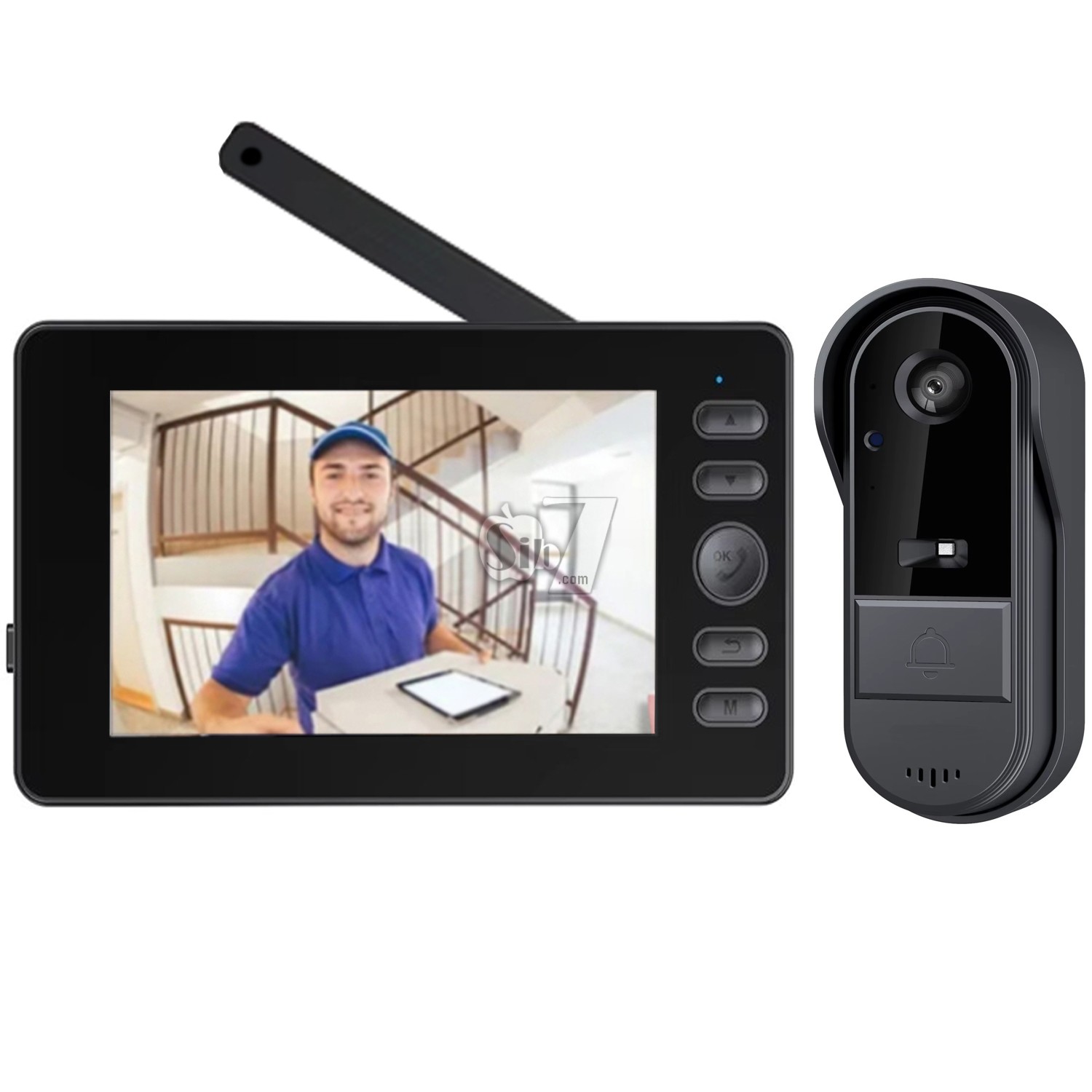
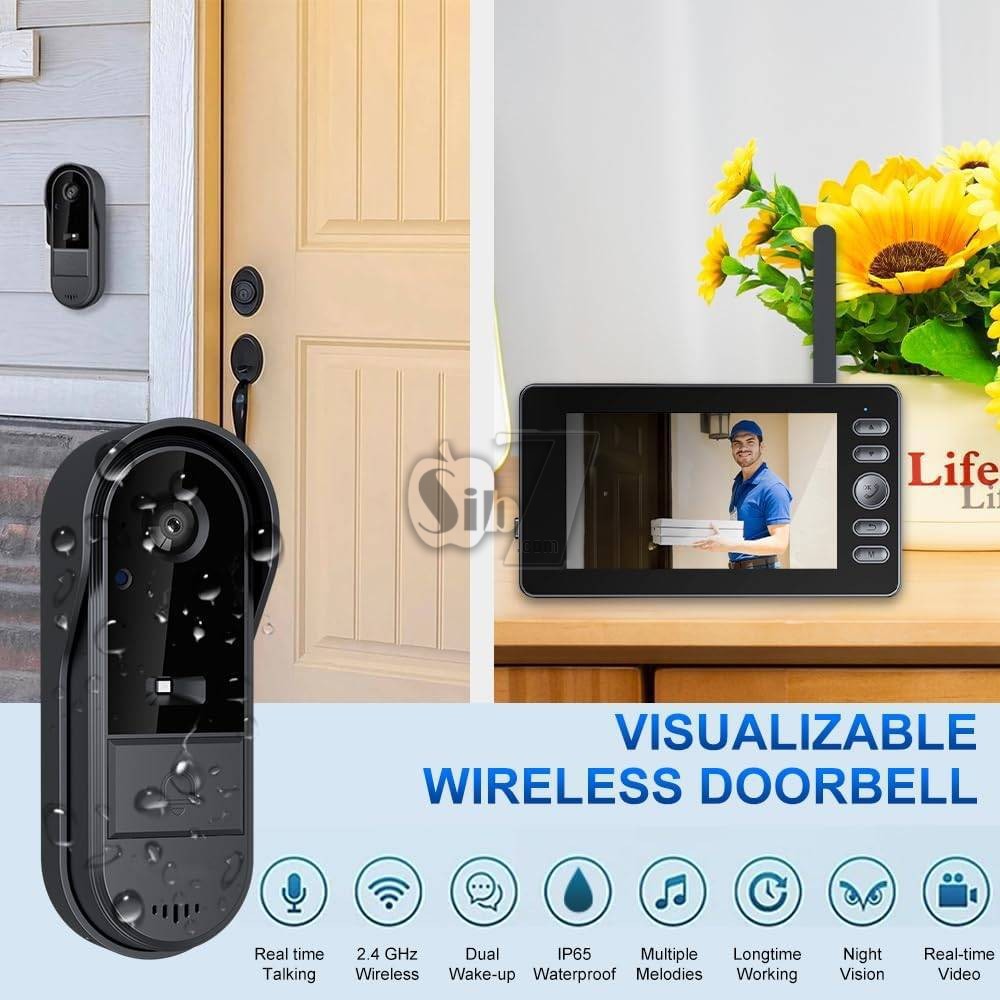


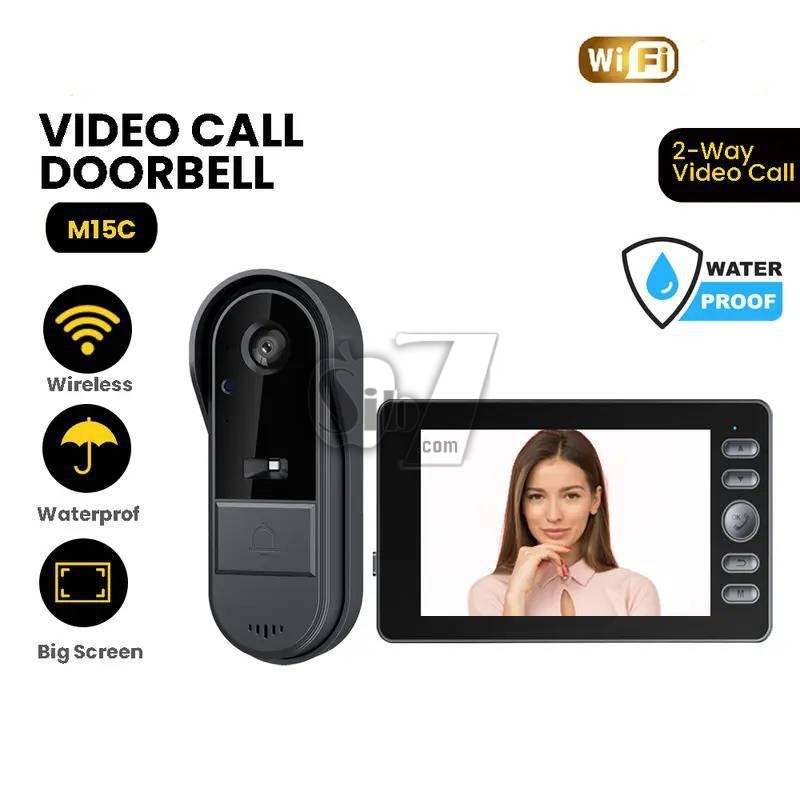

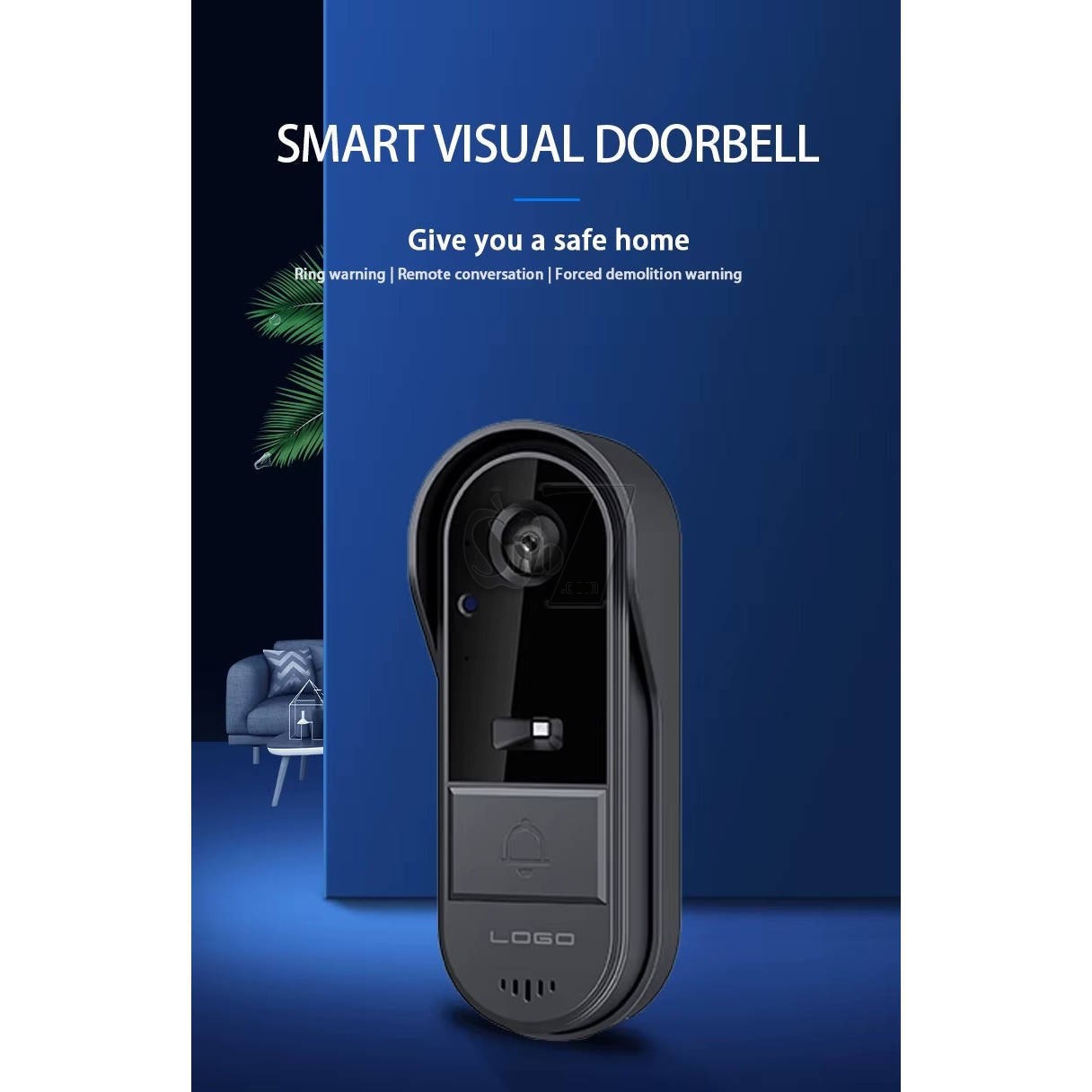
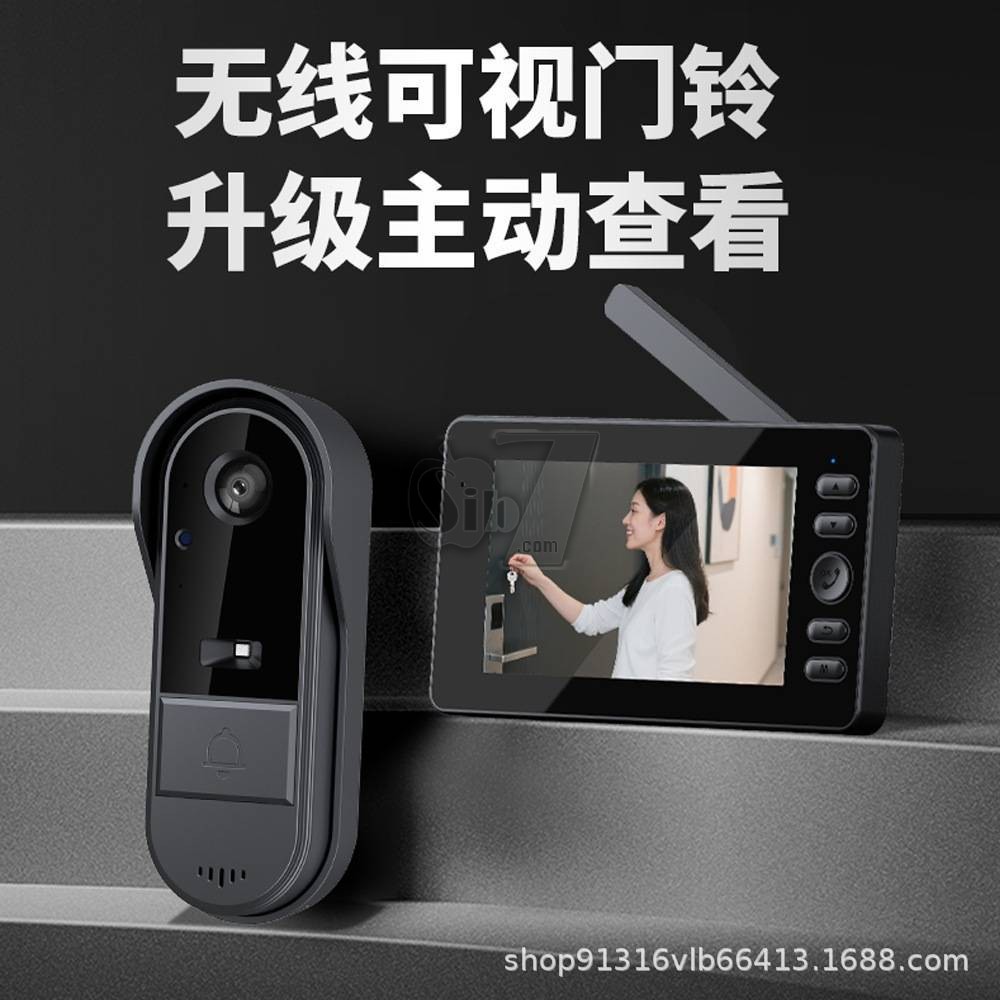


HYF-M15C NEW Two Way Wake up Outdoor Waterproof CCTV Home Security Night Vision Wireless Door Bell Intercom Smart Video Doorbell Camera
Discover hassle-free security with your Doorbell Camera Wireless No Subscription
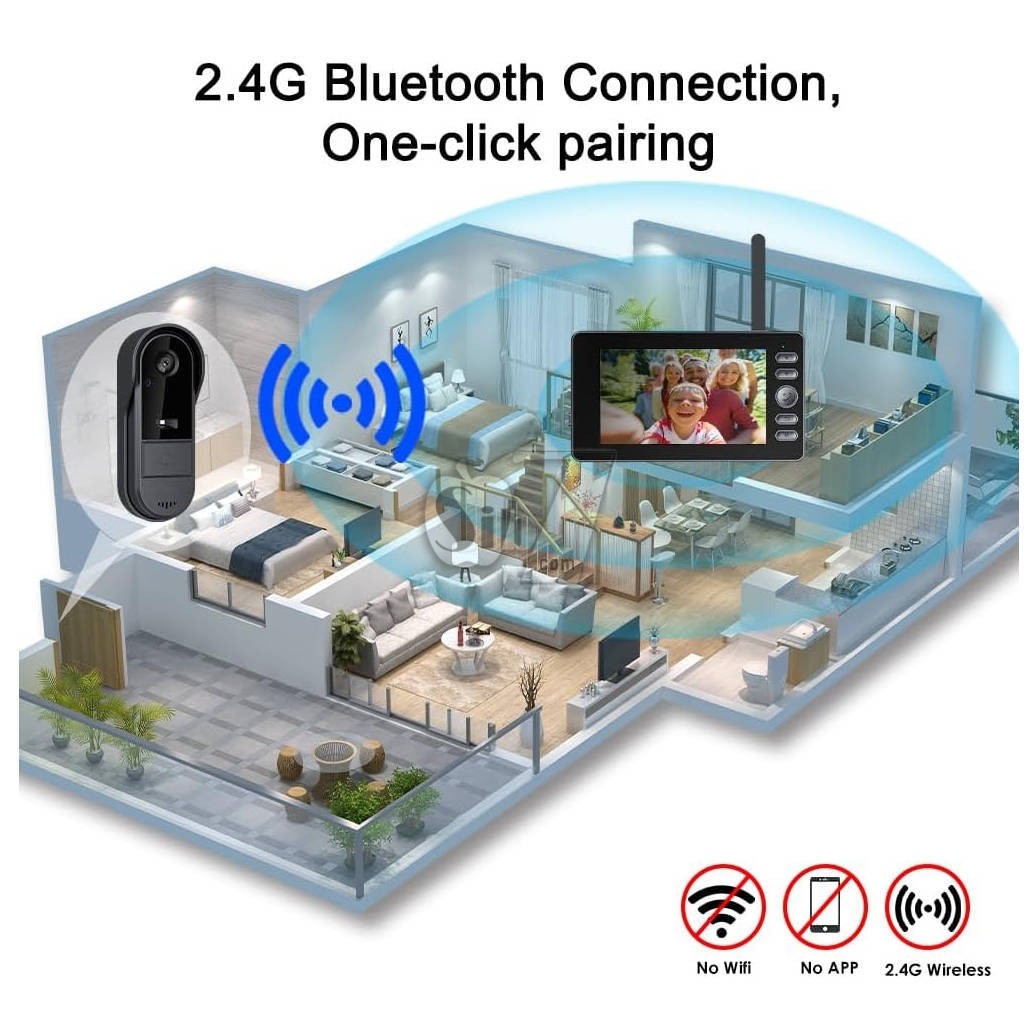
designed for simplicity and reliability without Wi-Fi dependency.
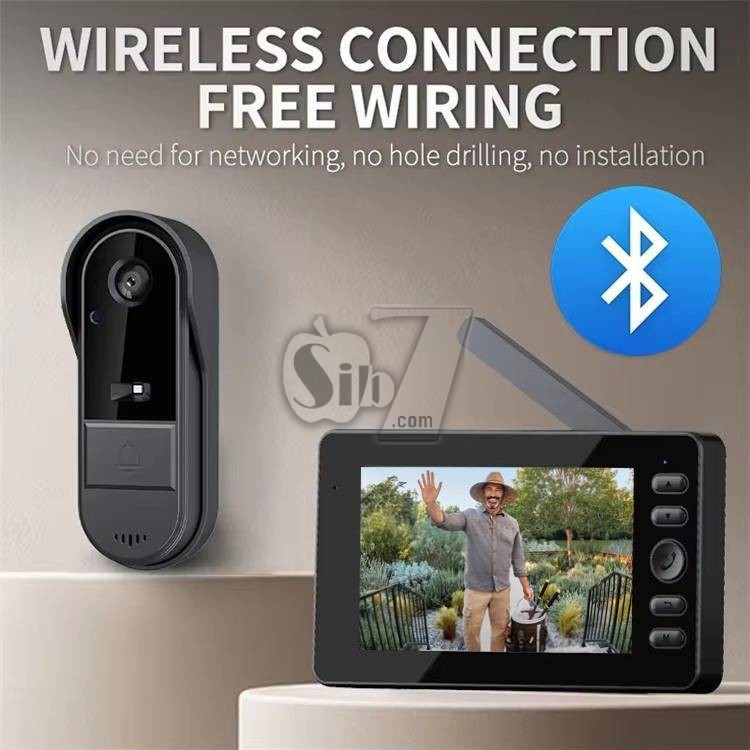
Ideal for homes seeking Wireless Door Bell Cameras with direct 2.4G Bluetooth connectivity, this system ensures seamless communication up to 30-80 meters (obstacle-free) or 5-30 meters with obstructions.
Two-Way Audio Intercom for Communication
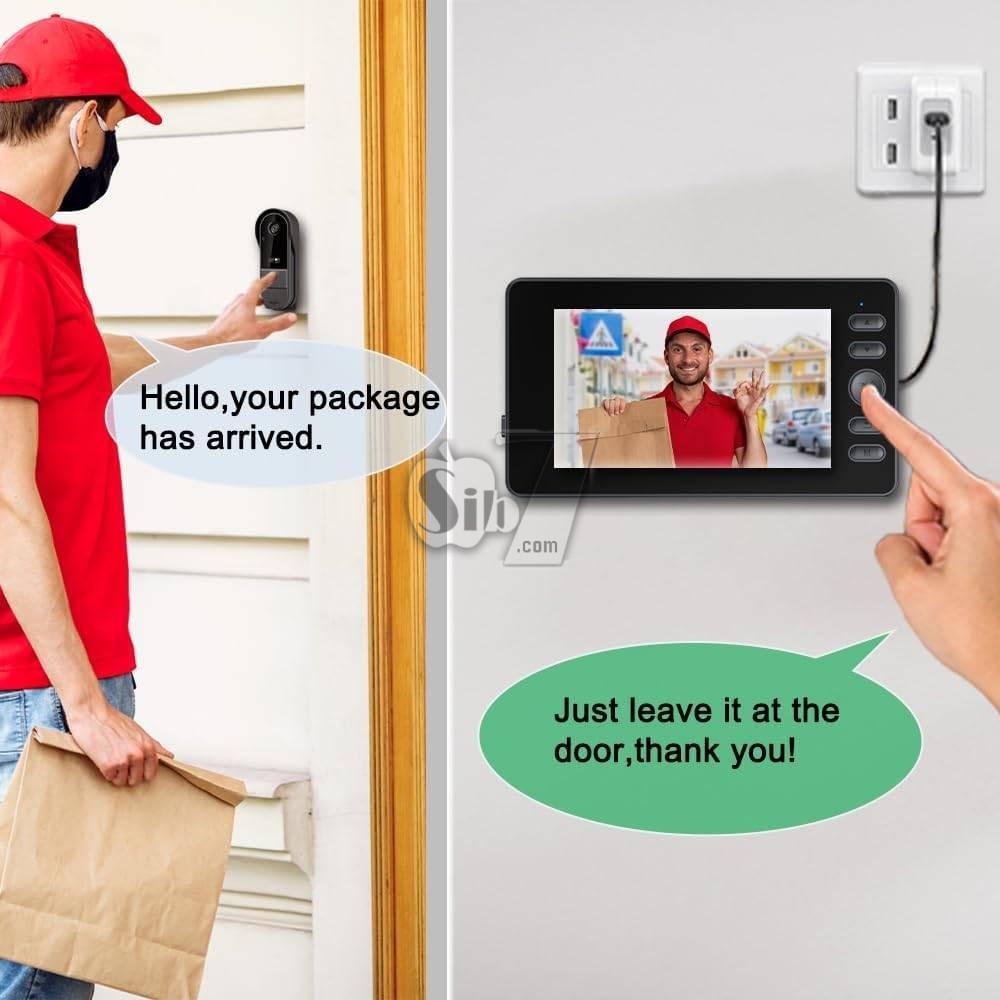
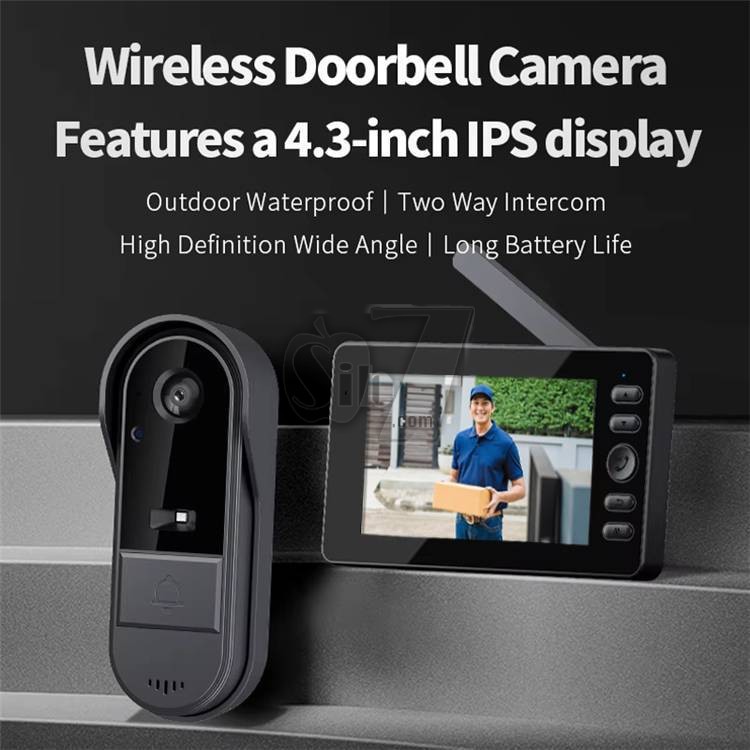
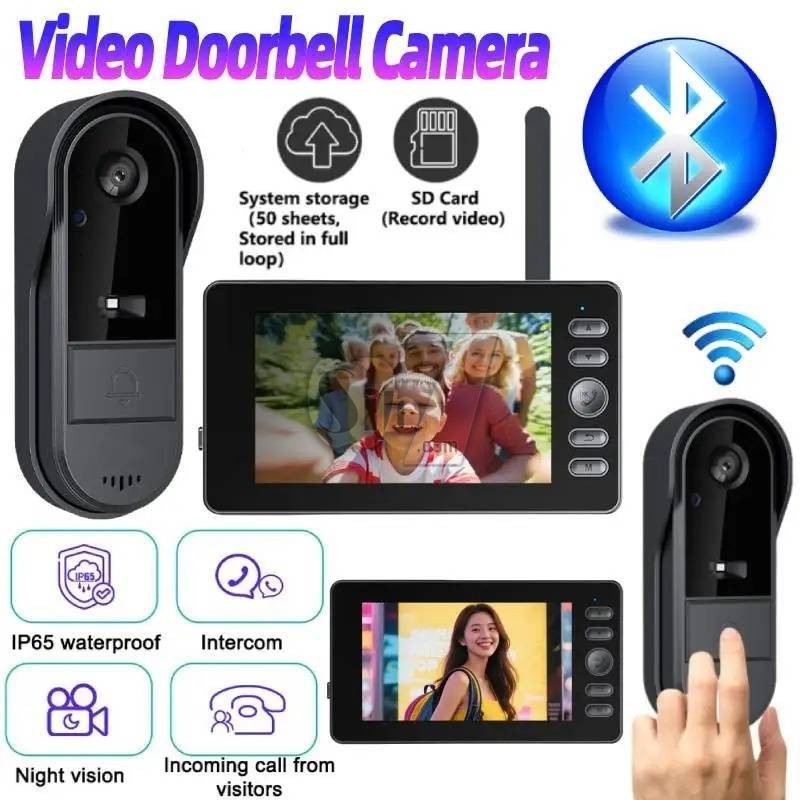
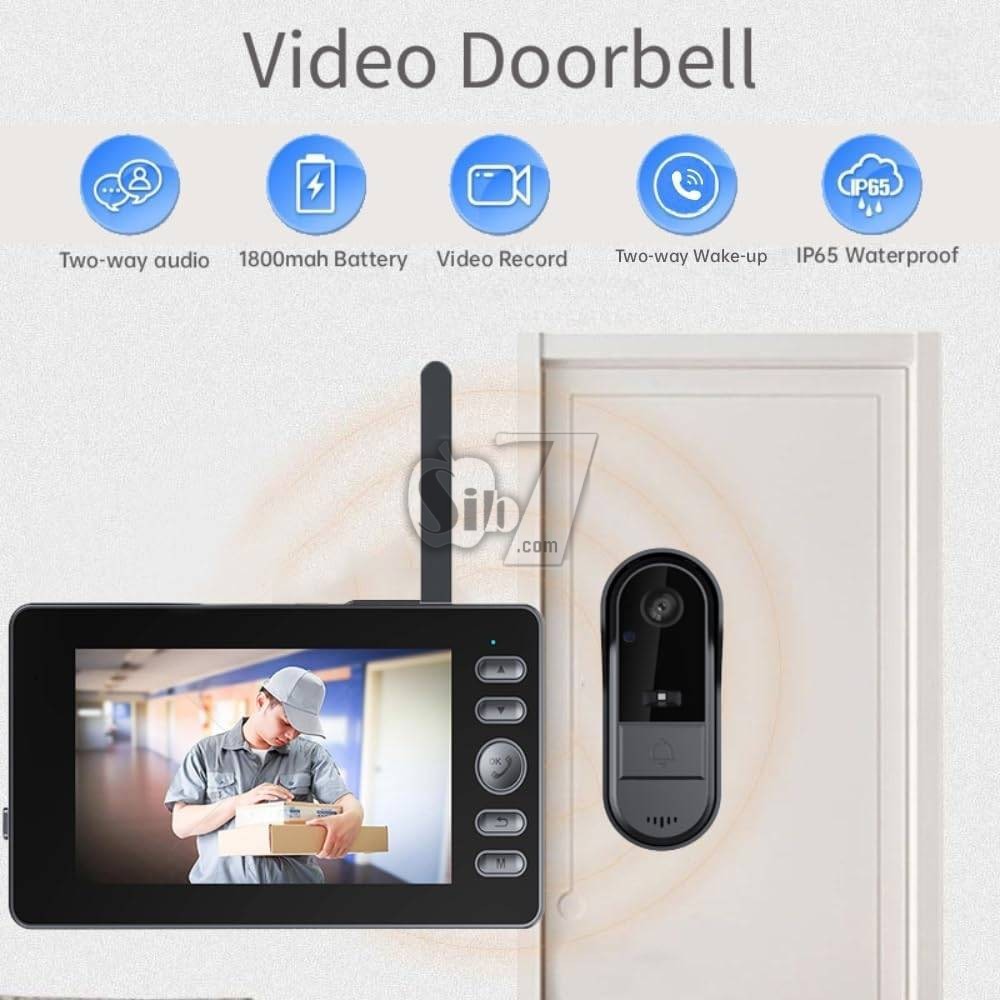
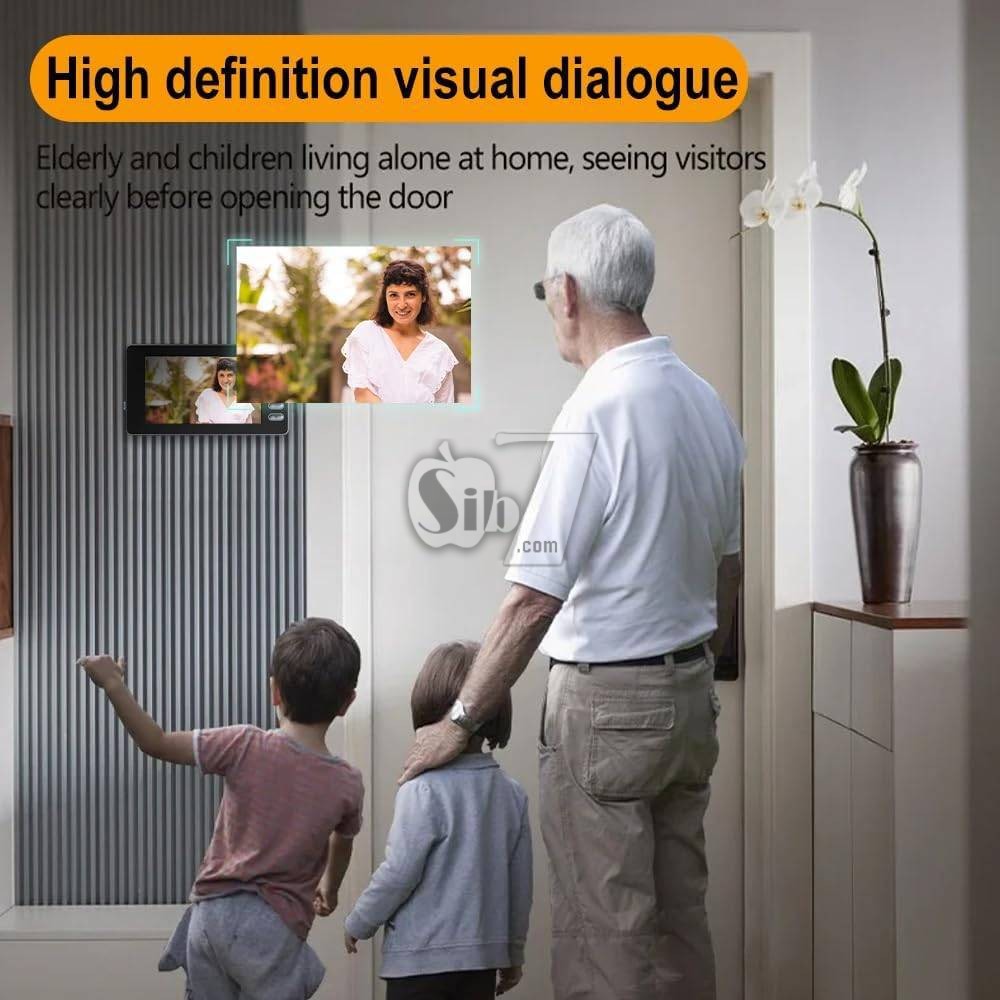
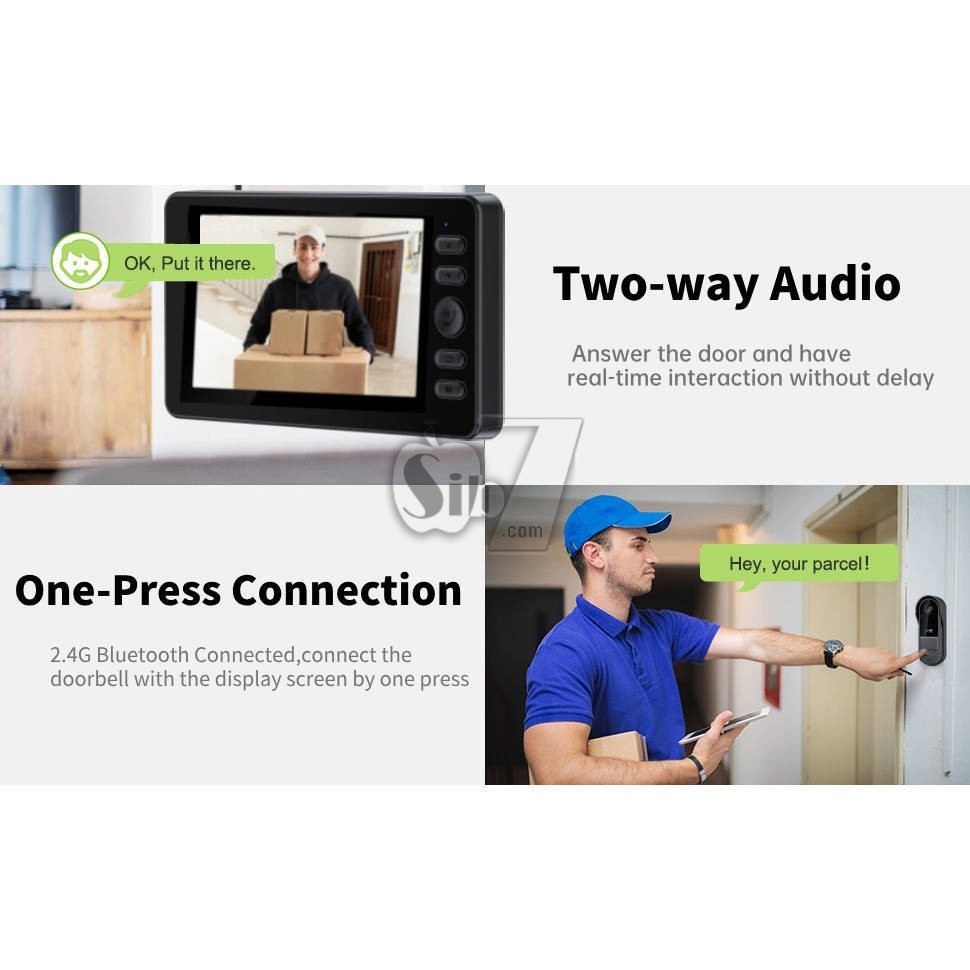
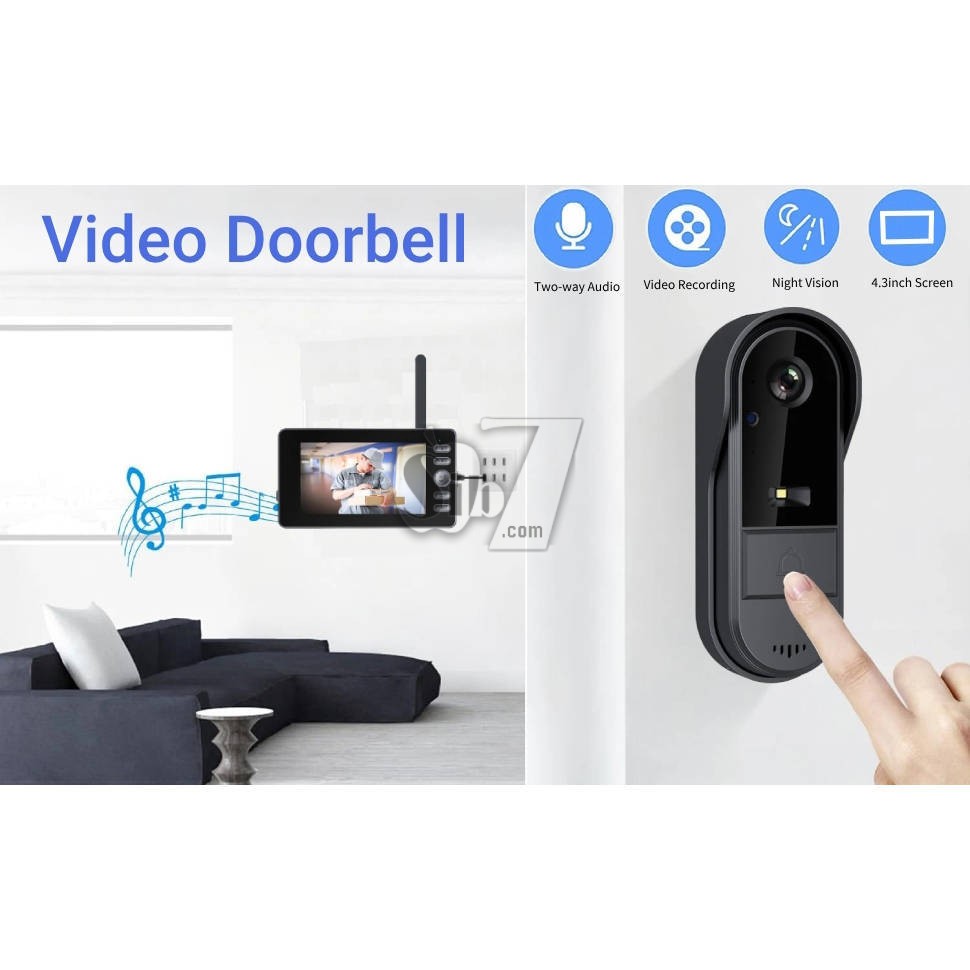
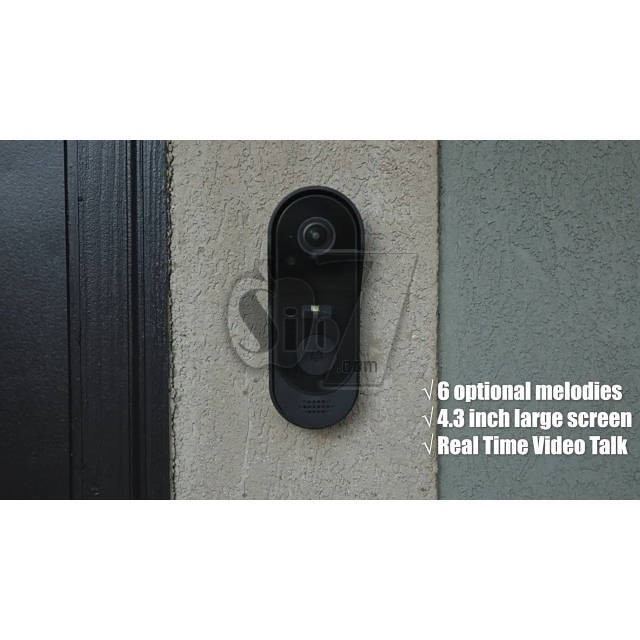
The waterproof video doorbell wireless with monitor screen is equipped with built-in two-way audio, enabling conversation between you and your visitor.
Greet guests, give delivery instructions, or deter unwanted visitors—all from the comfort of your home using the wireless video intercom.
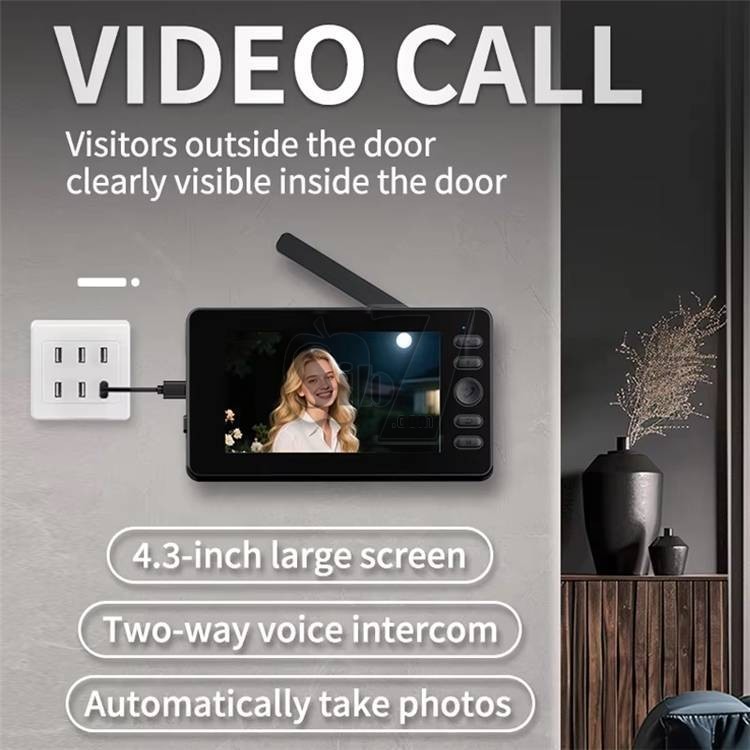
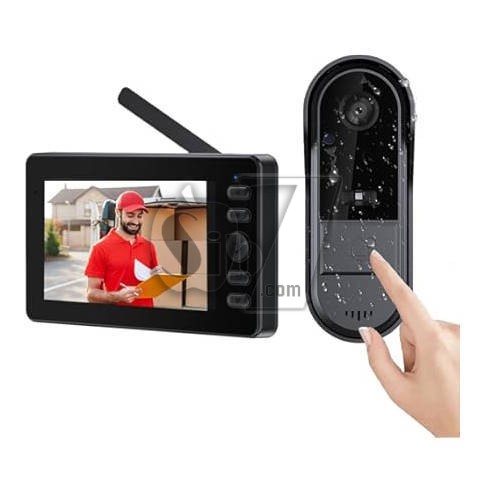
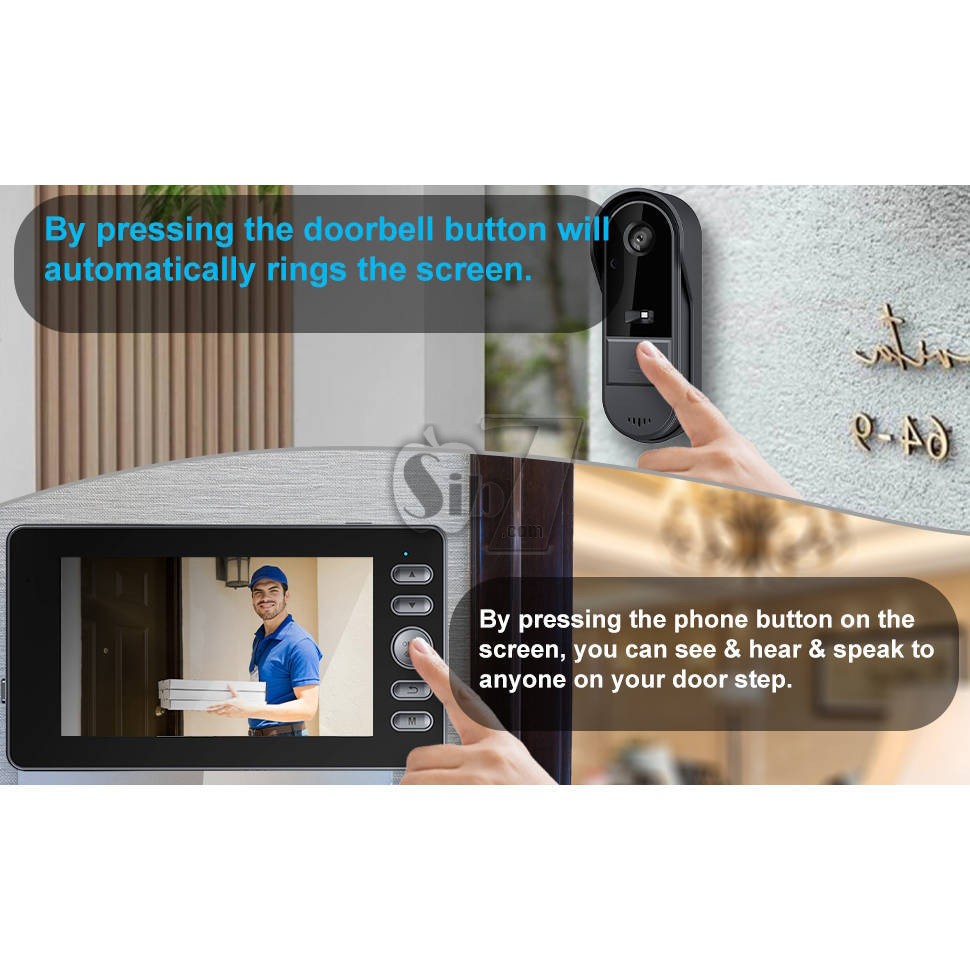
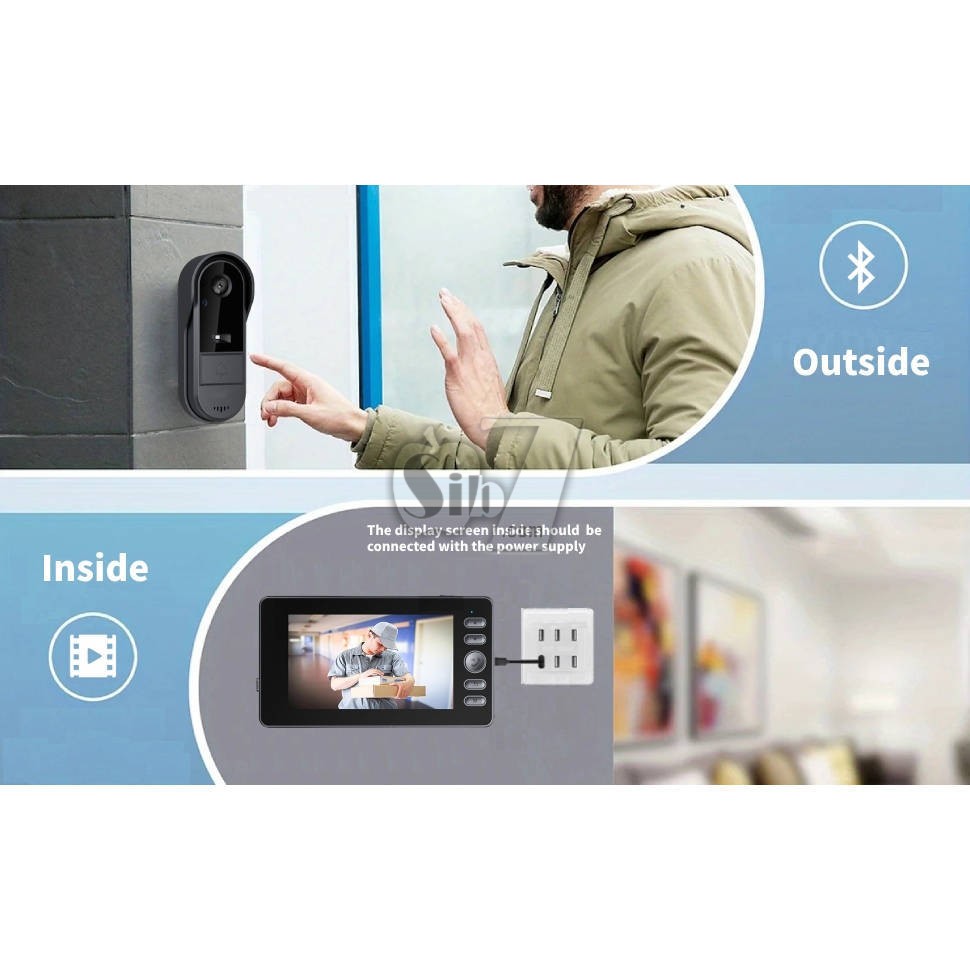
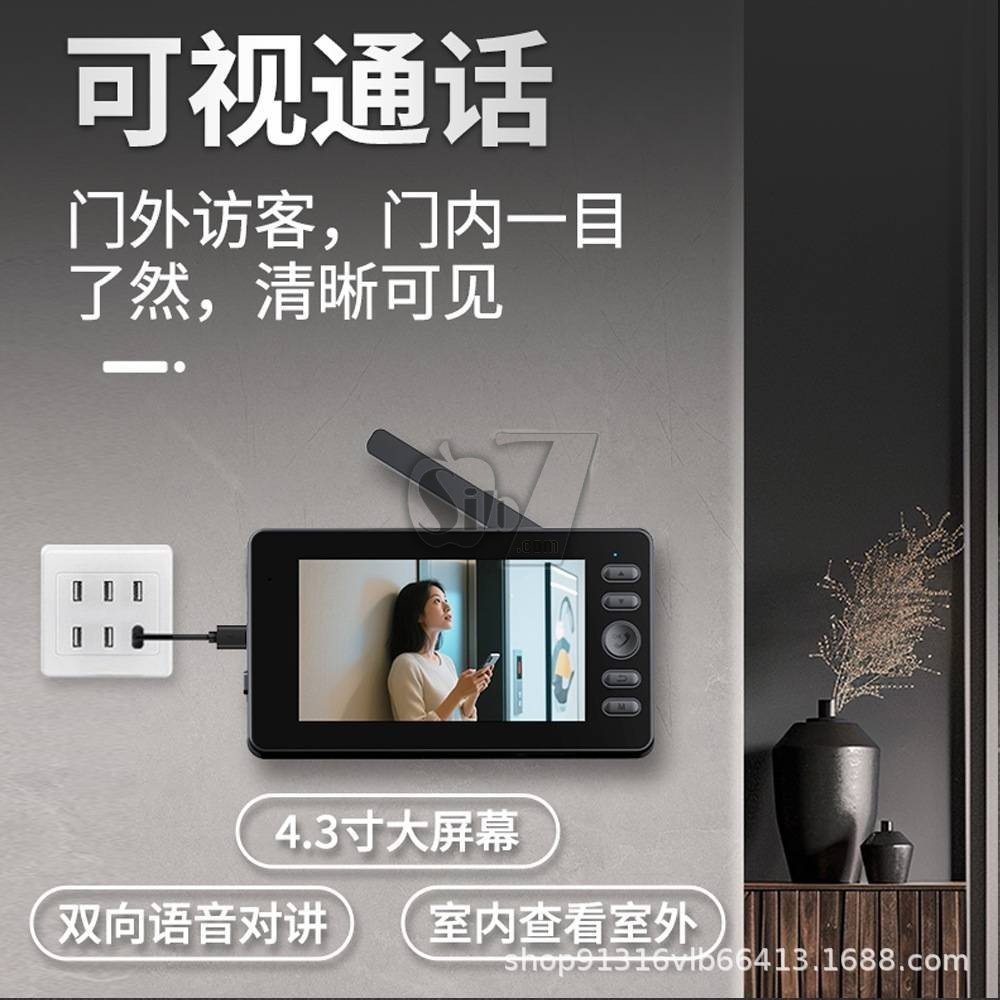
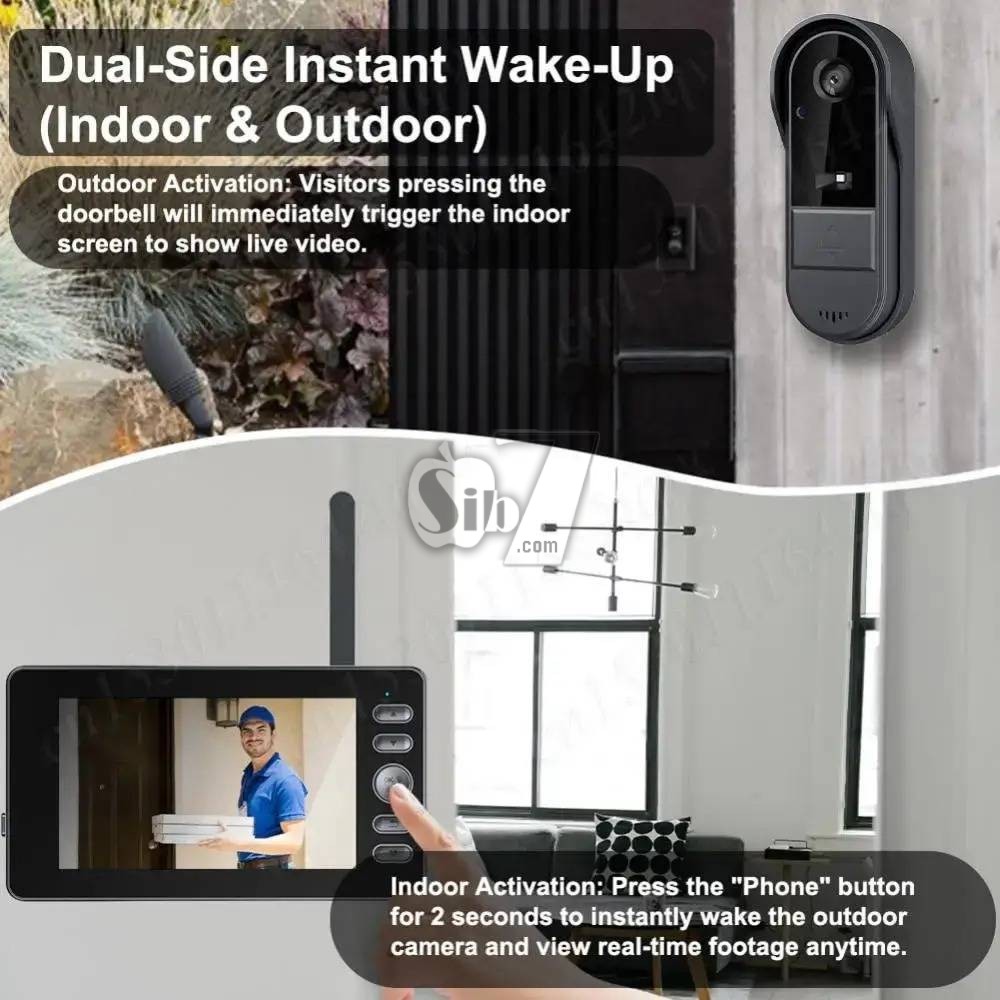
When a visitor presses the doorbell, the monitor screen will instantly display the live feed.
Use the two-way audio function to communicate with guests or delivery personnel.
Wireless visible doorbell with camera and display screen, no need Wi-Fi/network, no subscription, no APP, easy to use
The Doorbell with Camera and screen is perfect for increasing the security of your house
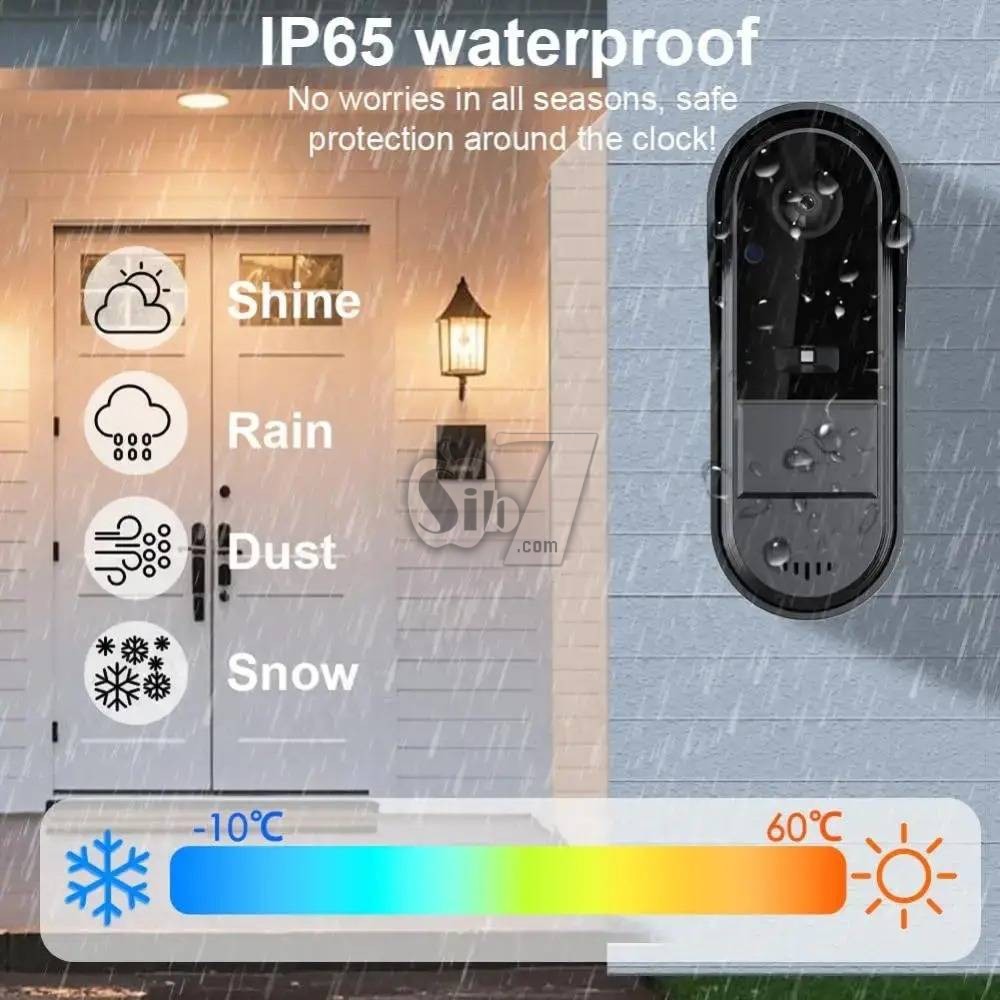
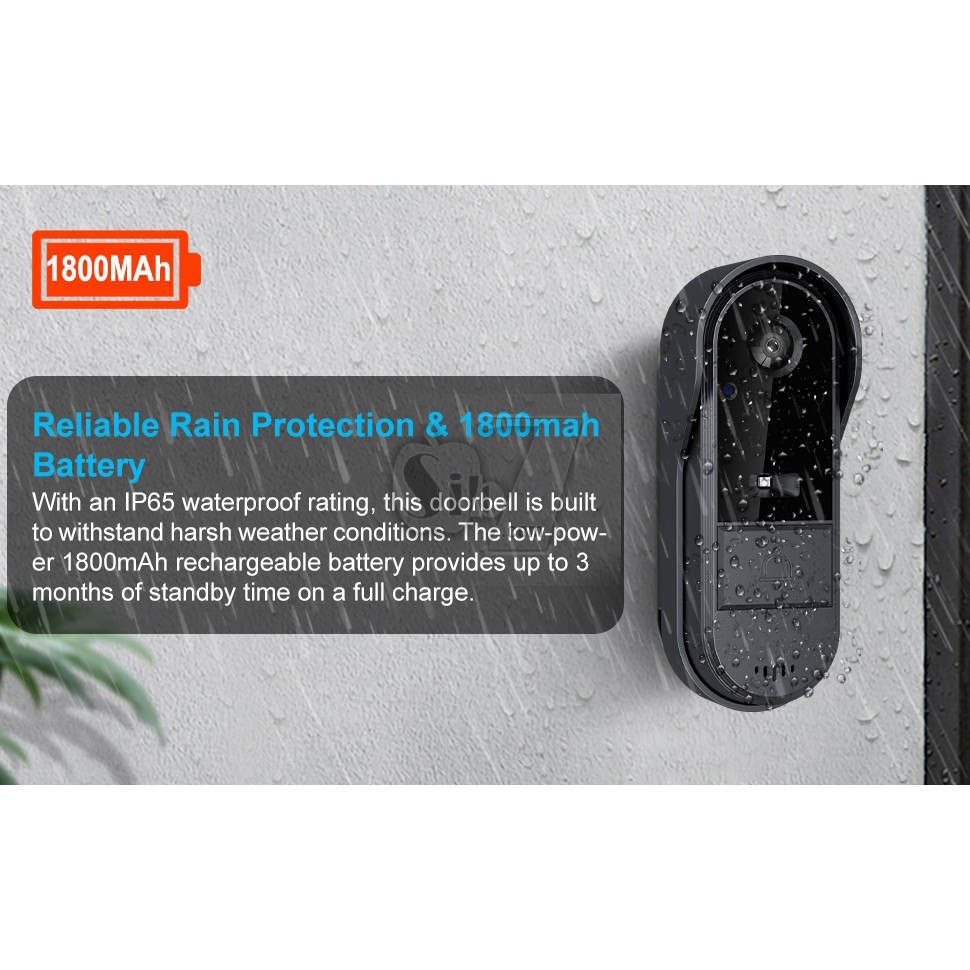
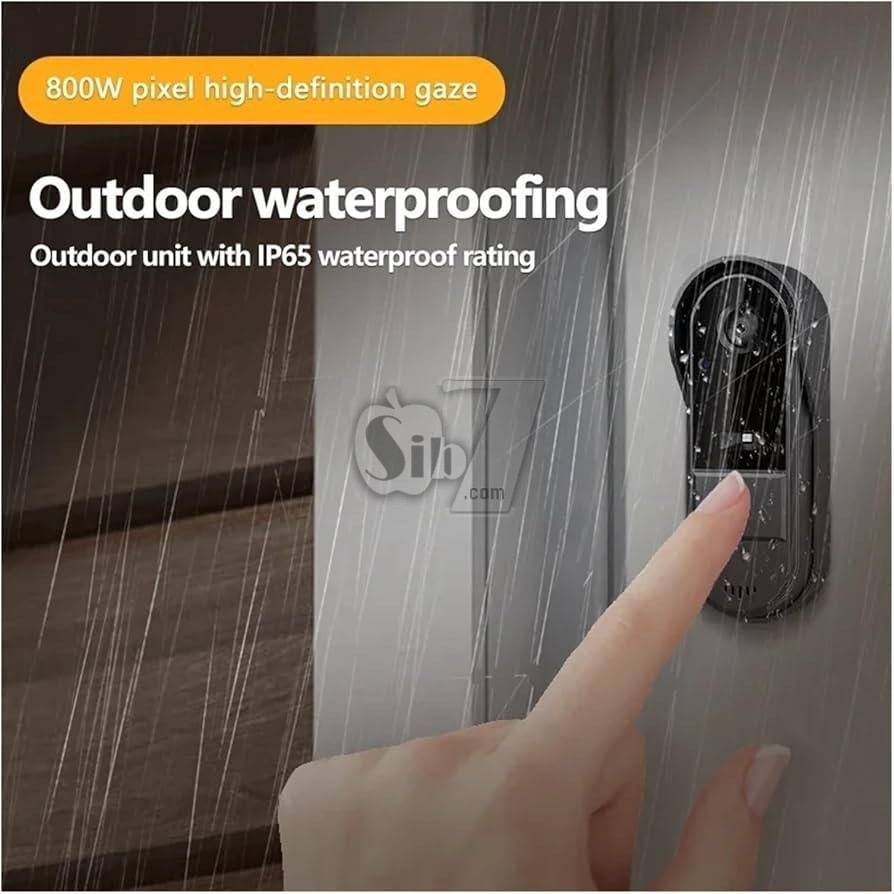
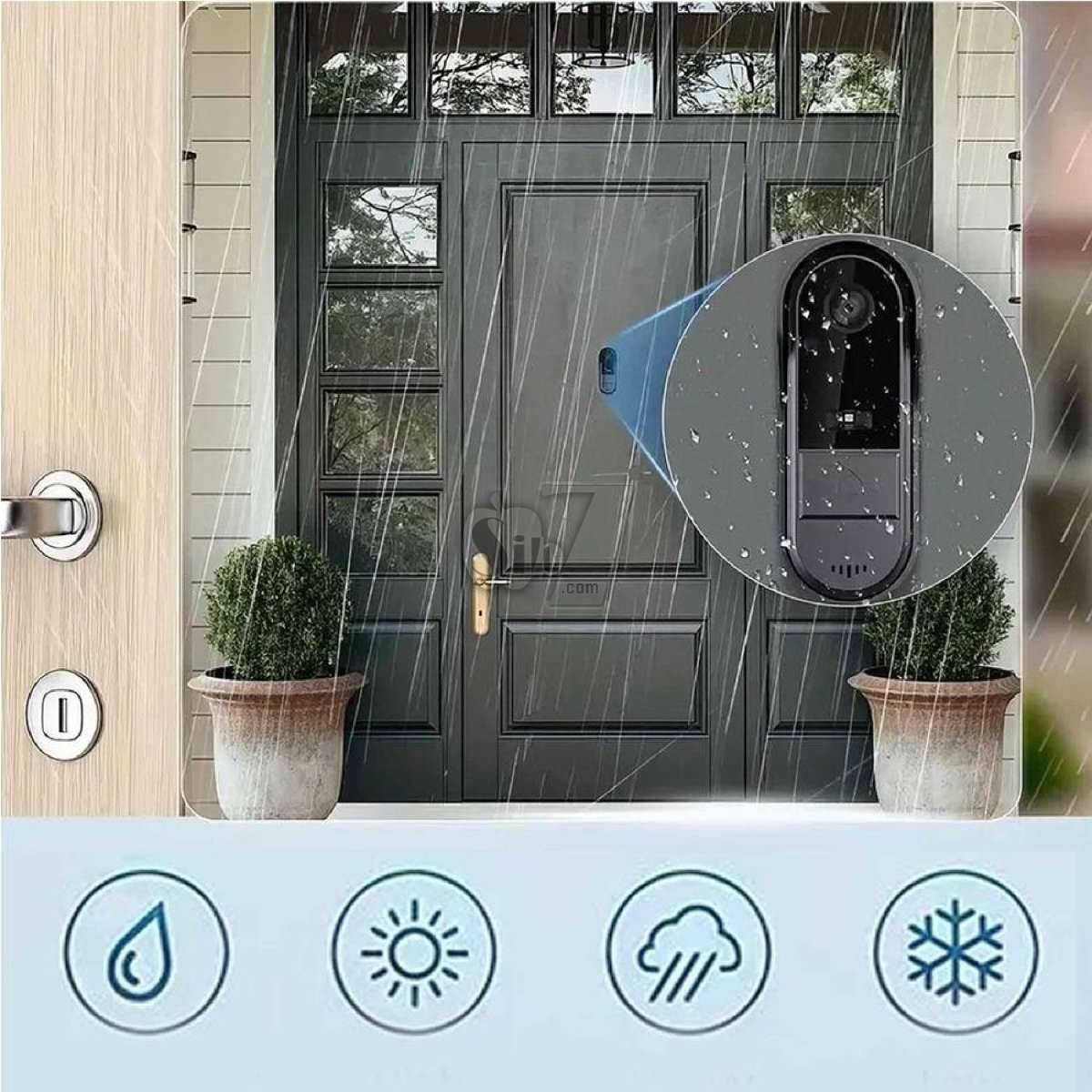
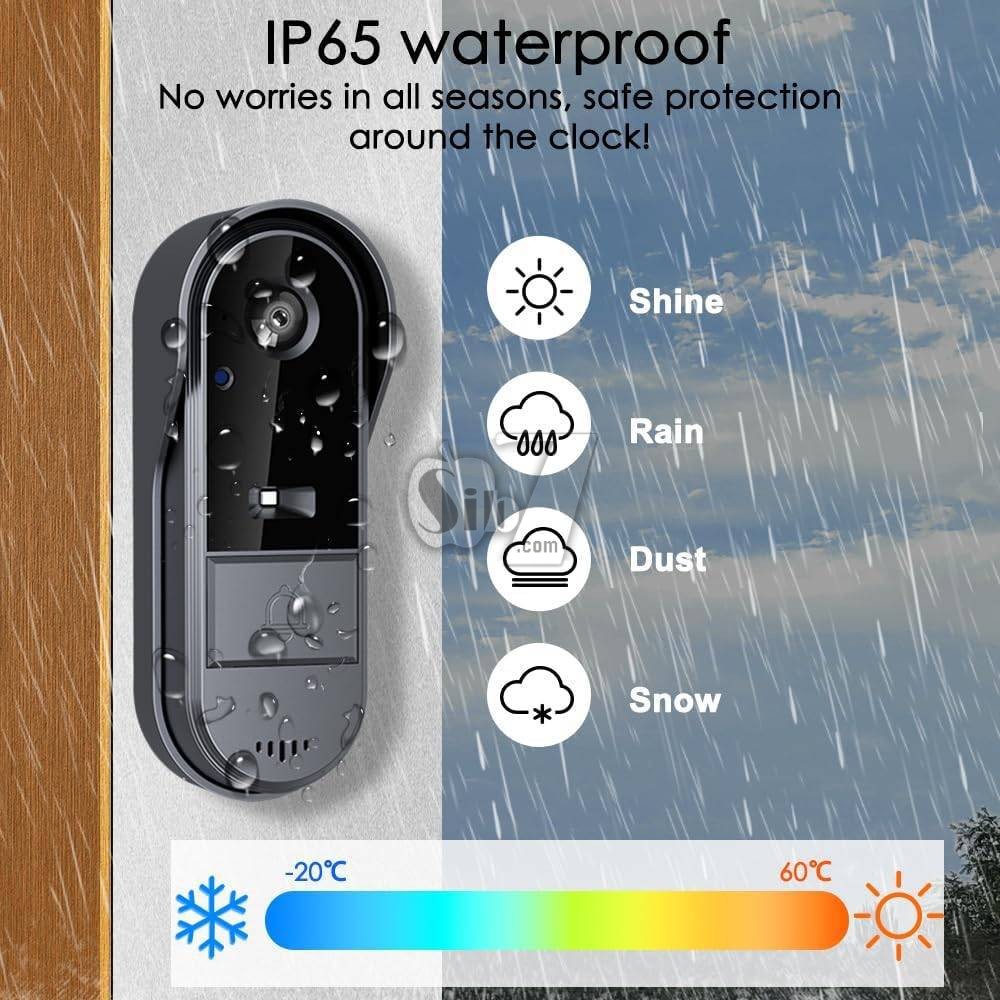
The IP65 waterproof design makes it ideal for outdoor installation. Night vision and two-way audio allow you to see and communicate clearly. Once someone presses the doorbell, enjoy the peace of mind of knowing who is at your door, no matter what time of day it is. With simple installation, this video doorbell is a great choice for protecting your home.
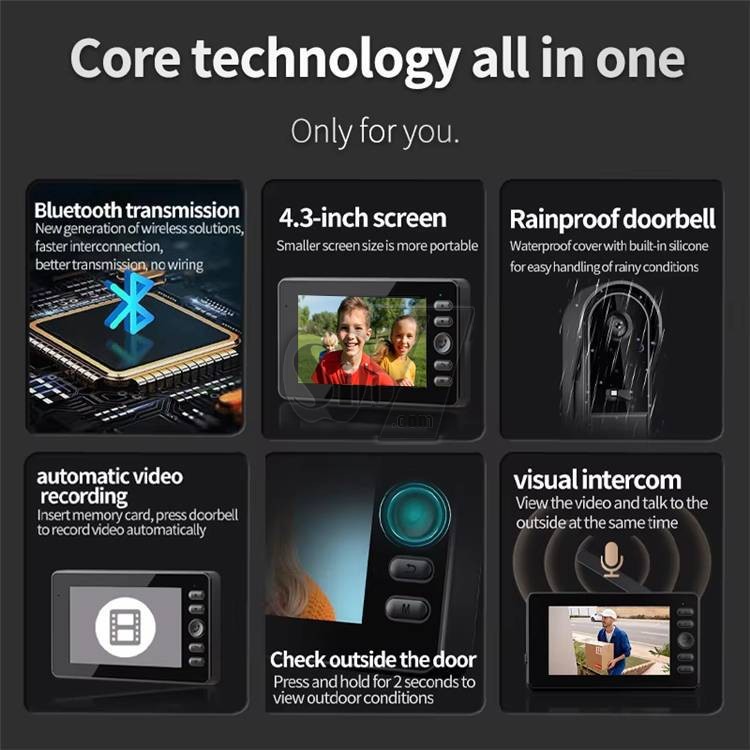
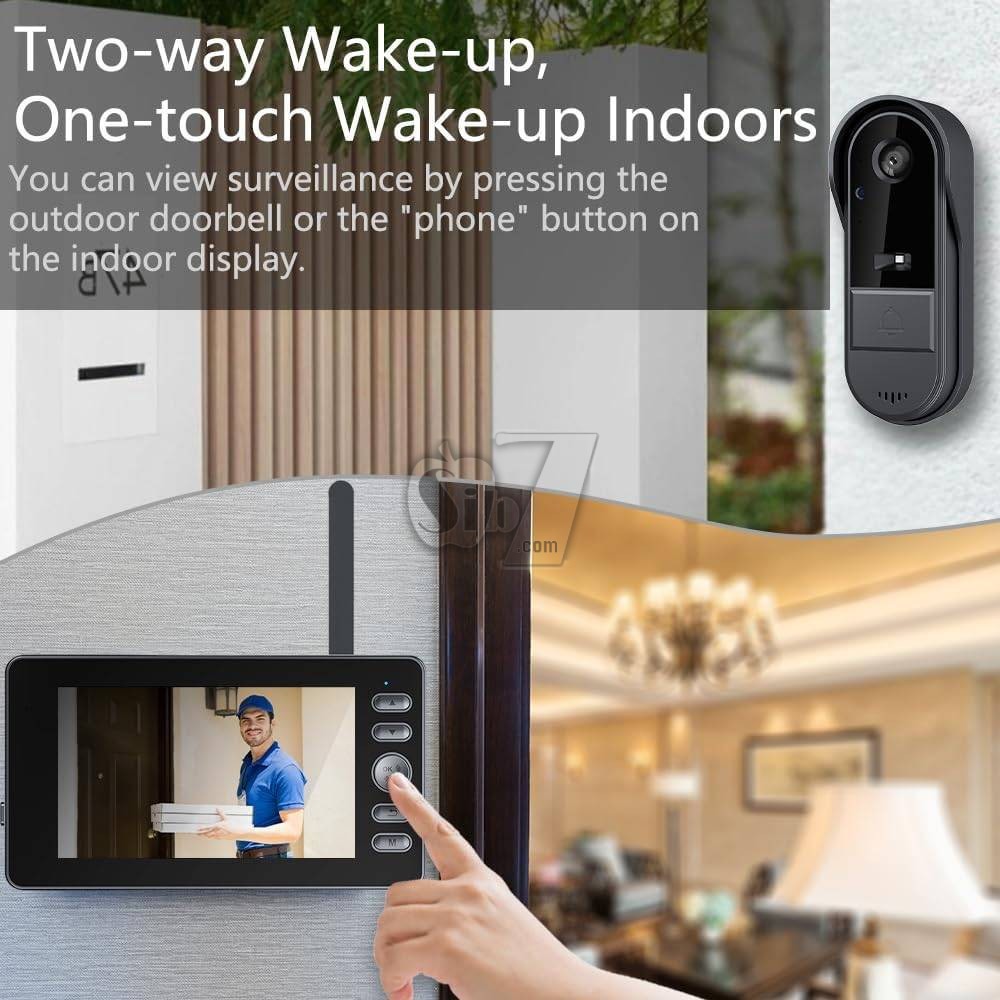
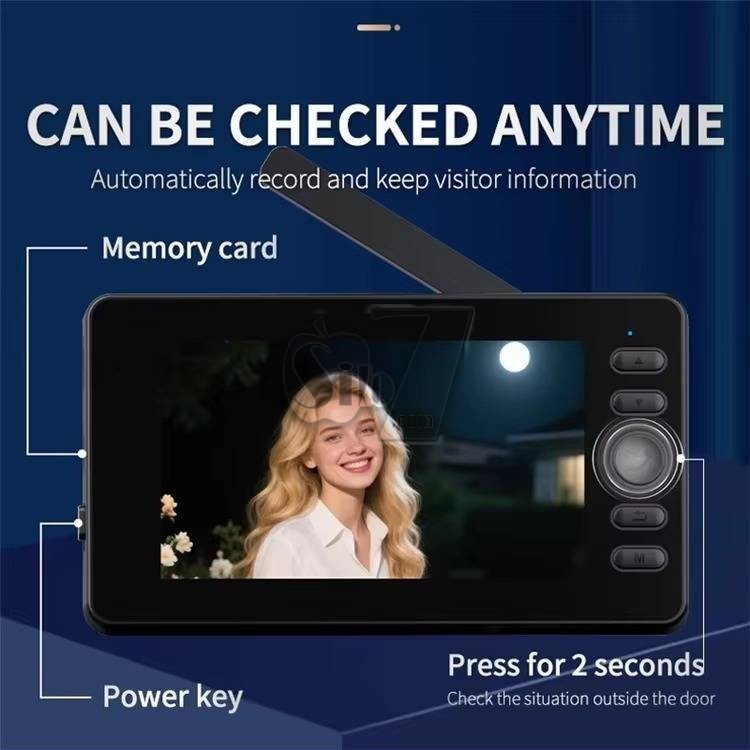
wake up the outdoor camera to check the outdoor situation
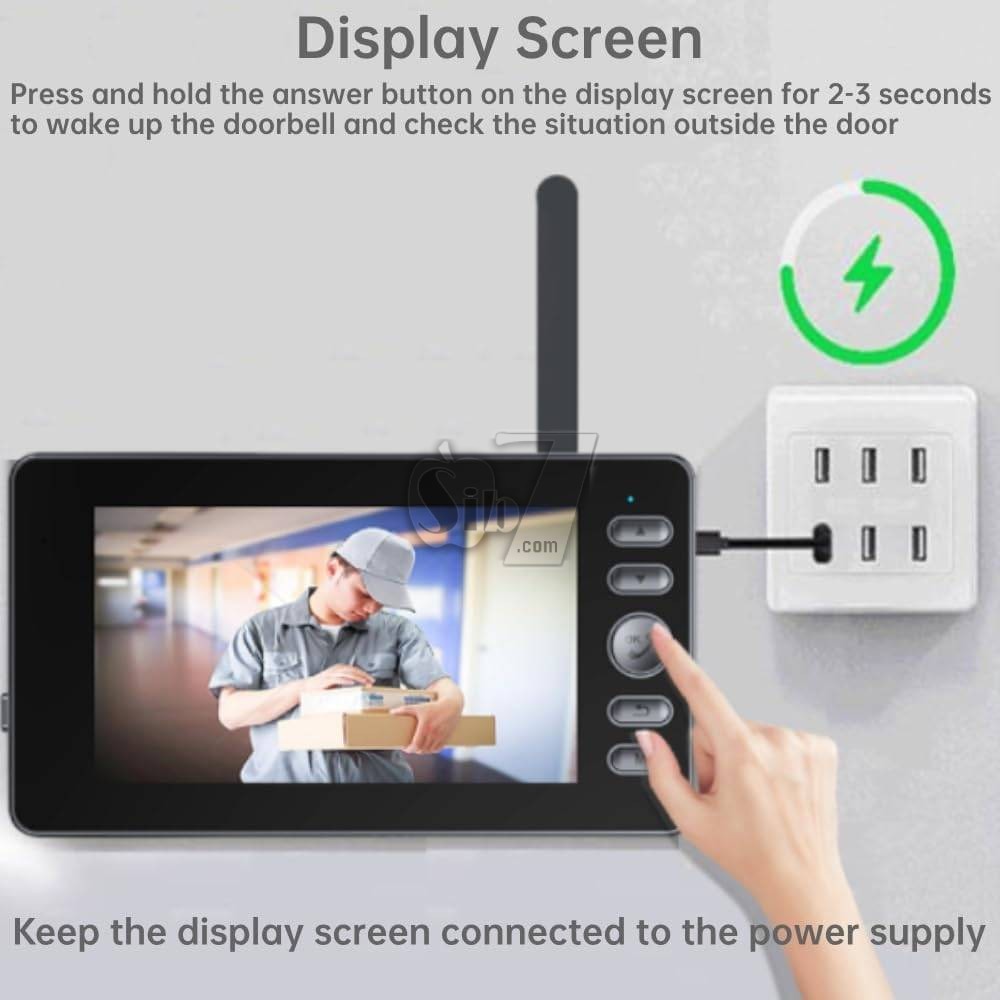
The doorbell camera will automatically enter sleep mode to save energy, you can press and hold the dial button on the display screen for 2-3 seconds to wake up the outdoor doorbell camera to view the outdoor situation.
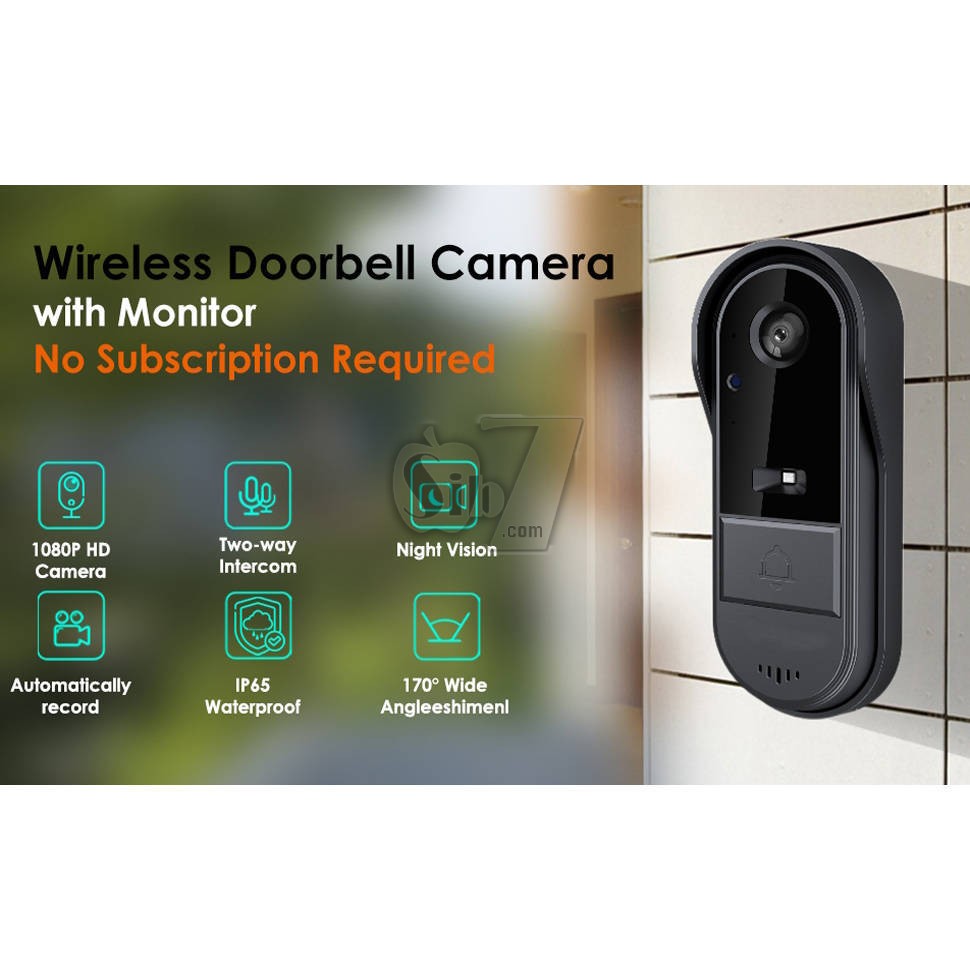
Doorbell Camera Wireless No Subscription – This 1080P wireless doorbell camera ensures simple and secure home protection without WiFi, app, or subscription fees. Using a private 2.4G wireless connection, it pairs with an included indoor monitor, making it perfect for apartments and homes seeking hassle-free security.
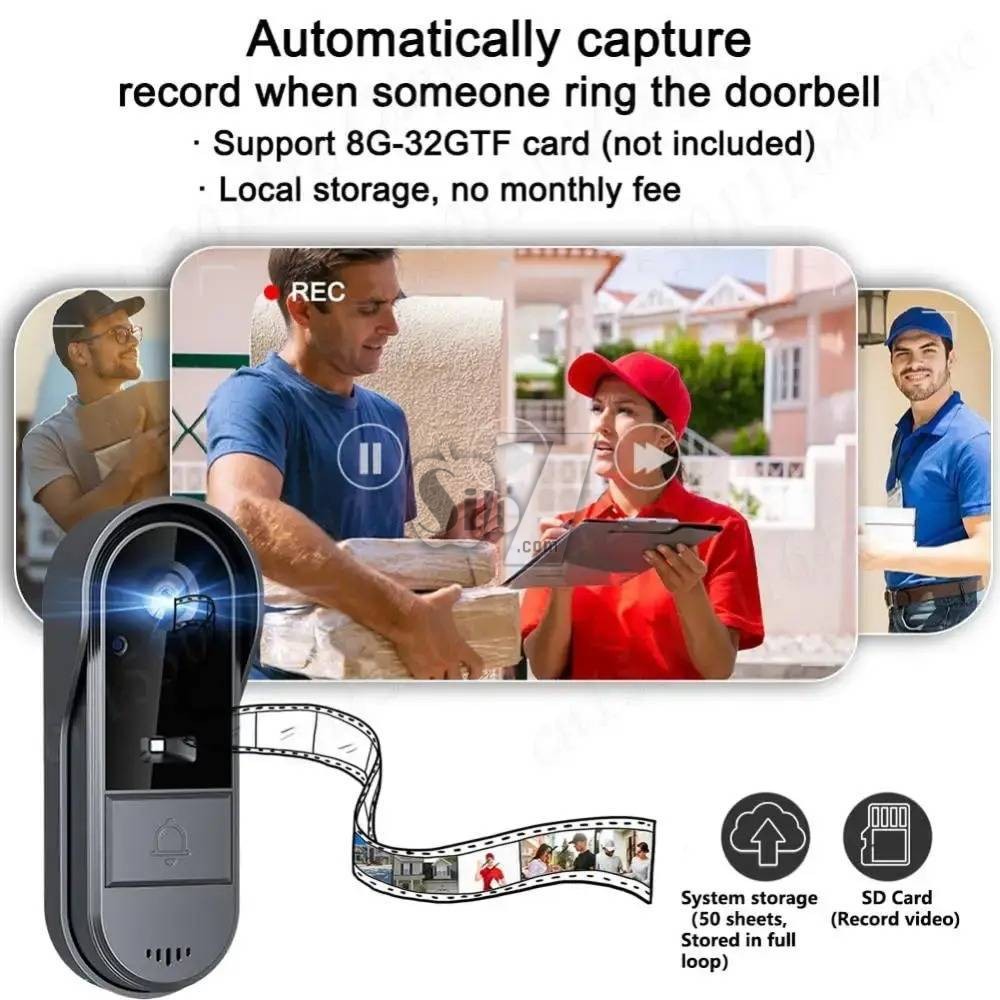
Video Intercom 2-Way Talk & Recording Function – Stay connected with visitors through the built-in video intercom 2-way talk feature. The system supports semi-duplex communication and automatically records video and audio (SD card required) for added security and peace of mind.
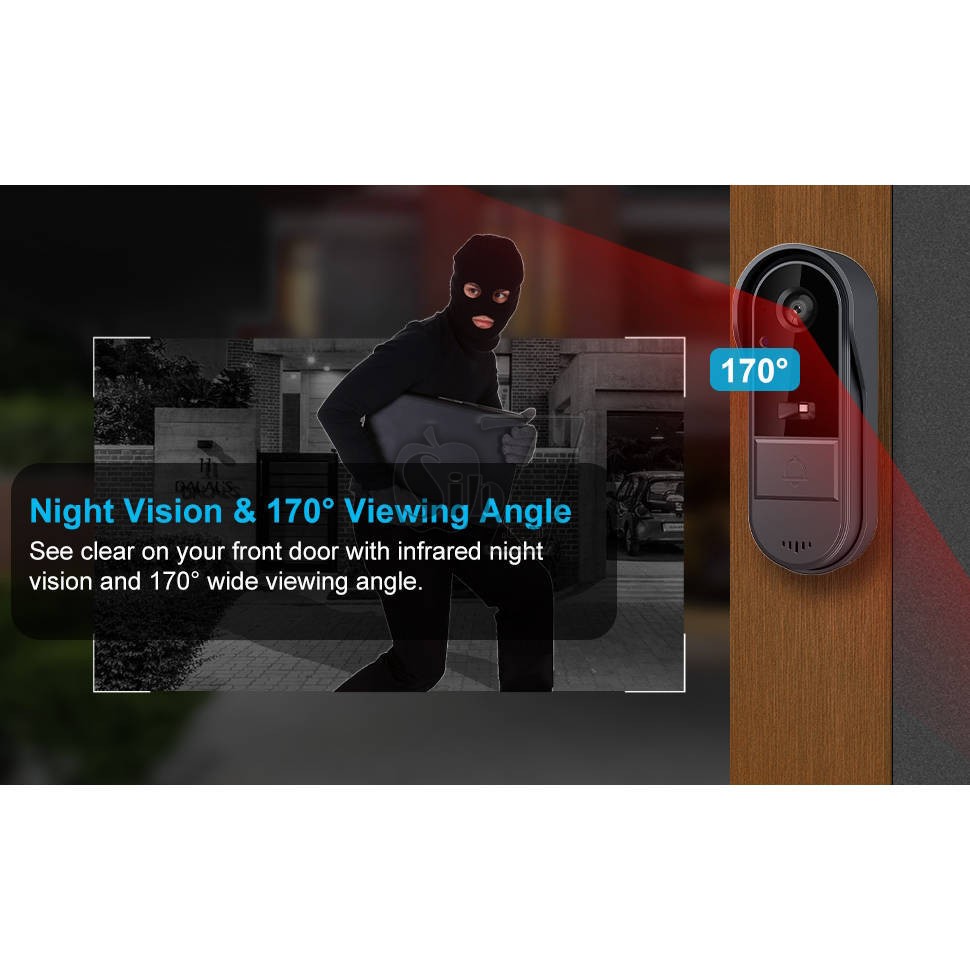
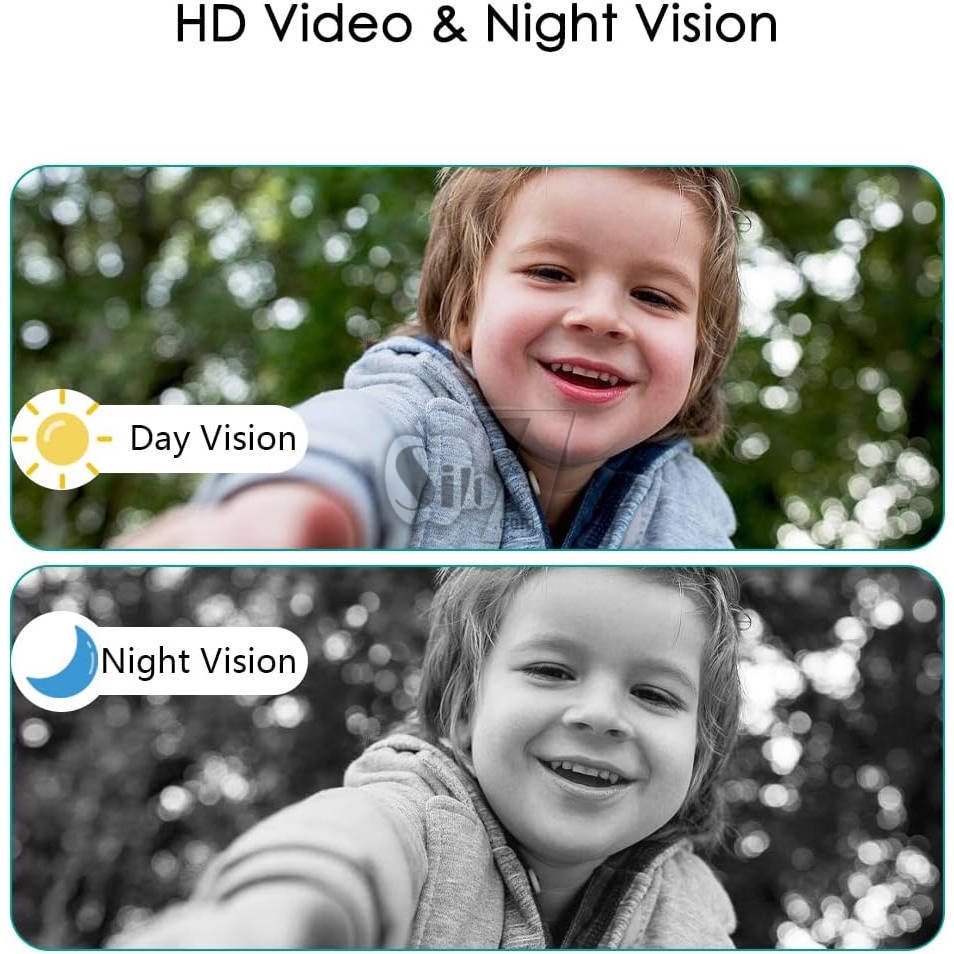
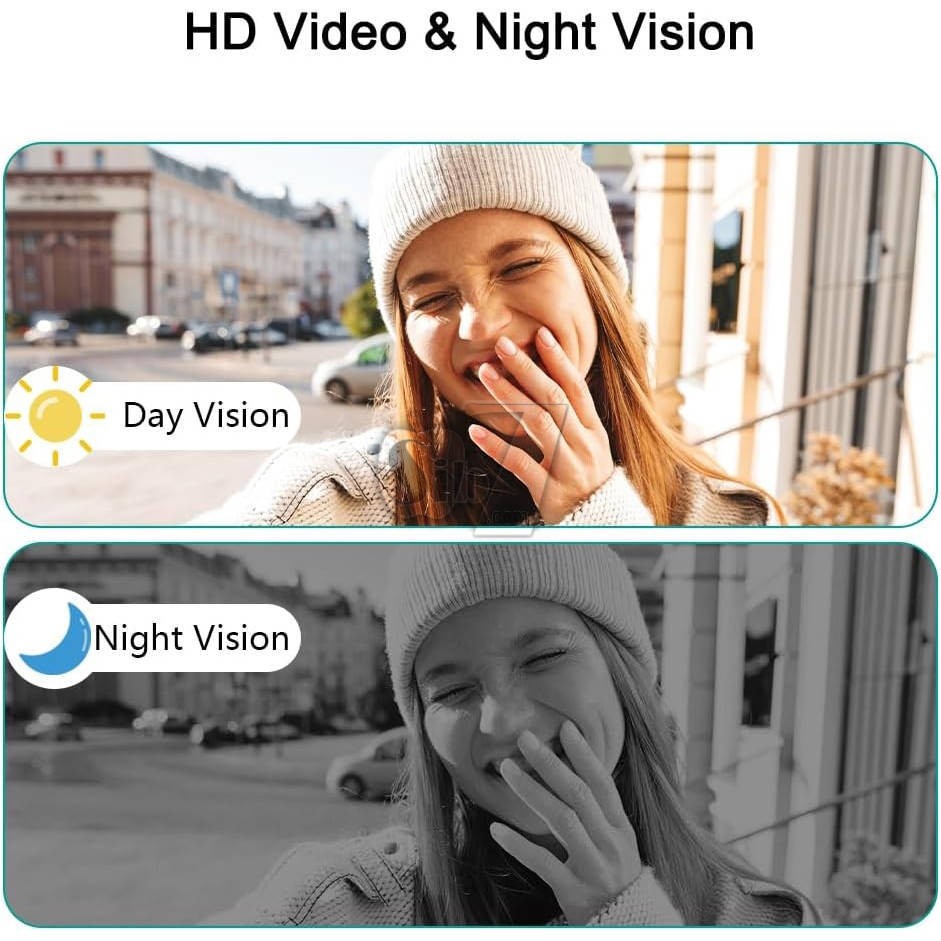
Wide-Angle Night Vision Surveillance – Featuring a 170° HD wide-angle lens and infrared night vision, captures sharp images both day and night. Monitor every corner of your entrance with enhanced clarity.
Long Battery Life & Effortless Installation – Equipped with an 1800mAh lithium battery offering up to 2 months of usage per charge, while the indoor monitor operates continuously via Type-C cable. Easy setup with Bluetooth pairing makes it user-friendly, especially for seniors and apartments without Wi-Fi access.
Doorbell Camera Wireless No Subscription – Enjoy hassle-free home security with this 1080P wireless video doorbell, which operates without WiFi, app, or subscription. Ideal for users who prefer simplicity, it uses a private 2.4G wireless connection with a dedicated indoor monitor, offering instant, secure communication.
NOTE:
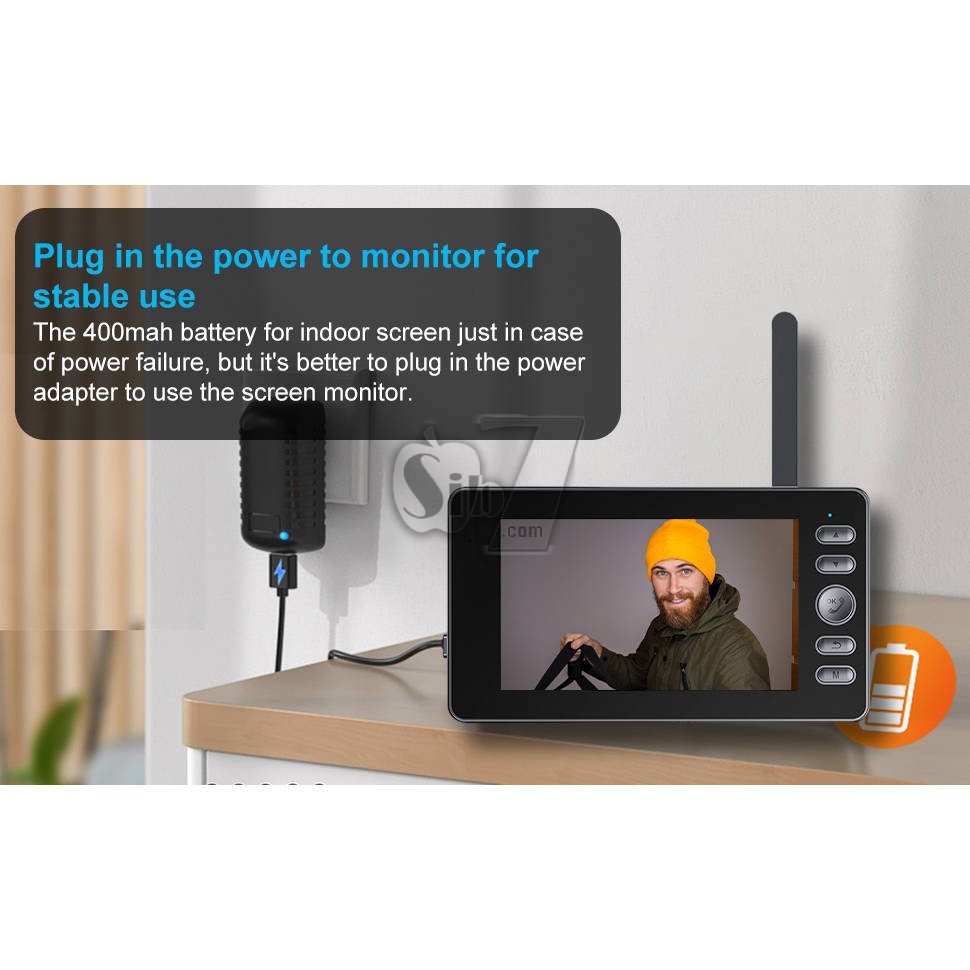
The inner screen uses a 400mAh battery, the main purpose of which is to preserve memory for a certain period of time and handle temporary power outages.
For long-term use, it is recommended to connect the USB port of the screen to a power source.
Place the 4.3-inch monitor screen in a convenient indoor location, such as the living room, kitchen, or entrance area.
This device is a low power bell. The outdoor doorbell is equipped with a 1800mAh battery.
When no one rings at the door, the doorbell enters sleep mode.
Before use, please connect the doorbell with the display screen and install it in an effective area.
If the display screen is too close to the doorbell, it will produce an echo. Move them further or lower the volume to remove noise.
This doorbell is an electronic precision device.
Do not use it in environments with excessive humidity or where water can enter the product, as this can affect normal operation.
For optimal performance, avoid placing the front and sides of the lens near reflective objects such as glass and white walls to avoid images that seem bright close and dark or whitish far.
Functions:
no need network, more secure information
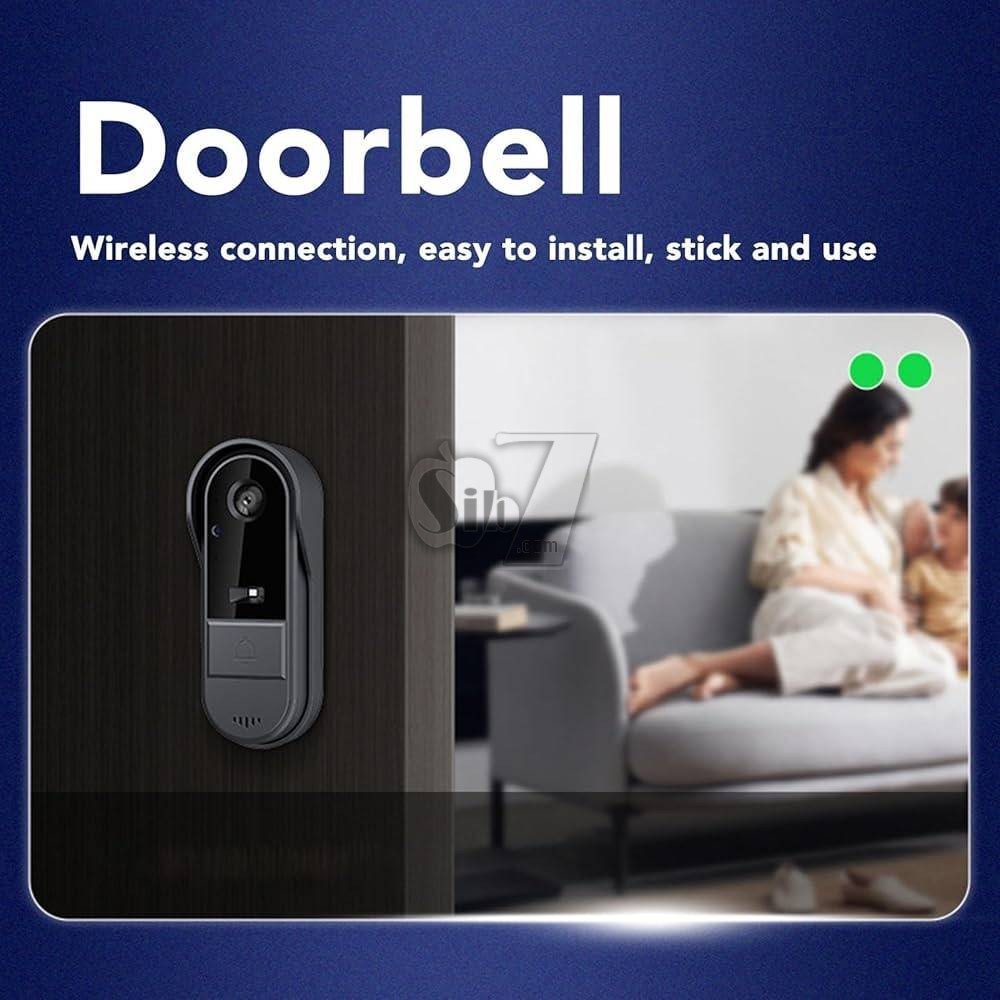
Wireless installation, one click pairing, more convenient installation
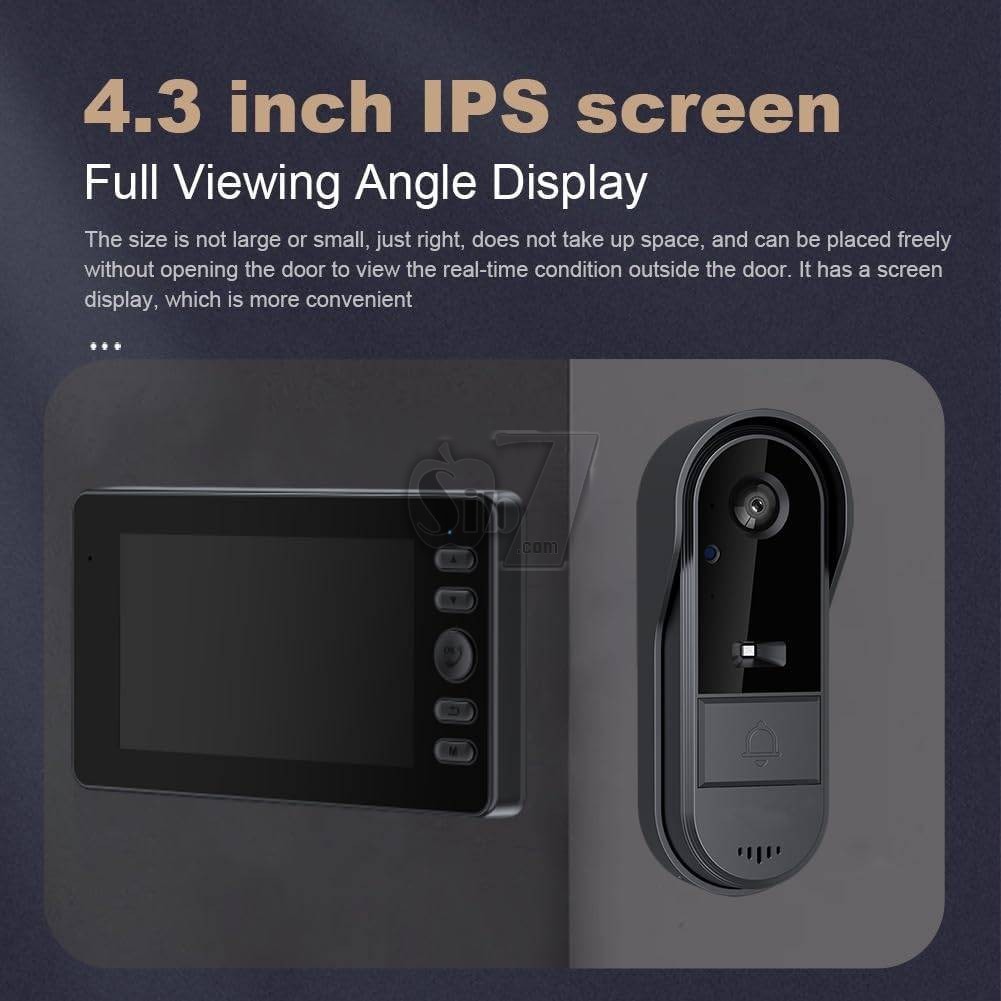
4.3 inch IPS monitor ,Full perspective display, clear and visible
2.4G Private protocol, long transmission distance, stronger signal
two-way audio communication intercom, active wake-up indoors, and outdoor viewing
low power ,long standby time
Indoor Captain Plug in Mode, Fast Response
The system automatically stores photos,
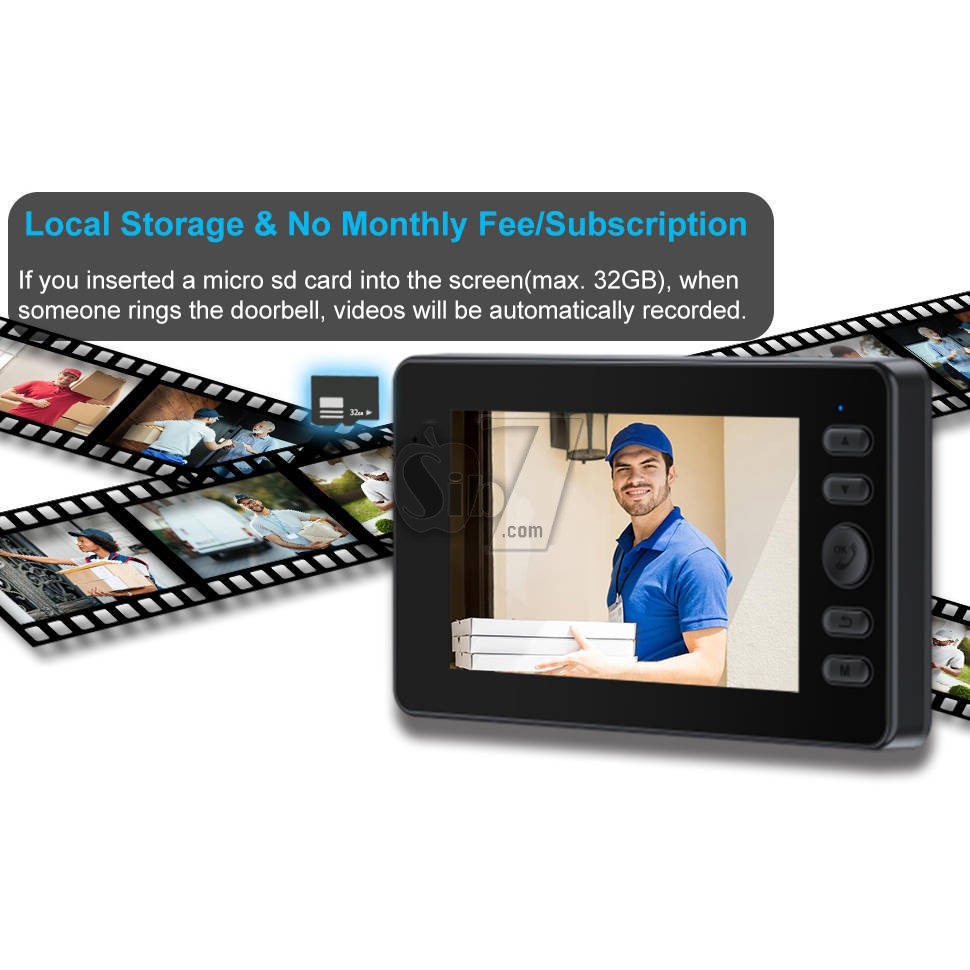
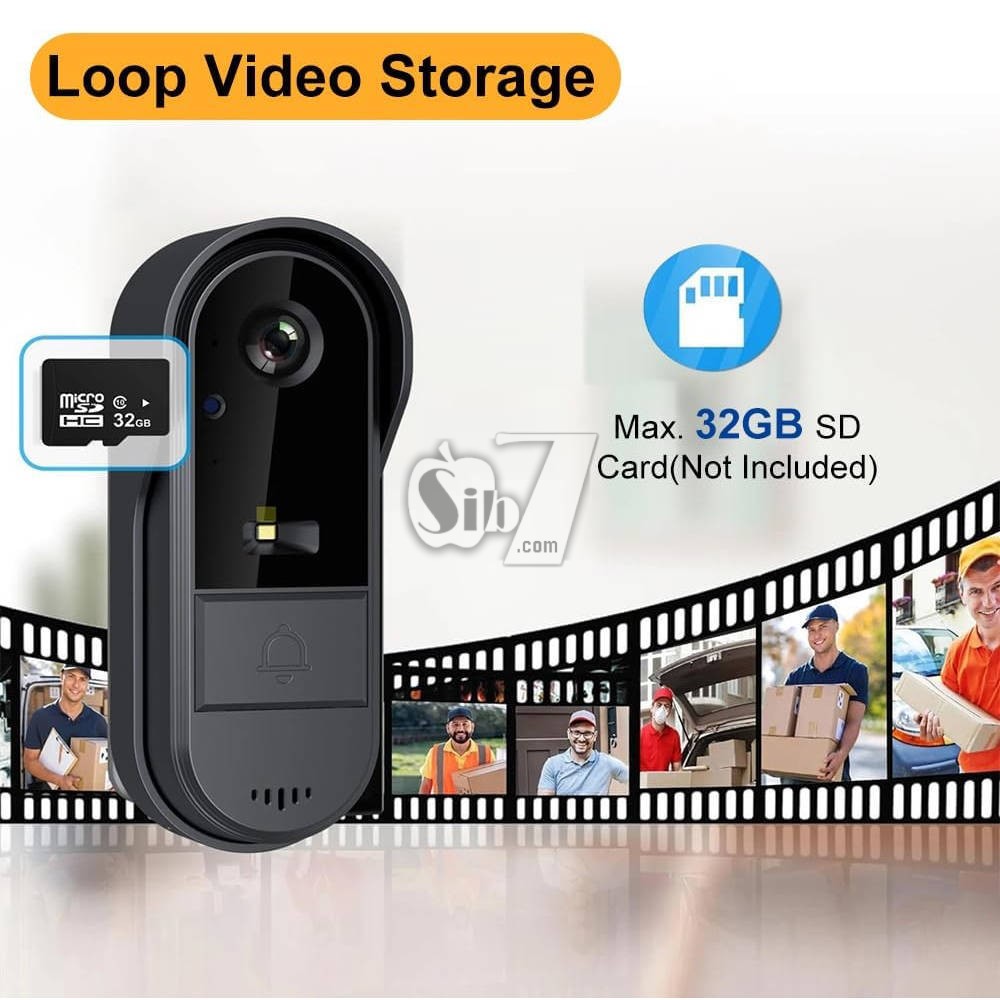
inserts cards for automatic recording
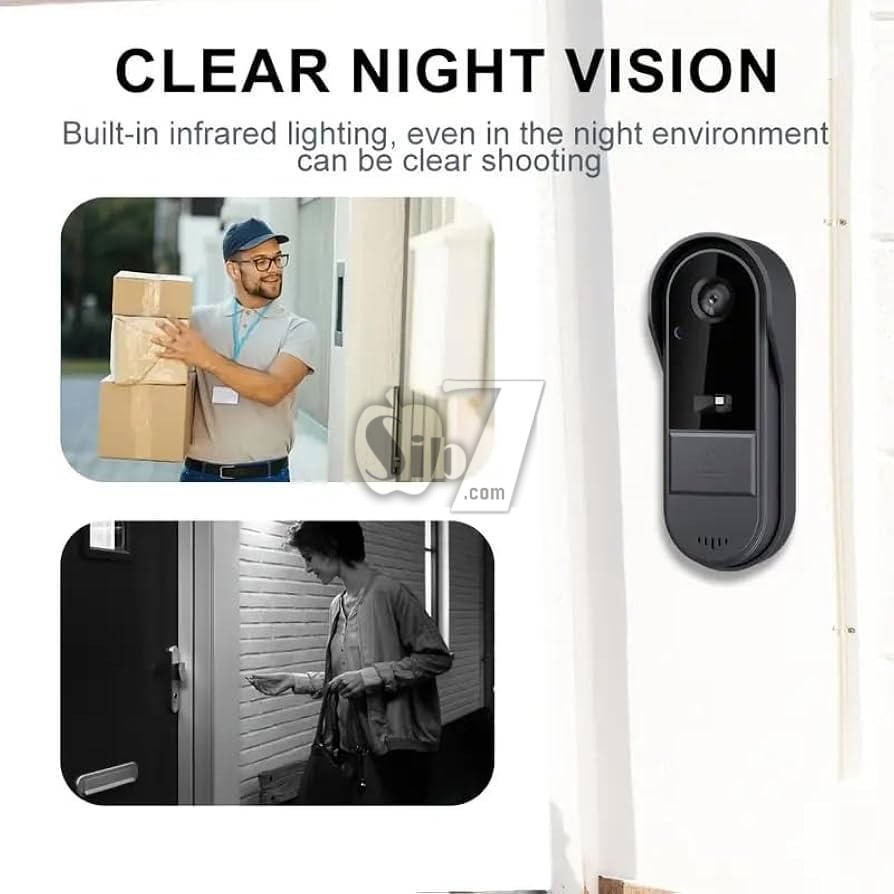
IR Night Vision
Indoor unit 6 ding dong music switching
Video capabilities
Recording function
Automatic snapshots
Outdoor waterproof design
Outdoor Unit IP65 Waterproof Rating
Built-in silicone seal in the waterproof cover,
Effortlessly withstands rainy conditions
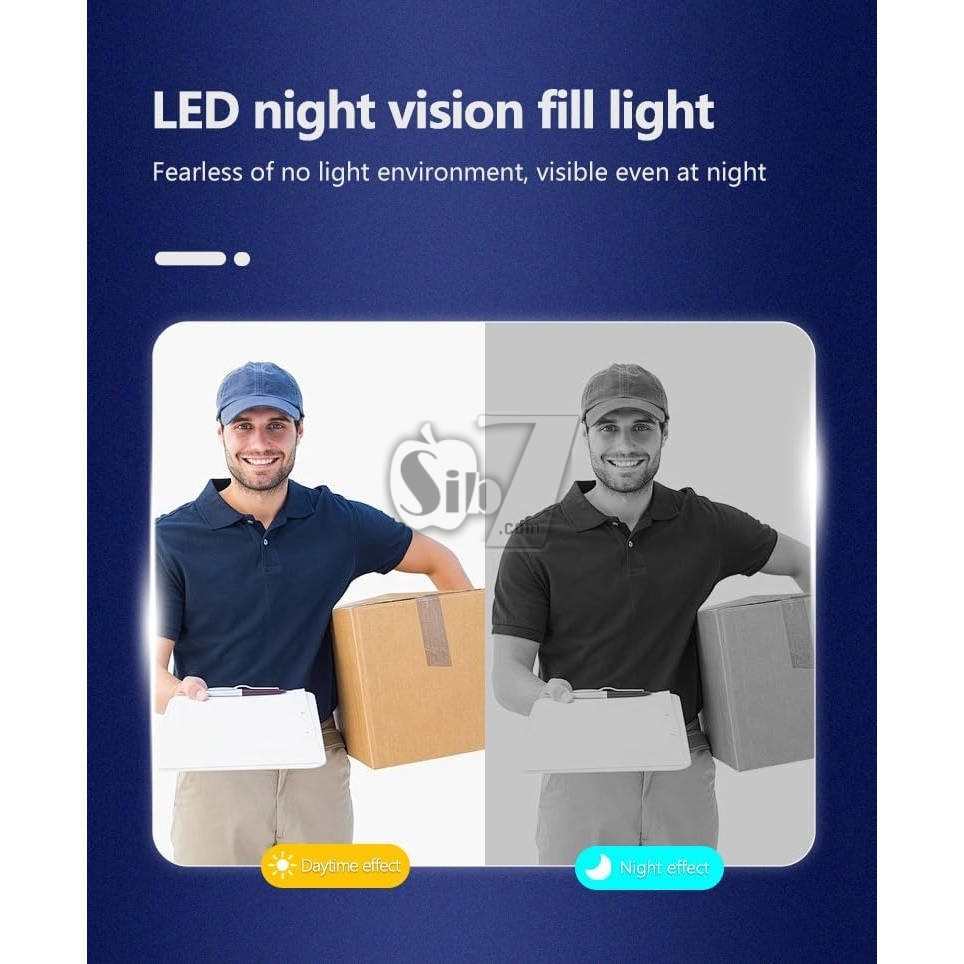
LED Night Vision Fill Light
No fear of low-light environments, visibility even in the dark
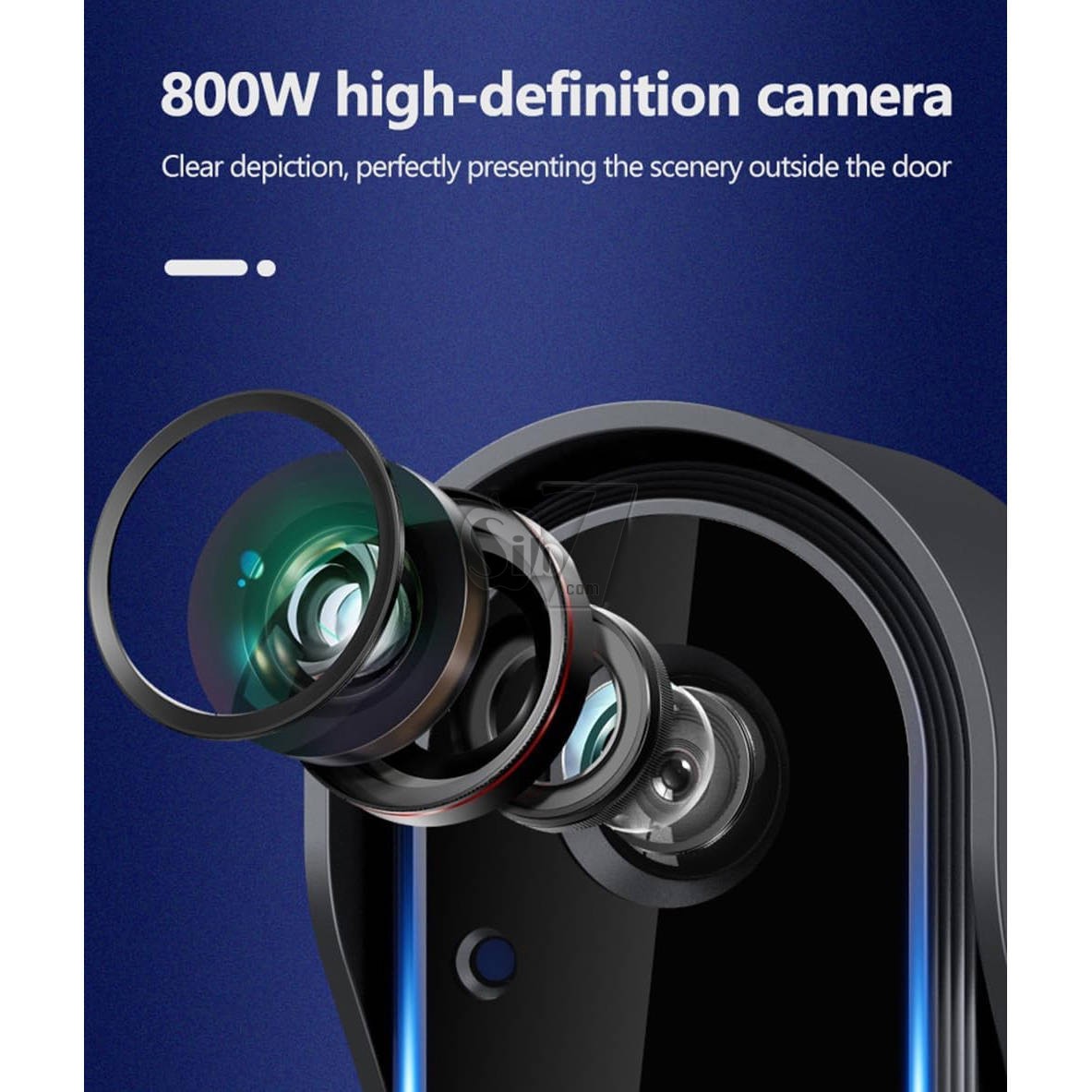
800W HD Camera
Clear depiction, perfect presentation of outdoor scenes
Strong Battery Life
Upgraded with a 1000mAh large-capacity battery for longer endurance
Wide-angle Large Field of View
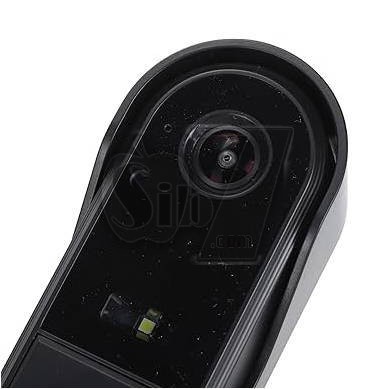
170-degree wide-angle lens for a more comprehensive view
Convenient Usage
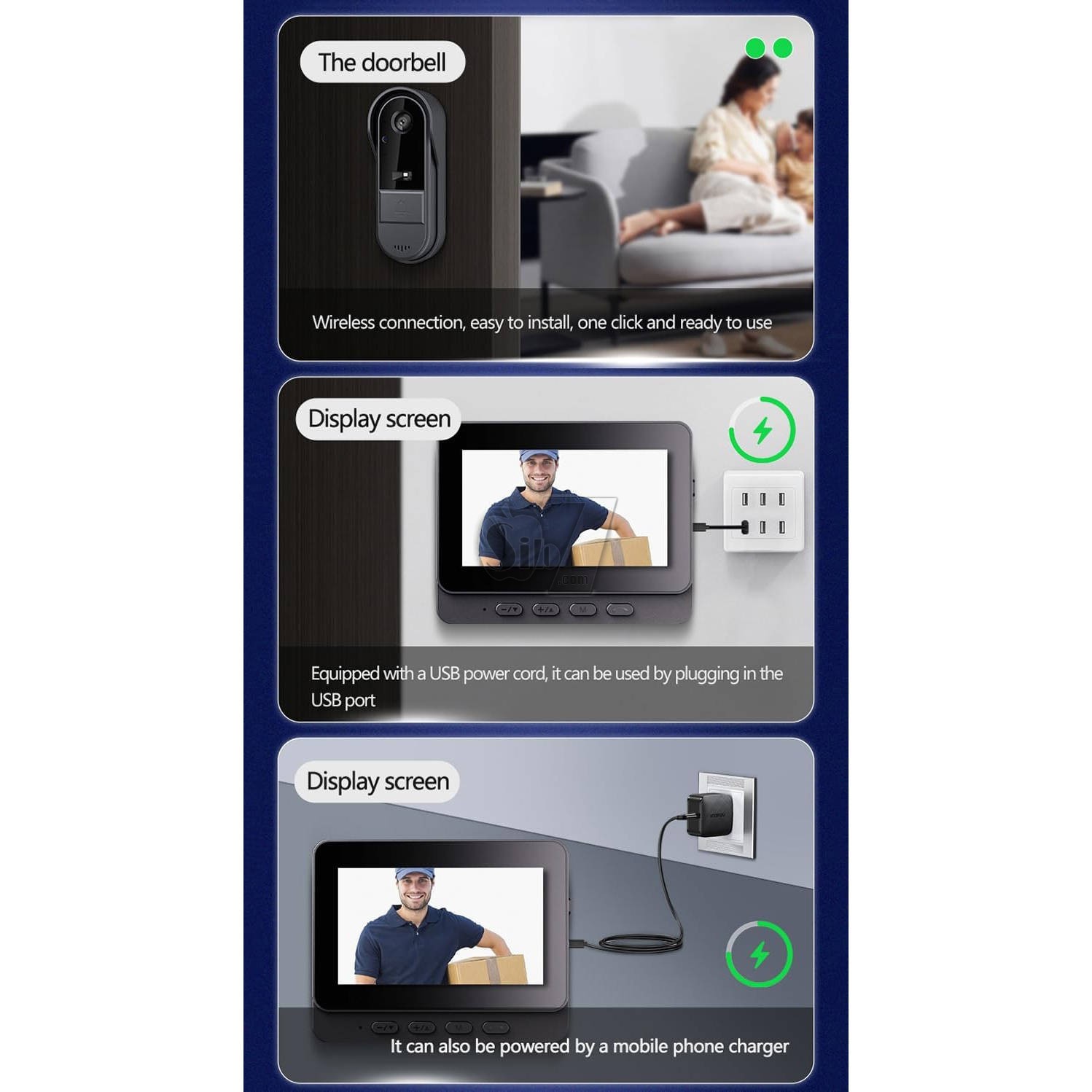
Wireless connection, USB charging, simply stick the doorbell and it's ready to use
Comes with a USB power cable, plug into a USB port for use
Can also be powered by a mobile phone charger
Wireless connection, easy installation, ready to use once attached
Connects seamlessly via Bluetooth, ensuring easy setup and usage without the hassle of wires.
Enjoy a wide 170° visual angle, providing comprehensive coverage of your surroundings.
Equipped with LED night vision, ensuring clear visibility even in low-light conditions or complete darkness.
Features an 800W HD camera, delivering crisp and detailed outdoor images for perfect clarity.
Upgraded with a 1000mAh high-capacity battery, ensuring extended usage and reliability for continuous monitoring.
This manual provides detailed instructions for the installation, operation, and maintenance of your new M15C Wireless Video Doorbell Camera. This system offers enhanced home security with its 1080P HD camera, two-way audio, and a dedicated 4.3-inch indoor monitor, operating via a private 2.4G wireless connection without requiring Wi-Fi or subscriptions.
Its IP65 waterproof design ensures reliable performance in various weather conditions.
About installation:
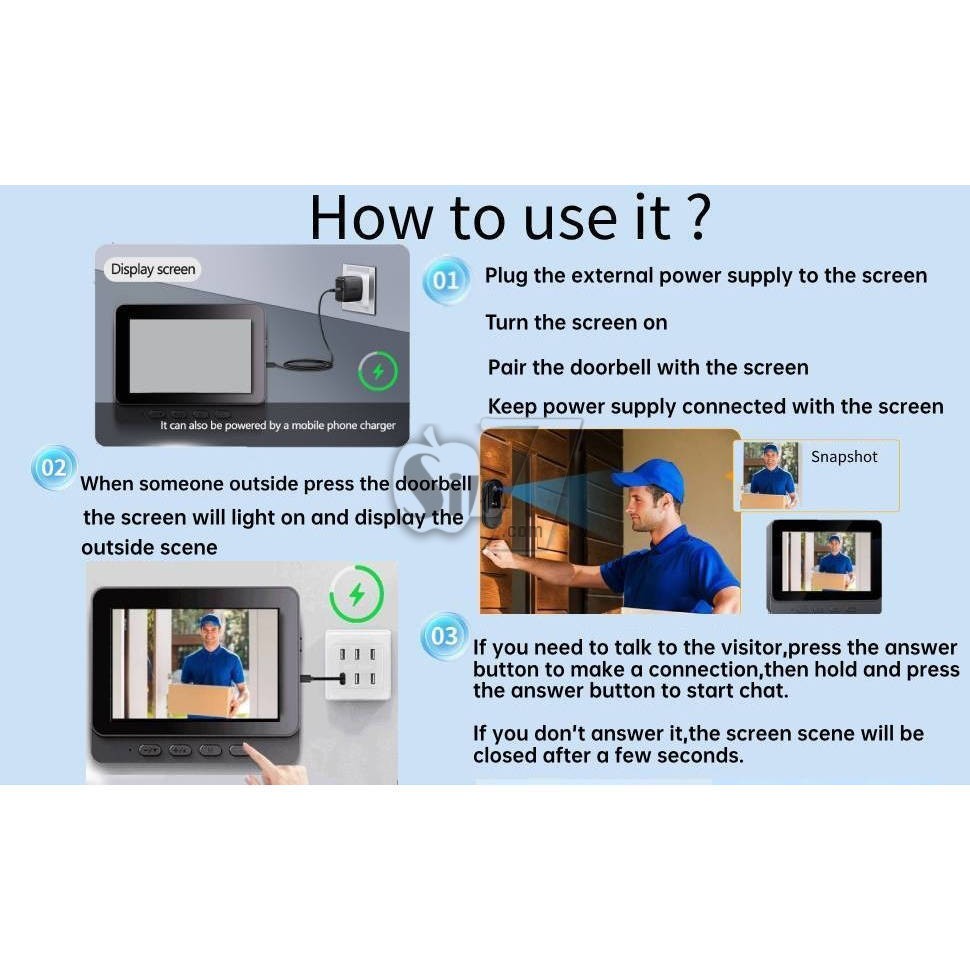
Display screen: Please keep the display screen connect with power supply.
According to personal needs, it can be placed in the living room, front desk, locker, etc., where it is convenient to connect to the power supply, the power supply should be 5V, use a mobile phone charger or connect it to a USB port to obtain power supply.
Doorbell: Wooden door, glass door, clean the dust at the installation site and stick it on the door with 3M glue.
For iron doors, it is recommended to install the upper end of the door handle at a height of 1.5-1.6 meters from the ground.
Can be modified according to personal needs.
Please note that because the doorbell needs to be charged regularly, please stick the back cover of the doorbell to the door or wall, and then connect the back cover with the doorbell by screw, instead of directly sticking the main body of the doorbell to the door or wall.
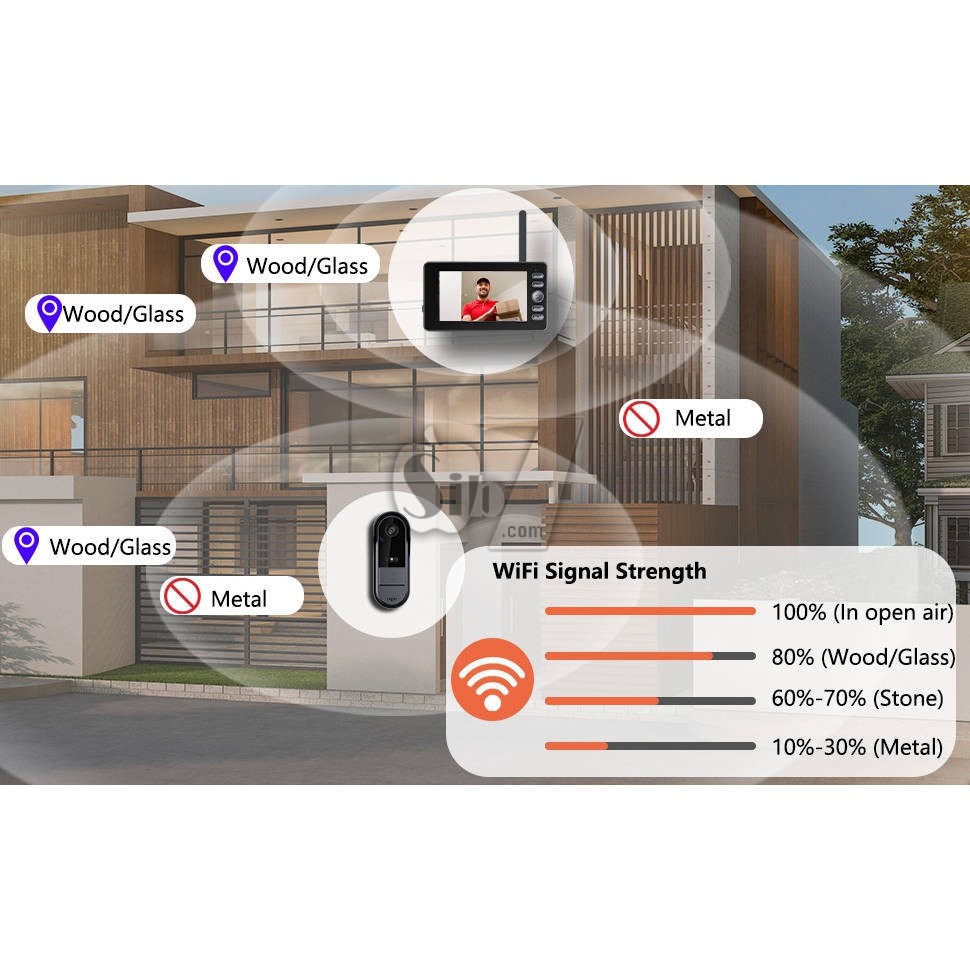
Reminder: Walls, windows, metal doors, etc. can weaken signal strength.
Please try to install the equipment within a strong signal range. Before installation,
please test whether the signal between the doorbell and the display at the installation location is good or not, and choose a location with good signal for installation.
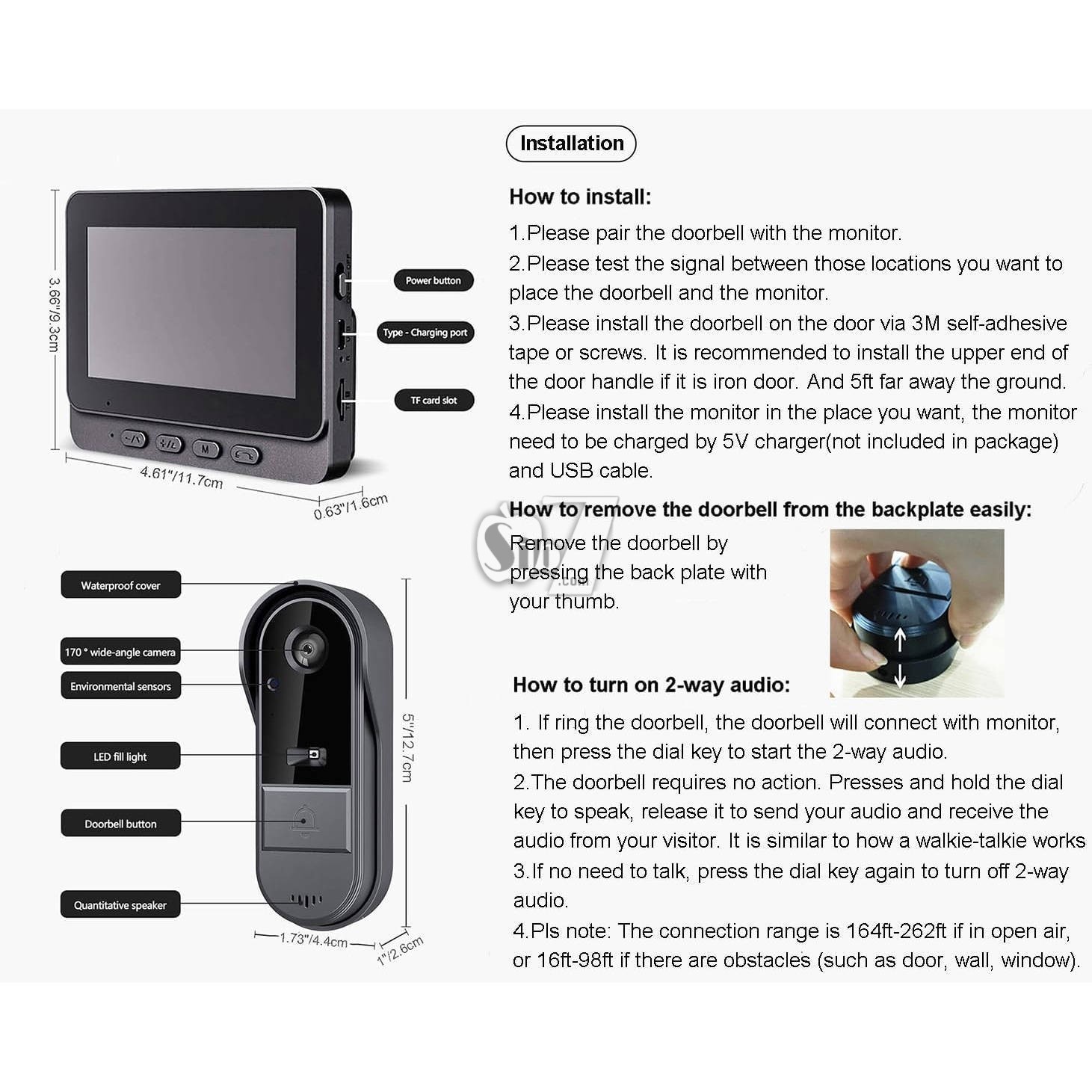
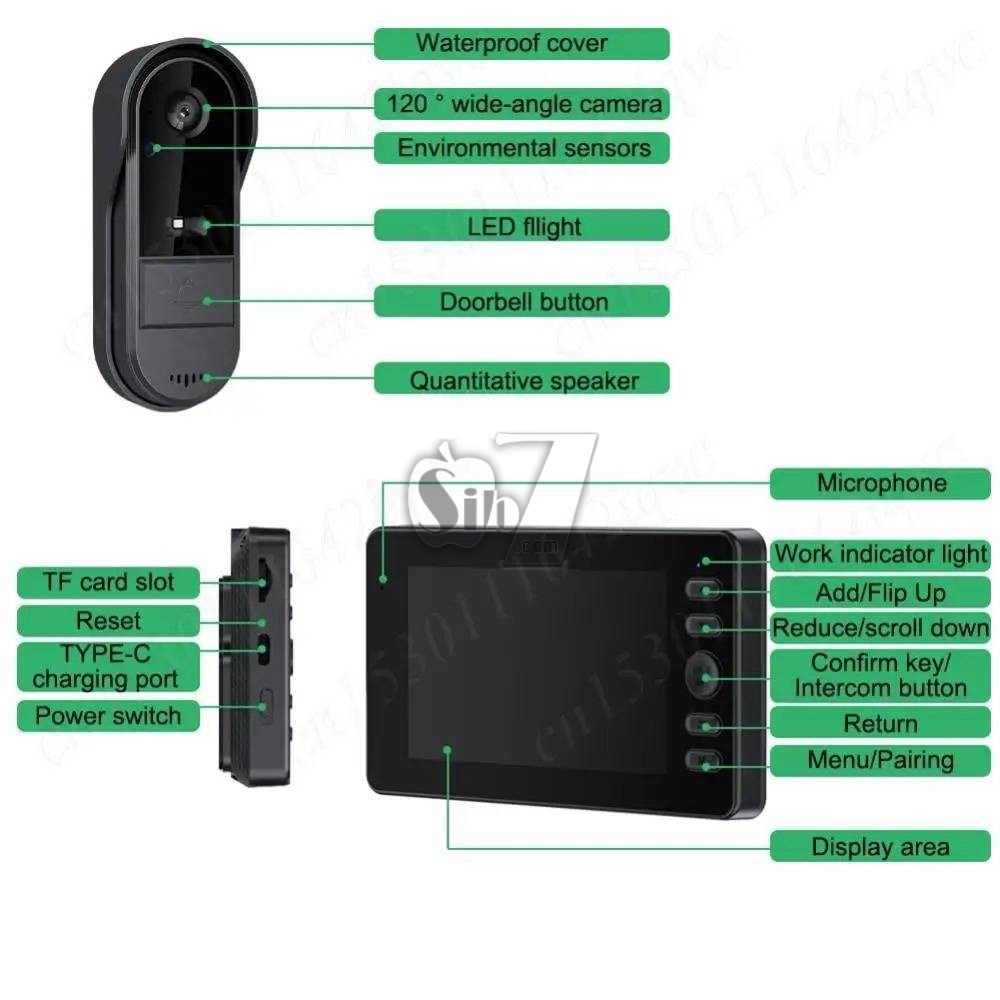
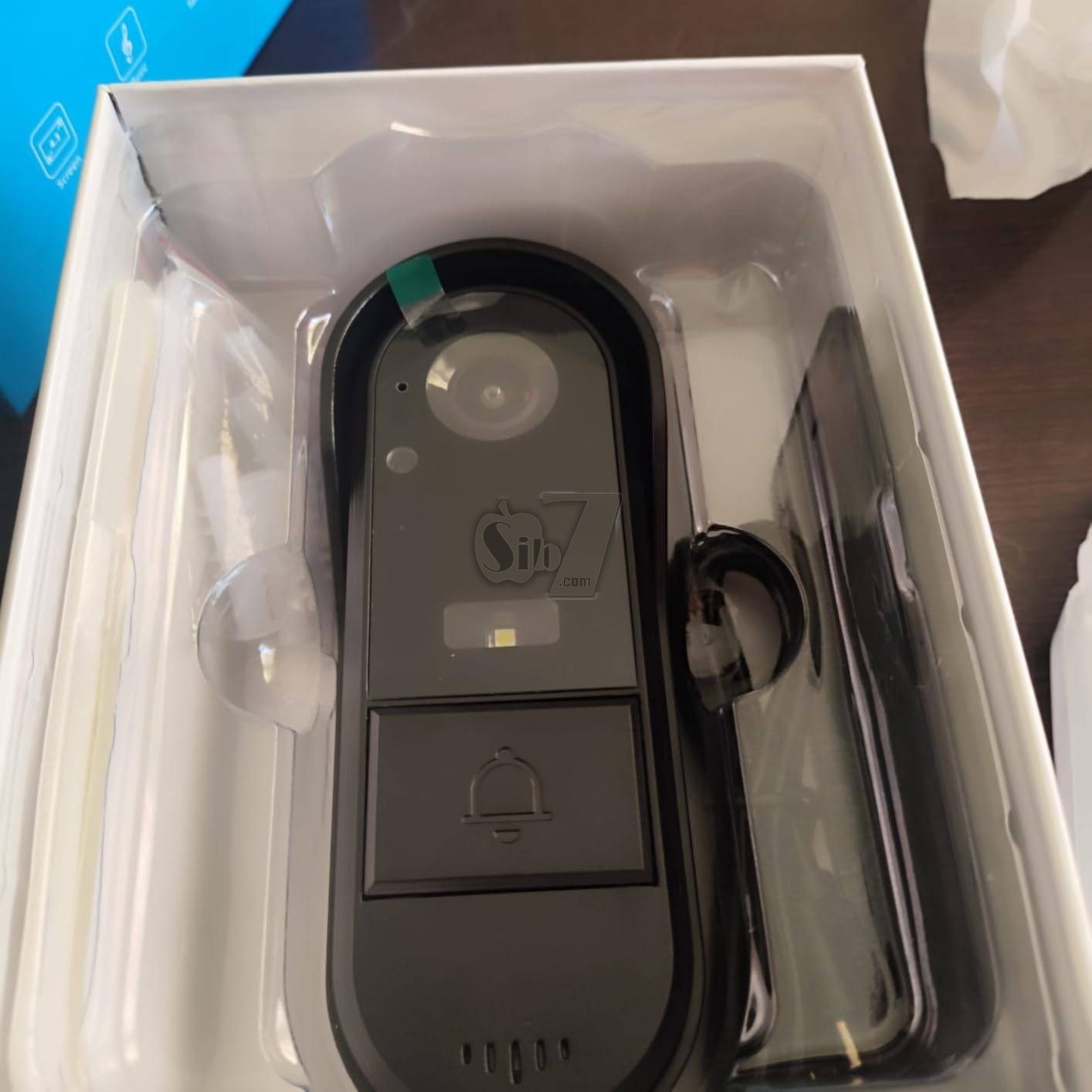
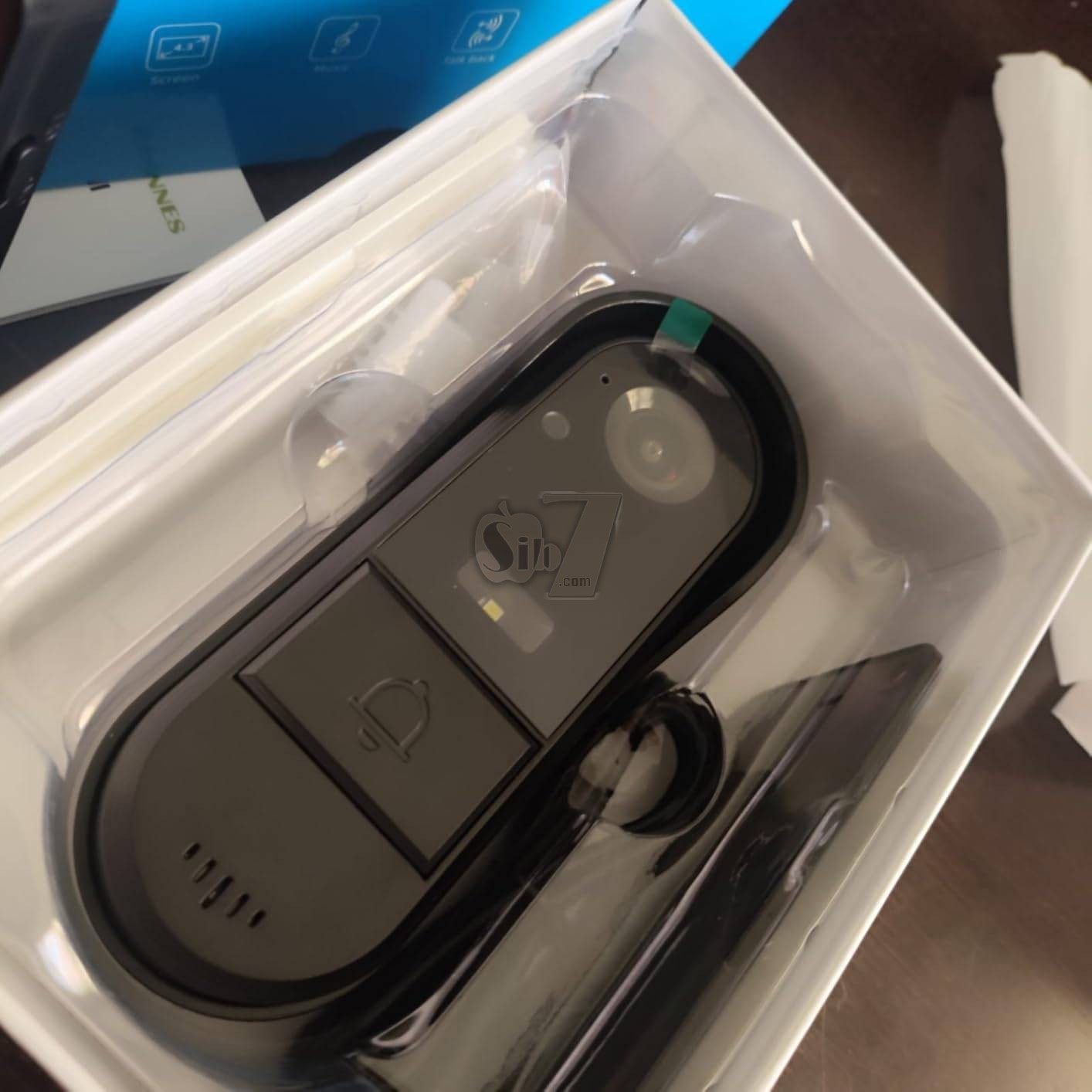
Outdoor Doorbell Unit
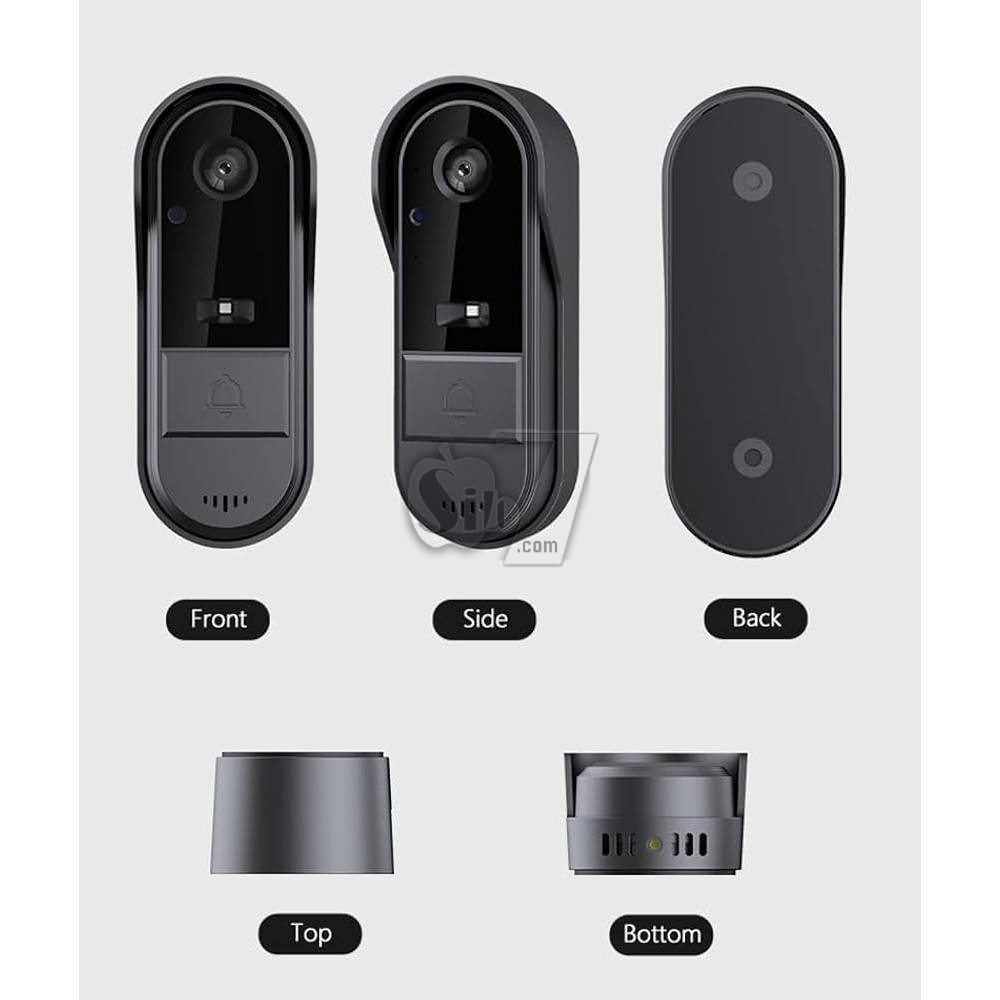
Waterproof Cover: Provides protection against environmental elements.
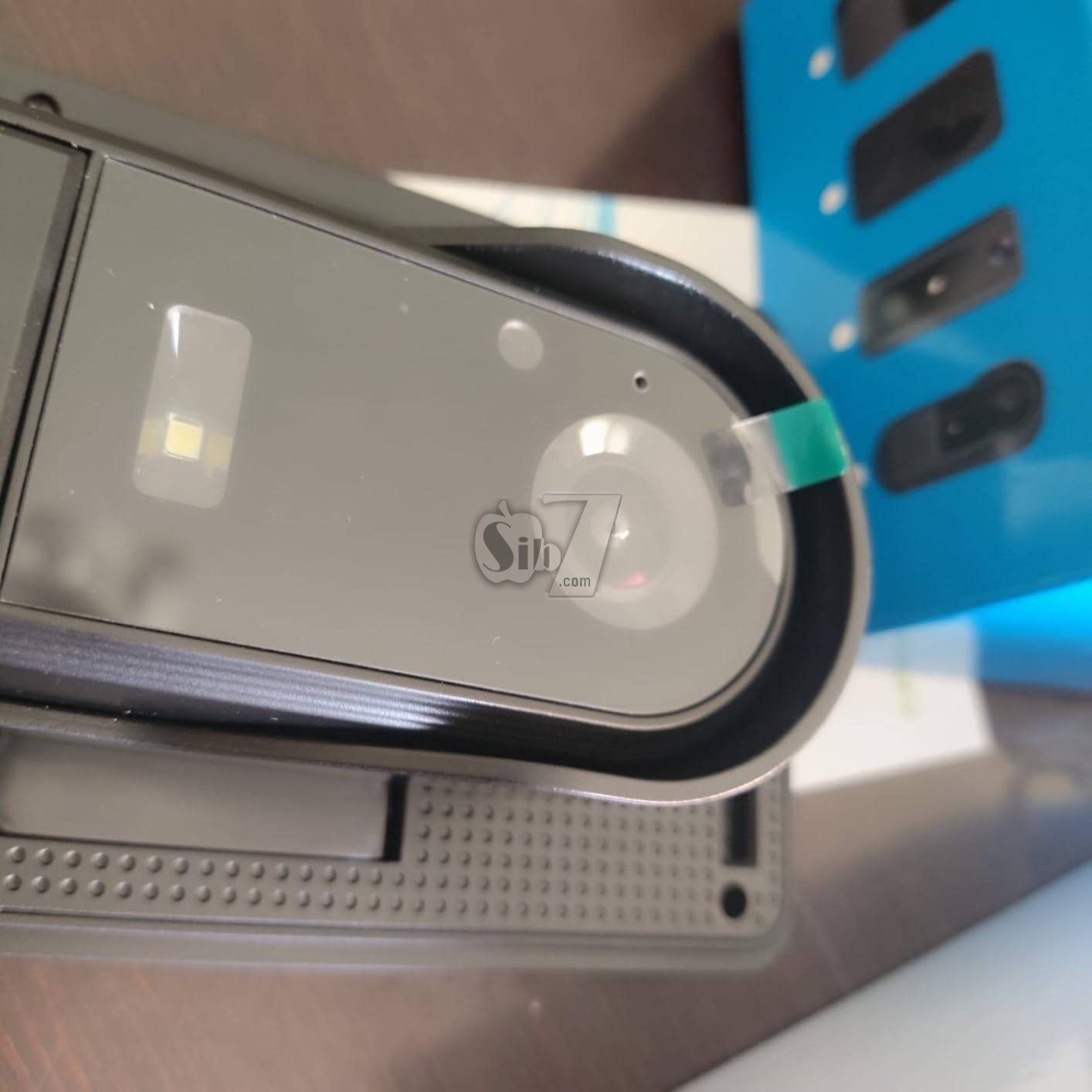
120° Wide-Angle Camera: Captures a broad view of your entryway.
Environmental Sensors: Detects ambient conditions.
LED Fill Light: Enhances visibility in low-light conditions for night vision.
Doorbell Button: For visitors to press.
Quantitative Speaker: For audio output.
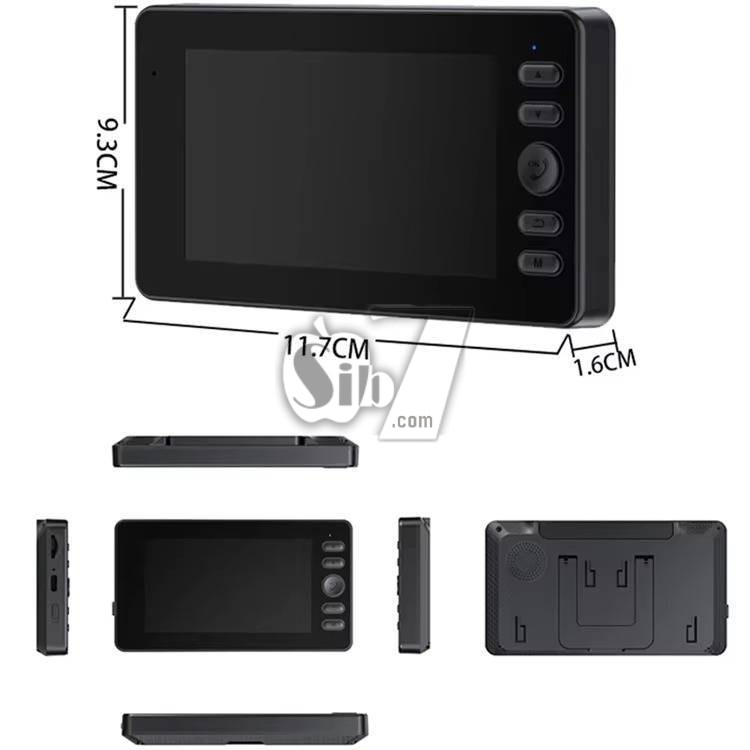
Indoor Display Unit (Monitor)
Microphone: For two-way audio communication.
Work Indicator Light: Shows device status.
Add/Flip Up Button: Navigation and function control.
Reduce/Scroll Down Button: Navigation and function control.
Confirm Key/Intercom Button: To confirm selections or initiate intercom.
Return Button: To go back in menus.
Menu/Pairing Button: Accesses settings and initiates pairing.
Display Area: 4.3-inch IPS screen for live video and menu.
TF Card Slot: For inserting a TF (MicroSD) memory card (up to 256GB, not included).
Reset Button: For factory reset.
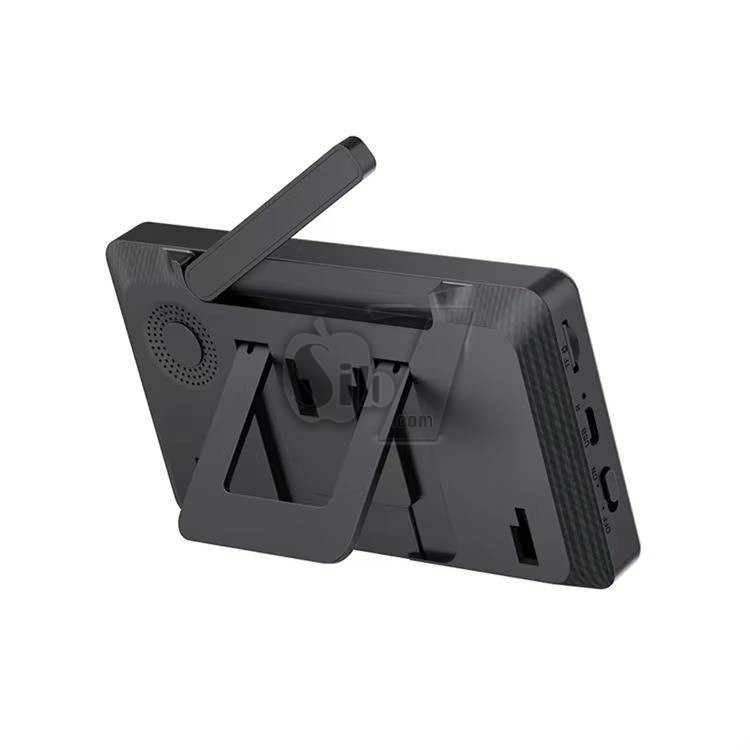
TYPE-C Charging Port: For power input.
Power Switch: To turn the unit on/off.
Charging the Units
Before first use, fully charge both the Outdoor Doorbell Unit and the Indoor Display Unit.
The Outdoor Doorbell Unit has an 1800 mAh battery.
The Indoor Display Unit has a 400 mAh battery and is charged via the Type-C port.
For continuous operation, it is recommended to keep the Indoor Display Unit connected to a DC5V/2A power source.
Installing a TF (MicroSD) Card (Optional)
The system supports TF memory cards up to 128GB for automatic video recording.
Locate the TF card slot on the Indoor Display Unit.
Gently insert the TF card until it clicks into place.
Ensure the card is oriented correctly.
The TF card is not included in the package.
Mounting the Outdoor Doorbell Unit
Choose a suitable location near your door, ensuring a clear view and within the 1-150 meter wireless range of the Indoor Display Unit.
Use the provided accessory bag (screws and anchors) to securely mount the doorbell unit to a wall or doorframe.
Ensure the unit is mounted at an appropriate height for visitors to easily press the doorbell button and for the camera to capture faces clearly.
Pairing the Units
The units are typically pre-paired from the factory. If re-pairing is needed, refer to the "Menu/Pairing" button on the Indoor Display Unit.
Follow the on-screen instructions to initiate Bluetooth-compatible pairing.
Operating Instructions
Visitor Notification and Live View
When a visitor presses the doorbell button on the Outdoor Unit, the Indoor Display Unit will immediately show a live video feed from the camera.
The system automatically captures and records video clips when the doorbell is pressed (requires an installed TF card).
Two-Way Audio Intercom
To speak with a visitor, press the "Confirm Key/Intercom Button" on the Indoor Display Unit while viewing the live feed.
The system supports half-duplex two-way audio, allowing you to communicate clearly with the person at your door.
Manual Live View (Indoor Activation)
To view the outdoor camera feed at any time without a visitor pressing the doorbell, press and hold the "Confirm Key/Intercom Button" on the Indoor Display Unit for 2 seconds.
This will instantly wake up the outdoor camera and display real-time footage.
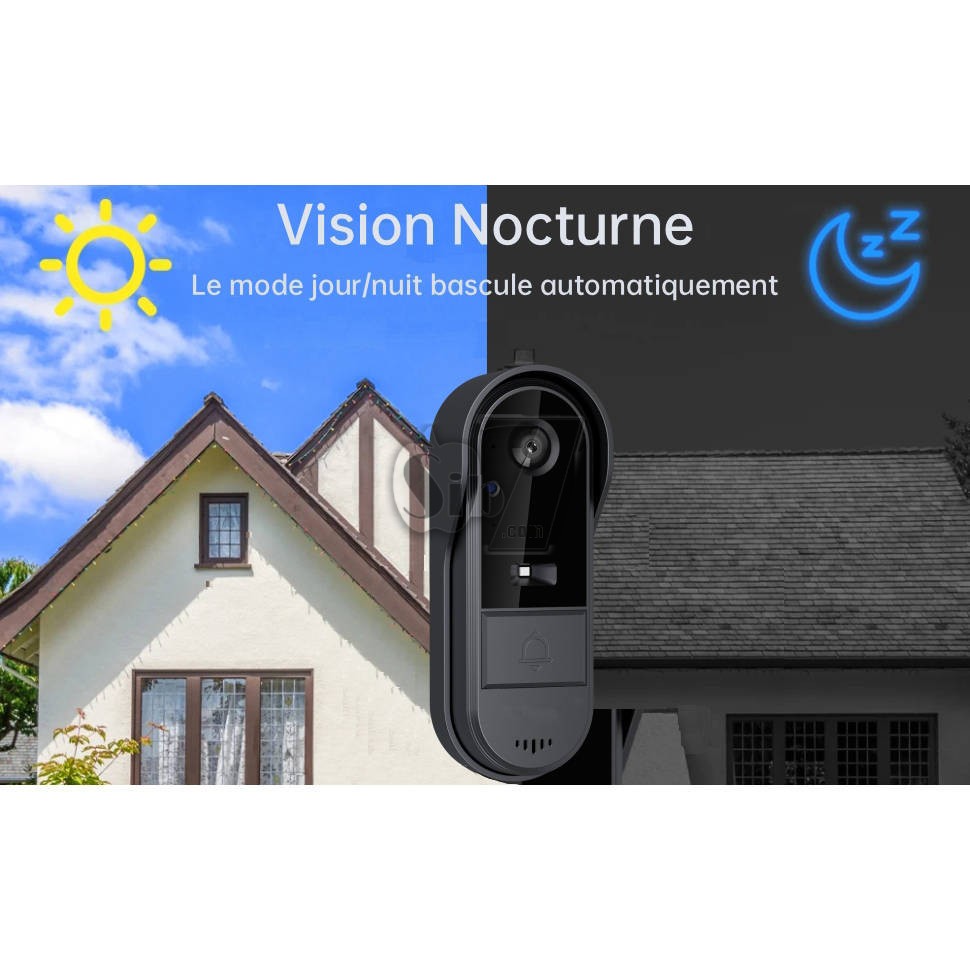
Night Vision
The Outdoor Doorbell Unit is equipped with LED fill light and infrared night vision capabilities.
In low-light conditions, the system will automatically switch to night vision mode to provide clear video.
Battery Management
Monitor the battery level indicators on the Indoor Display Unit.
Recharge the Outdoor Doorbell Unit when its battery is low. A full charge can last up to two months.
Keep the Indoor Display Unit connected to its Type-C power source for optimal long-term performance.
Cleaning
The Outdoor Doorbell Unit is IP65 waterproof, but regular cleaning of the camera lens and doorbell button area is recommended.
Use a soft, damp cloth to wipe the surfaces. Avoid abrasive cleaners or solvents.
TF Card Management
If using a TF card for recording, periodically check its storage capacity.
Format the TF card through the Indoor Display Unit's menu settings if needed to free up space or resolve recording issues.
User Tips
Optimal Placement: For best performance, mount the outdoor unit where it has a clear line of sight to the indoor monitor, avoiding thick walls or metal objects that could interfere with the 2.4G wireless signal.
Power for Indoor Unit: While the indoor monitor has a battery for portability, keeping it plugged in via the Type-C cable ensures it's always ready and avoids frequent recharging.
SD Card for History: Install a TF card to automatically record visitor interactions, providing a valuable security log even if you miss a live notification.
Troubleshooting
Problem: Indoor monitor shows no video/signal.
Possible Cause: Units are out of range, low battery, or not paired.
Solution: Ensure units are within 1-150m range. Charge both units. Re-pair if necessary via the Menu/Pairing button.
Problem: No two-way audio.
Possible Cause: Microphone/speaker issues, or intercom not activated.
Solution: Ensure the "Confirm Key/Intercom Button" is pressed during communication. Check for obstructions on microphone/speaker.
Problem: Doorbell not ringing/activating monitor.
Possible Cause: Low battery on outdoor unit, or doorbell button malfunction.
Solution: Charge the Outdoor Doorbell Unit. Test the doorbell button for physical response.
Problem: Video recording not working.
Possible Cause: No TF card inserted, TF card full, or corrupted.
Solution: Insert a compatible TF card (8G-256GB). Check TF card status in settings. Format or replace the TF card if necessary.
Problem: Poor night vision quality.
Possible Cause: Obstruction of LED/IR sensors, or extreme darkness.
Solution: Ensure the camera lens and LED fill light are clean and unobstructed.
FAQ: Visual Doorbell
What is the connectivity mode of the Visual Doorbell?
The Visual Doorbell utilizes Bluetooth connectivity.
What is the viewing angle of the Visual Doorbell?
The Visual Doorbell offers a viewing angle of 170°.
What are the specifications of the display screen?
The display screen also provides a viewing angle of 170°.
Does the Visual Doorbell support memory card expansion?
Yes, it supports TF memory card expansion.
What type of night vision does it feature?
It utilizes LED supplementary lighting for night vision.
What is the power supply information for the Visual Doorbell?
It requires DC5V\2A power supply.
What encoding format does it use for storage?
The Visual Doorbell uses MJEPG encoding for storage.
What is the operational temperature range of the Visual Doorbell?
It operates within a temperature range of -10° to 60°.
What audio capabilities does it have?
It features built-in speakers and a microphone for audio communication.
What are the features of the LED night vision supplementary lighting?
The LED night vision supplementary lighting enables visibility in low-light environments, ensuring clear vision even during nighttime.
Does it record when no one rings?
No, it does not record when no one rings. The doorbell camera only records video automatically when someone presses the doorbell and an SD card is inserted.
Does its battery require frequent recharging?
No.
The doorbell : the doorbell battery does not require frequent recharging.
A full charge allows for 900 rings of doorbell.
The actual battery life depends on the frequency of use.
The display screen: Please keep the display connected to the power supply.
Can it be paired with multiple doorbells?
No, one doorbell can only connect with a display at one time.
Is its installation difficult?
No, the doorbell has a back cover, you can directly stick the back cover on the wall or door with 3M sticker.
The doorbell and the back cover can be connected with screws through the screw holes at the bottom.
It is very easy to install.
How far is the connection distance?
In open air, the distance can up to 50-80 meters.
If there are obstacles, the distance will be limited in 10-30 meters.
It depends on the surrounding environment.
Does it record video when motion is detected?
No, it does not record video when motion is detected.
The doorbell camera automatically captures and records 20-25 second videos when the doorbell is pressed (with a TF card inserted).
Specifications:
Type: Wireless Video Door Phone
Model Number HYF-M15C
Wireless Transmission Rang: 1-150 meters (between host and display)
master control: Jianrong+2.4G module
Sensor: GC0328/115 degree wide angle view /White light automatic fill light
Display Screen: 4.3-inch IPS Screen
Resolution: 640*480
Doorbell battery: 1800MAH for outdoor doorbell, standby time about 1-2 months,
Display battery: 400mah,standby time about several days if full charged
Charging time: approximately 4 hours (using a 5V 1A charger)
Battery Energy Standby life: about 2 months
Micro SD TF Memory Card Support: Up to 128GB (not included)
Storage: Record via the memory card, supports 8-128 GB of high-speed memory cards
Audio: Built-in speaker and microphone, Two-way audio (half-duplex)
Connection Mode: Bluetooth (BT), Private 2.4G Wireless Protocol
Transmission protocol: 2.4 g wireless
Waterproof evaluation: sustained, waterproof IP65 in daily life
Video recording: supported (this function requires a memory card)
Viewing Angle: 120° Wide-Angle
Night Vision Type: LED Fill Light, Infrared night vision
Power Supply: DC5V\2A
Storage Encoding: MJEPG
Waterproof Rating: IP65 (Outdoor Doorbell)
Operating Temperature: -10°C to 60°C
Operating Humidity: 10% to 90%
Power: DC5V/2A
Material: ABS
Power Supply: Battery Powered
Packaging: Color Box
Monitor Indoor Host Dimensions :135*76*18mm
Outdoor Doorbell Dimensions: 127 x 44 x 26 mm
Retail box size:160*118*70mm
Single gross weight: 0.550 kg
carton size: 41.3*28.3*32.4 /20pcs
net weight : 10 kg
gross weight: 10.5 kg
Package Contents
1 x Doorbell Unit (Outdoor)
1 x Display Unit (Indoor Monitor)
1 x USB Charging Cable (Type-C)
1 x Instruction Manual
1 x Mounting screws, anchors, etc.
Discover hassle-free security with your Doorbell Camera Wireless No Subscription
designed for simplicity and reliability without Wi-Fi dependency.
Ideal for homes seeking Wireless Door Bell Cameras with direct 2.4G Bluetooth connectivity, this system ensures seamless communication up to 30-80 meters (obstacle-free) or 5-30 meters with obstructions.
Two-Way Audio Intercom for Communication
The waterproof video doorbell wireless with monitor screen is equipped with built-in two-way audio, enabling conversation between you and your visitor.
Greet guests, give delivery instructions, or deter unwanted visitors—all from the comfort of your home using the wireless video intercom.
When a visitor presses the doorbell, the monitor screen will instantly display the live feed.
Use the two-way audio function to communicate with guests or delivery personnel.
Wireless visible doorbell with camera and display screen, no need Wi-Fi/network, no subscription, no APP, easy to use
The Doorbell with Camera and screen is perfect for increasing the security of your house
The IP65 waterproof design makes it ideal for outdoor installation. Night vision and two-way audio allow you to see and communicate clearly. Once someone presses the doorbell, enjoy the peace of mind of knowing who is at your door, no matter what time of day it is. With simple installation, this video doorbell is a great choice for protecting your home.
wake up the outdoor camera to check the outdoor situation
The doorbell camera will automatically enter sleep mode to save energy, you can press and hold the dial button on the display screen for 2-3 seconds to wake up the outdoor doorbell camera to view the outdoor situation.
Doorbell Camera Wireless No Subscription – This 1080P wireless doorbell camera ensures simple and secure home protection without WiFi, app, or subscription fees. Using a private 2.4G wireless connection, it pairs with an included indoor monitor, making it perfect for apartments and homes seeking hassle-free security.
Video Intercom 2-Way Talk & Recording Function – Stay connected with visitors through the built-in video intercom 2-way talk feature. The system supports semi-duplex communication and automatically records video and audio (SD card required) for added security and peace of mind.
Wide-Angle Night Vision Surveillance – Featuring a 170° HD wide-angle lens and infrared night vision, captures sharp images both day and night. Monitor every corner of your entrance with enhanced clarity.
Long Battery Life & Effortless Installation – Equipped with an 1800mAh lithium battery offering up to 2 months of usage per charge, while the indoor monitor operates continuously via Type-C cable. Easy setup with Bluetooth pairing makes it user-friendly, especially for seniors and apartments without Wi-Fi access.
Doorbell Camera Wireless No Subscription – Enjoy hassle-free home security with this 1080P wireless video doorbell, which operates without WiFi, app, or subscription. Ideal for users who prefer simplicity, it uses a private 2.4G wireless connection with a dedicated indoor monitor, offering instant, secure communication.
NOTE:
The inner screen uses a 400mAh battery, the main purpose of which is to preserve memory for a certain period of time and handle temporary power outages.
For long-term use, it is recommended to connect the USB port of the screen to a power source.
Place the 4.3-inch monitor screen in a convenient indoor location, such as the living room, kitchen, or entrance area.
This device is a low power bell. The outdoor doorbell is equipped with a 1800mAh battery.
When no one rings at the door, the doorbell enters sleep mode.
Before use, please connect the doorbell with the display screen and install it in an effective area.
If the display screen is too close to the doorbell, it will produce an echo. Move them further or lower the volume to remove noise.
This doorbell is an electronic precision device.
Do not use it in environments with excessive humidity or where water can enter the product, as this can affect normal operation.
For optimal performance, avoid placing the front and sides of the lens near reflective objects such as glass and white walls to avoid images that seem bright close and dark or whitish far.
Functions:
no need network, more secure information
Wireless installation, one click pairing, more convenient installation
4.3 inch IPS monitor ,Full perspective display, clear and visible
2.4G Private protocol, long transmission distance, stronger signal
two-way audio communication intercom, active wake-up indoors, and outdoor viewing
low power ,long standby time
Indoor Captain Plug in Mode, Fast Response
The system automatically stores photos,
inserts cards for automatic recording
IR Night Vision
Indoor unit 6 ding dong music switching
Video capabilities
Recording function
Automatic snapshots
Outdoor waterproof design
Outdoor Unit IP65 Waterproof Rating
Built-in silicone seal in the waterproof cover,
Effortlessly withstands rainy conditions
LED Night Vision Fill Light
No fear of low-light environments, visibility even in the dark
800W HD Camera
Clear depiction, perfect presentation of outdoor scenes
Strong Battery Life
Upgraded with a 1000mAh large-capacity battery for longer endurance
Wide-angle Large Field of View
170-degree wide-angle lens for a more comprehensive view
Convenient Usage
Wireless connection, USB charging, simply stick the doorbell and it's ready to use
Comes with a USB power cable, plug into a USB port for use
Can also be powered by a mobile phone charger
Wireless connection, easy installation, ready to use once attached
Connects seamlessly via Bluetooth, ensuring easy setup and usage without the hassle of wires.
Enjoy a wide 170° visual angle, providing comprehensive coverage of your surroundings.
Equipped with LED night vision, ensuring clear visibility even in low-light conditions or complete darkness.
Features an 800W HD camera, delivering crisp and detailed outdoor images for perfect clarity.
Upgraded with a 1000mAh high-capacity battery, ensuring extended usage and reliability for continuous monitoring.
This manual provides detailed instructions for the installation, operation, and maintenance of your new M15C Wireless Video Doorbell Camera. This system offers enhanced home security with its 1080P HD camera, two-way audio, and a dedicated 4.3-inch indoor monitor, operating via a private 2.4G wireless connection without requiring Wi-Fi or subscriptions.
Its IP65 waterproof design ensures reliable performance in various weather conditions.
About installation:
Display screen: Please keep the display screen connect with power supply.
According to personal needs, it can be placed in the living room, front desk, locker, etc., where it is convenient to connect to the power supply, the power supply should be 5V, use a mobile phone charger or connect it to a USB port to obtain power supply.
Doorbell: Wooden door, glass door, clean the dust at the installation site and stick it on the door with 3M glue.
For iron doors, it is recommended to install the upper end of the door handle at a height of 1.5-1.6 meters from the ground.
Can be modified according to personal needs.
Please note that because the doorbell needs to be charged regularly, please stick the back cover of the doorbell to the door or wall, and then connect the back cover with the doorbell by screw, instead of directly sticking the main body of the doorbell to the door or wall.
Reminder: Walls, windows, metal doors, etc. can weaken signal strength.
Please try to install the equipment within a strong signal range. Before installation,
please test whether the signal between the doorbell and the display at the installation location is good or not, and choose a location with good signal for installation.
Outdoor Doorbell Unit
Waterproof Cover: Provides protection against environmental elements.
120° Wide-Angle Camera: Captures a broad view of your entryway.
Environmental Sensors: Detects ambient conditions.
LED Fill Light: Enhances visibility in low-light conditions for night vision.
Doorbell Button: For visitors to press.
Quantitative Speaker: For audio output.
Indoor Display Unit (Monitor)
Microphone: For two-way audio communication.
Work Indicator Light: Shows device status.
Add/Flip Up Button: Navigation and function control.
Reduce/Scroll Down Button: Navigation and function control.
Confirm Key/Intercom Button: To confirm selections or initiate intercom.
Return Button: To go back in menus.
Menu/Pairing Button: Accesses settings and initiates pairing.
Display Area: 4.3-inch IPS screen for live video and menu.
TF Card Slot: For inserting a TF (MicroSD) memory card (up to 256GB, not included).
Reset Button: For factory reset.
TYPE-C Charging Port: For power input.
Power Switch: To turn the unit on/off.
Charging the Units
Before first use, fully charge both the Outdoor Doorbell Unit and the Indoor Display Unit.
The Outdoor Doorbell Unit has an 1800 mAh battery.
The Indoor Display Unit has a 400 mAh battery and is charged via the Type-C port.
For continuous operation, it is recommended to keep the Indoor Display Unit connected to a DC5V/2A power source.
Installing a TF (MicroSD) Card (Optional)
The system supports TF memory cards up to 128GB for automatic video recording.
Locate the TF card slot on the Indoor Display Unit.
Gently insert the TF card until it clicks into place.
Ensure the card is oriented correctly.
The TF card is not included in the package.
Mounting the Outdoor Doorbell Unit
Choose a suitable location near your door, ensuring a clear view and within the 1-150 meter wireless range of the Indoor Display Unit.
Use the provided accessory bag (screws and anchors) to securely mount the doorbell unit to a wall or doorframe.
Ensure the unit is mounted at an appropriate height for visitors to easily press the doorbell button and for the camera to capture faces clearly.
Pairing the Units
The units are typically pre-paired from the factory. If re-pairing is needed, refer to the "Menu/Pairing" button on the Indoor Display Unit.
Follow the on-screen instructions to initiate Bluetooth-compatible pairing.
Operating Instructions
Visitor Notification and Live View
When a visitor presses the doorbell button on the Outdoor Unit, the Indoor Display Unit will immediately show a live video feed from the camera.
The system automatically captures and records video clips when the doorbell is pressed (requires an installed TF card).
Two-Way Audio Intercom
To speak with a visitor, press the "Confirm Key/Intercom Button" on the Indoor Display Unit while viewing the live feed.
The system supports half-duplex two-way audio, allowing you to communicate clearly with the person at your door.
Manual Live View (Indoor Activation)
To view the outdoor camera feed at any time without a visitor pressing the doorbell, press and hold the "Confirm Key/Intercom Button" on the Indoor Display Unit for 2 seconds.
This will instantly wake up the outdoor camera and display real-time footage.
Night Vision
The Outdoor Doorbell Unit is equipped with LED fill light and infrared night vision capabilities.
In low-light conditions, the system will automatically switch to night vision mode to provide clear video.
Battery Management
Monitor the battery level indicators on the Indoor Display Unit.
Recharge the Outdoor Doorbell Unit when its battery is low. A full charge can last up to two months.
Keep the Indoor Display Unit connected to its Type-C power source for optimal long-term performance.
Cleaning
The Outdoor Doorbell Unit is IP65 waterproof, but regular cleaning of the camera lens and doorbell button area is recommended.
Use a soft, damp cloth to wipe the surfaces. Avoid abrasive cleaners or solvents.
TF Card Management
If using a TF card for recording, periodically check its storage capacity.
Format the TF card through the Indoor Display Unit's menu settings if needed to free up space or resolve recording issues.
User Tips
Optimal Placement: For best performance, mount the outdoor unit where it has a clear line of sight to the indoor monitor, avoiding thick walls or metal objects that could interfere with the 2.4G wireless signal.
Power for Indoor Unit: While the indoor monitor has a battery for portability, keeping it plugged in via the Type-C cable ensures it's always ready and avoids frequent recharging.
SD Card for History: Install a TF card to automatically record visitor interactions, providing a valuable security log even if you miss a live notification.
Troubleshooting
Problem: Indoor monitor shows no video/signal.
Possible Cause: Units are out of range, low battery, or not paired.
Solution: Ensure units are within 1-150m range. Charge both units. Re-pair if necessary via the Menu/Pairing button.
Problem: No two-way audio.
Possible Cause: Microphone/speaker issues, or intercom not activated.
Solution: Ensure the "Confirm Key/Intercom Button" is pressed during communication. Check for obstructions on microphone/speaker.
Problem: Doorbell not ringing/activating monitor.
Possible Cause: Low battery on outdoor unit, or doorbell button malfunction.
Solution: Charge the Outdoor Doorbell Unit. Test the doorbell button for physical response.
Problem: Video recording not working.
Possible Cause: No TF card inserted, TF card full, or corrupted.
Solution: Insert a compatible TF card (8G-256GB). Check TF card status in settings. Format or replace the TF card if necessary.
Problem: Poor night vision quality.
Possible Cause: Obstruction of LED/IR sensors, or extreme darkness.
Solution: Ensure the camera lens and LED fill light are clean and unobstructed.
FAQ: Visual Doorbell
What is the connectivity mode of the Visual Doorbell?
The Visual Doorbell utilizes Bluetooth connectivity.
What is the viewing angle of the Visual Doorbell?
The Visual Doorbell offers a viewing angle of 170°.
What are the specifications of the display screen?
The display screen also provides a viewing angle of 170°.
Does the Visual Doorbell support memory card expansion?
Yes, it supports TF memory card expansion.
What type of night vision does it feature?
It utilizes LED supplementary lighting for night vision.
What is the power supply information for the Visual Doorbell?
It requires DC5V\2A power supply.
What encoding format does it use for storage?
The Visual Doorbell uses MJEPG encoding for storage.
What is the operational temperature range of the Visual Doorbell?
It operates within a temperature range of -10° to 60°.
What audio capabilities does it have?
It features built-in speakers and a microphone for audio communication.
What are the features of the LED night vision supplementary lighting?
The LED night vision supplementary lighting enables visibility in low-light environments, ensuring clear vision even during nighttime.
Does it record when no one rings?
No, it does not record when no one rings. The doorbell camera only records video automatically when someone presses the doorbell and an SD card is inserted.
Does its battery require frequent recharging?
No.
The doorbell : the doorbell battery does not require frequent recharging.
A full charge allows for 900 rings of doorbell.
The actual battery life depends on the frequency of use.
The display screen: Please keep the display connected to the power supply.
Can it be paired with multiple doorbells?
No, one doorbell can only connect with a display at one time.
Is its installation difficult?
No, the doorbell has a back cover, you can directly stick the back cover on the wall or door with 3M sticker.
The doorbell and the back cover can be connected with screws through the screw holes at the bottom.
It is very easy to install.
How far is the connection distance?
In open air, the distance can up to 50-80 meters.
If there are obstacles, the distance will be limited in 10-30 meters.
It depends on the surrounding environment.
Does it record video when motion is detected?
No, it does not record video when motion is detected.
The doorbell camera automatically captures and records 20-25 second videos when the doorbell is pressed (with a TF card inserted).
Specifications:
Type: Wireless Video Door Phone
Model Number HYF-M15C
Wireless Transmission Rang: 1-150 meters (between host and display)
master control: Jianrong+2.4G module
Sensor: GC0328/115 degree wide angle view /White light automatic fill light
Display Screen: 4.3-inch IPS Screen
Resolution: 640*480
Doorbell battery: 1800MAH for outdoor doorbell, standby time about 1-2 months,
Display battery: 400mah,standby time about several days if full charged
Charging time: approximately 4 hours (using a 5V 1A charger)
Battery Energy Standby life: about 2 months
Micro SD TF Memory Card Support: Up to 128GB (not included)
Storage: Record via the memory card, supports 8-128 GB of high-speed memory cards
Audio: Built-in speaker and microphone, Two-way audio (half-duplex)
Connection Mode: Bluetooth (BT), Private 2.4G Wireless Protocol
Transmission protocol: 2.4 g wireless
Waterproof evaluation: sustained, waterproof IP65 in daily life
Video recording: supported (this function requires a memory card)
Viewing Angle: 120° Wide-Angle
Night Vision Type: LED Fill Light, Infrared night vision
Power Supply: DC5V\2A
Storage Encoding: MJEPG
Waterproof Rating: IP65 (Outdoor Doorbell)
Operating Temperature: -10°C to 60°C
Operating Humidity: 10% to 90%
Power: DC5V/2A
Material: ABS
Power Supply: Battery Powered
Packaging: Color Box
Monitor Indoor Host Dimensions :135*76*18mm
Outdoor Doorbell Dimensions: 127 x 44 x 26 mm
Retail box size:160*118*70mm
Single gross weight: 0.550 kg
carton size: 41.3*28.3*32.4 /20pcs
net weight : 10 kg
gross weight: 10.5 kg
Package Contents
1 x Doorbell Unit (Outdoor)
1 x Display Unit (Indoor Monitor)
1 x USB Charging Cable (Type-C)
1 x Instruction Manual
1 x Mounting screws, anchors, etc.
No reviews found